
Discover a mix of tutorials on everything from how to install the latest versions of apps or enable new features, to workarounds for known issues – alongside general ‘configuring Ubuntu’ advice.
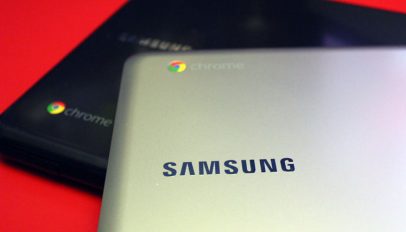
Ubuntu 12.04 has been successfully made to run on the new Samsung Series 3 Chromebook, which has been on sale for less than 2 weeks. The ARM powered device, priced cheaply at $249/£229, boasts a dual-core ARM processor clocked @ 1.7Ghz; quad-core Mali-T604 for graphics; a thin and lightweight design; an 11" screen; and 2GB of RAM.
Ubuntu 12.10 introduces a slower window minimising animation so that users have enough time to 'register' where their apps go to. If you're used to using Ubuntu and Unity, or have a serious case of impatience, you may find that it's too slow. But the good news is that you can adjust it - but you will need to get you hands dirty to do so...

As an avid fan of Doctor Who I have a lot of the 'older series' on DVD. But Ubuntu can't play DVDs out of the box for a whole tangle of legal reasons. Here's a quick guide on enabling DVD playback in Ubuntu 12.04 and 12.10.
Ubuntu 12.10 is now available to download - which is great news for those doing fresh installs. But because Ubuntu 12.04, the release prior to todays, was a Long Term Support release (meaning that it is supported with bug fixes and security updates for 5 years) you won't find a pop telling you that a new version is available. So what to do if you want to upgrade, but don't want to reinstall? We're here to let you know what to do....

After the thrill of downloading it, and the jagged nerves from installing it, you may be wondering what to do next with your freshly installed copy of Ubuntu. That question is especially true if you're new to Ubuntu or haven't used it for a while. So, to help get you settled, we've listed our top 10 post-install must-dos...
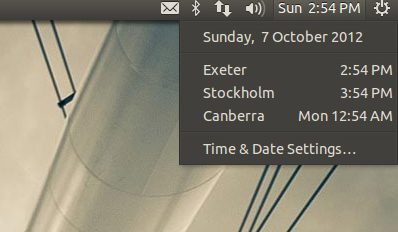
The easiest way to keep an eye on different timezones is to add them to Ubuntu's time and date applet. By the end of this post you will know how to add, edit and remove timezones on the Date & Time menu in Ubuntu 12.04 and 12.10.

Icon changes to the Messaging Menu in Ubuntu 12.10 were met with a lukewarm reception from many users. The good news is that like all things open source if we don’t like it we can, with a little effort, tweak things to suit our personal preferences. And in this guest post from Sam Hewitt, we take a look at how to do just that....
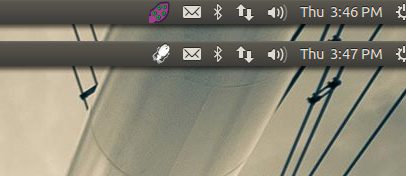
Cuttlefish, my aquatically-designed chum: there's a time and place for garish purple-y pink tentacles and the Ubuntu indicator area isn't it.
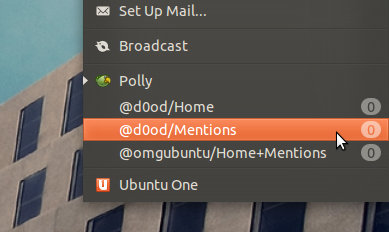
Ubuntu's Messaging Menu icon turns blue when a new e-mail, tweet or IM, etc, is waiting for you. But if the baby-blue notification is too subtle, why not have it blink as well?
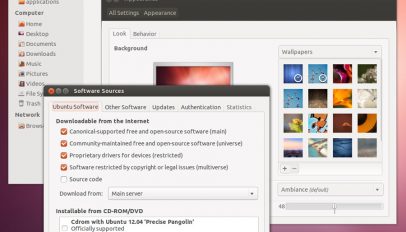
A revamped version of Ubuntu's default GTK theme landed in Ubuntu 12.10 yesterday. If you're not running Ubuntu 12.10 you may be feeling left out. But you don't need to be as the theme and its engine can be used in Ubuntu 12.04 - and here's how.

Pointless? Maybe. Cute? Definitely.
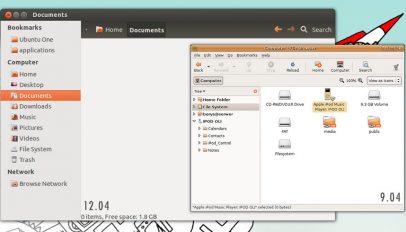
Over the last year or so Nautilus, the default file manager in GNOME and Ubuntu, has gone through various UI changes. But not all of these changes have been popular. Nautilus Patch is a small hack that lets you re-enable some previously removed toolbar options, including 'Up', 'Edit location toogle' and hiding the search box.

So you've read about Ubuntu's innovative new web apps feature that integrates websites with the Ubuntu desktop but what you really want to know is how you can try it, right? Well here's how.
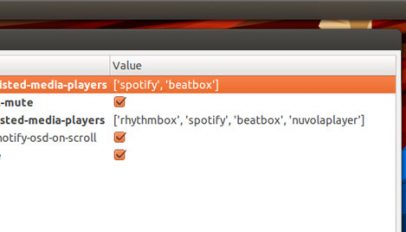
With several media players installed the Ubuntu Sound Menu can quickly become over populated - so how do you go about removing entries? With a bit of elbow grease, it seems.

Question: When is a web-app not a web-app? Answer: When it's created by Fogger. It allows native desktop features, like notification bubbles, Unity launcher badges and progress bars, to be utilised by websites to deliver updates, alerts and information right on the desktop. And the first website to get Fogger support is Facebook.
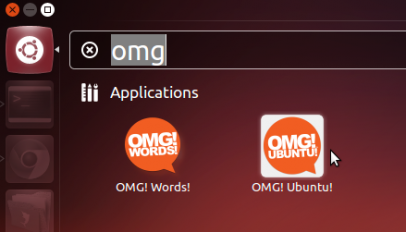
Avid users of OMG! Ubuntu! can now help manage their addiction by adding a nifty OMG! Ubuntu! item to the Unity launcher. Okay, so it's nothing more than a glorified bookmark in Unity clothing, but it does give you super quick access to various OMG! Ubuntu! sections. In fact all you have to do is press Super (a.k.a. the Win key), type OMG! and start OMG! Ubuntu! to open the homepage in your default browser.
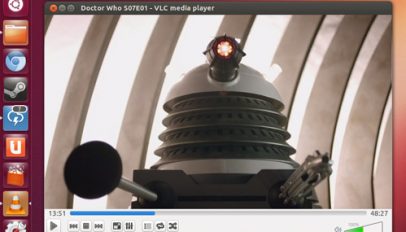
VLC 2.0.2 was pushed out a few days back - but if you're looking to upgrade you'll need to add a PPA.
If you still play RuneScape - one of the worlds most popular free MMORPGs - then you may find yourself searching the dedicated Runescape 'Wikia' site from time to time. A new Unity lens, created by Runescaper Ryan McClure, brings that Wikia to the Ubuntu desktop.