
Articles about text editors available to use on Ubuntu, including well-known FOSS faves like Gedit to proprietary software like Sublime Text.
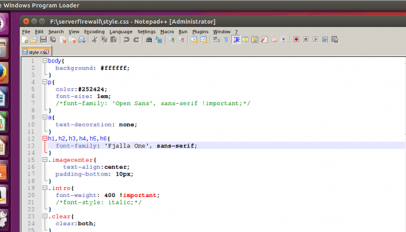
Learn how to install Notepad++ in Ubuntu & Linux Mint in this simple guide. You can use the open source Notepad plus plus text editor for Windows on Linux.

A new version of the Brackets text editor is available to download, and Adobe say the Linux build is 'at par with what you get on Mac and Windows'.

Sublime Text 3 has been officially released! I know; it feels like you’ve been using the beta builds for what feels like an eternity — but, at long last, a new stable release of the […]
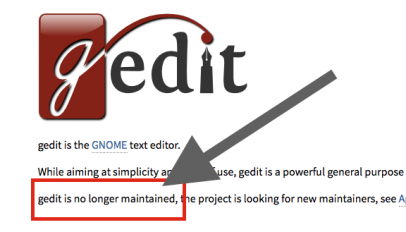
Gedit is the default text editor on GNOME, Ubuntu, and countless other Linux distros — but today I learnt that it's also unmaintained.
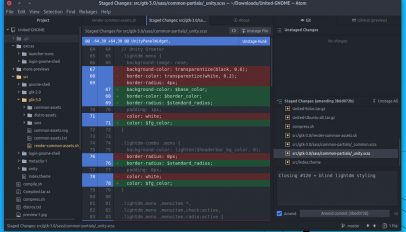
A new version of the Atom editor available to download and it comes with a BIG new feature: deep Git and Github integration.
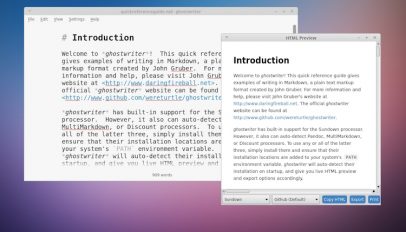
Ghostwriter is a free, open-source markdown editor for Linux and Windows. Billed as being ‘distraction free’, the Qt based app doesn’t scrimp on features at the expense of looking minimal and stylish. The app, which is pitched at […]

If you own an Ubuntu Phone or Tablet and miss having access to a basic offline word processor, you'll want to check out uWriter.

Abricotine is an open-source desktop markdown editor for Windows, Mac and Linux. It offers 'live' previews, text formatting and many other features.

We love Linux, but sometimes we need to use Windows or OS X and a cross-platform editor can be a home away from home. We've got 5 that might be just the productivity boost you've been looking for.

Adobe’s open source editor has finally come to Linux after months of hard work by the community. We've given it a quick overview to give you a taste of Adobe's latest efforts.
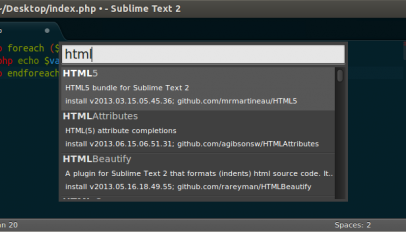
Sublime Text has gained a massive following since its release over five years ago. If you're looking for extensibility and a modern UI, Sublime Text might just be the editor for you.

Sublime Text 2, a proprietary IDE currently in beta, is often described as being better than the popular Mac client 'TextMate'. A developer ecosystem surrounds the application, crafting ever-new plugins and add-ons to extend the functionality.