
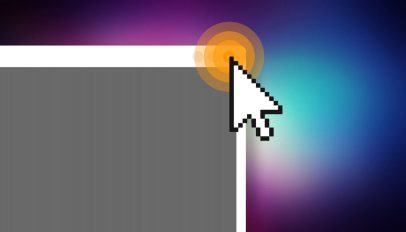
Mouse cursor effects are a great way to draw attention to an area of the screen during screencasts and presentations. Here's how to enable one in Ubuntu.
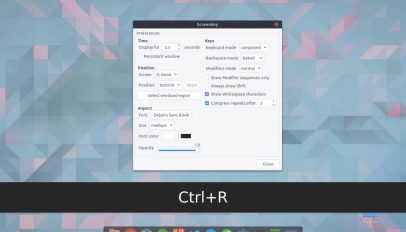
If you’re a screencaster or a YouTube video maker you’ll know how useful it can be to show which keys you’re pressing on your screen, as you press them. When running the app displays key presses […]

Peek is one of my favourite bits of software. I don't use it often but when I do use it, I always appreciate how perfectly formed it is.
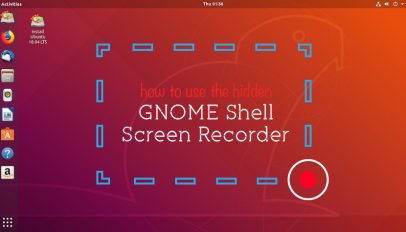
The GNOME Shell screen recorder is a hidden feature available on Ubuntu and other Linux distros. It's super easy to use – in this post we show you how.
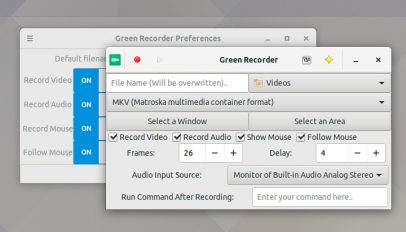
A new version of the Wayland compatible screen recording tool Green Recorder has been released. Green Recorder 3.0 adds a number of notable new features that help bring it parity with other screen recorder tools that […]
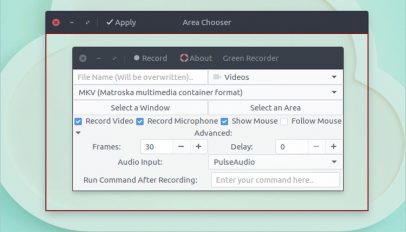
Green Recorder 2.0 has been released. The desktop screen recording app picks up a number of new features, including Wayland support and the ability to record a specific section of your desktop.

SImple Screen Recorder, a popular screen recording app for Linux desktops, is now available to install as a Snap app from the Ubuntu Store.

Want to record your Ubuntu desktop for a screencast, video tutorial, or bug report? I highly recommend giving Green Recorder a shot. Green Recorder is a minimal yet perfectly functional desktop screen recorder app for Ubuntu. It’s built […]
A new version of Simple Screen Recorder, a powerful desktop screen capture programme for Linux, premiered earlier this month. It is the first update to the app in almost a year. SimpleScreenRecorder 0.3.x adds support for the latest FFmpeg/libav libraries, […]

Whether you're wanting to make a video tutorial, capture an interface quirk for a bug report, or looking to show off your gaming prowess, there are a bunch of screen-recording tools available for Ubuntu.

There are many ways to spice up the traditional screencast, the most popular of which is to display a small rectangular window of yourself via your webcam, as you narrate. This method is not everyone's cup of tea, but it does add personality to otherwise perfunctory medium.
Recording and sharing your terminal activity with other people is now as easy as running a command. And it's all thanks to Shelr - a small command line tool that is able to record and replay terminal activity and also publish it to the shelr.tv website for others to see.
A new elementary-style screencasting tool is seeking wider testing. Eidete, which is in heavy development, makes use of elementary project technologies like Granite and Contractor. The result is an application that's simple, featured and a snap to use.
The Kazam Screen-recording tool is currently undergoing a through refit - and adding some awesome new features along the way.

Tibesti is a 'simple screencasting' tool for Linux that allows you to record your desktop, speaker output and microphone at the same time, rendering output to the file type of your choice.
Screencasting made simple is the ethos behind Linux screen-recording tool 'Kazam' and the latest release sees it hammer home this point with improved features and a veritable genocide of bug fixes.
Screenkey display key presses on-screen, making it a perfect foil for use in 'how-to' or tutorial videos.
Kazam screencasting tool has released it's first version - and boy am I impressed. We first introduced Kazam back in June of this year under the title 'making screencasting tools modern'. At the time we were immensely impressed with not only the idea but the beautiful execution in design proposed for the application. Sadly the design was just that - a design. Until today.