
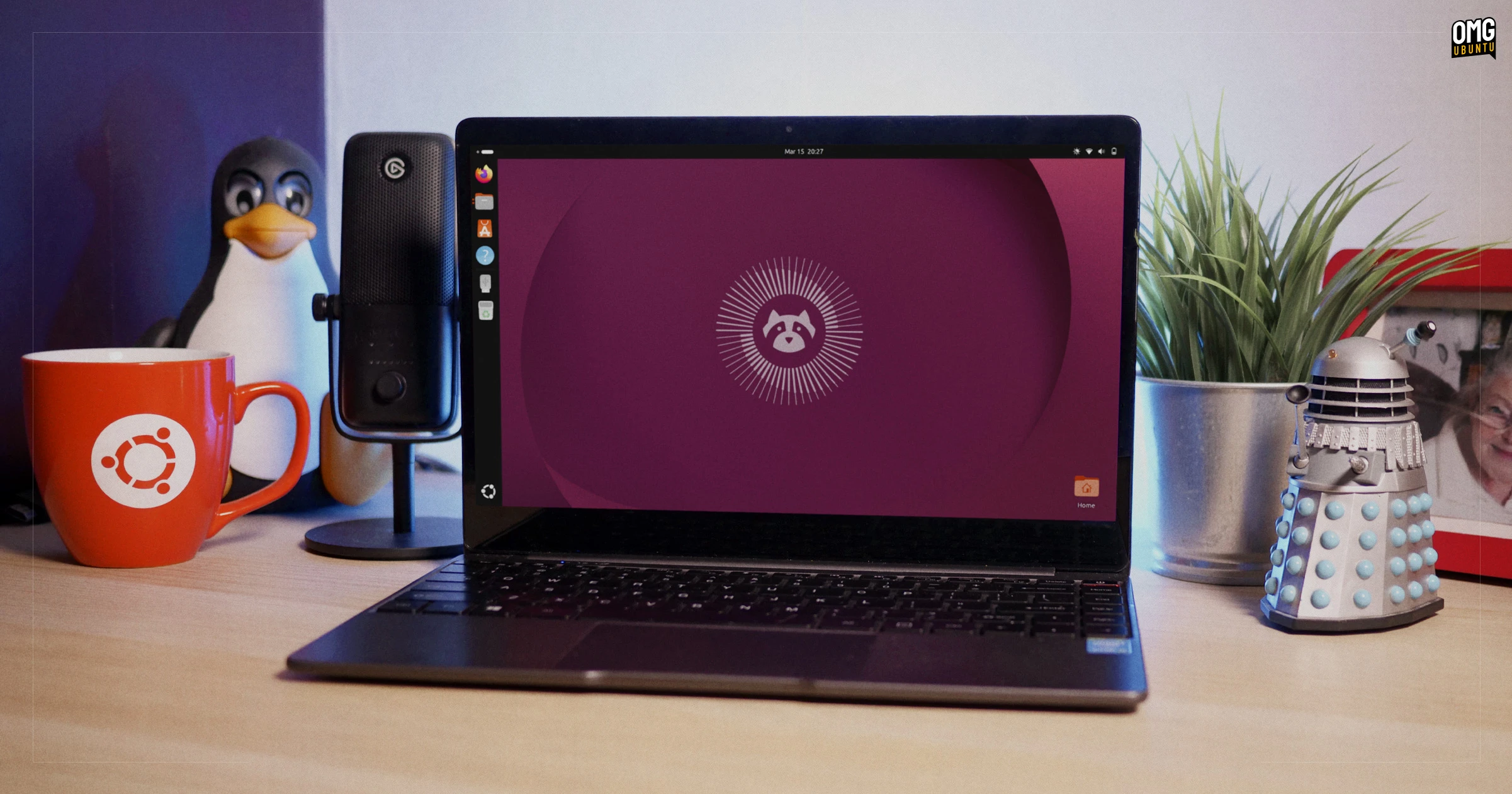

The beta release of Ubuntu 26.04 LTS ‘Resolute Raccoon’ is now available to download, a month ahead its planned stable release on 23 April, 2026.
Ubuntu 26.04 LTS runs on the latest release candidate of Linux kernel 7.0 (yet to be released), includes the new GNOME 50 desktop release and adds a couple of new default apps, including a new system monitoring utility (Resources).
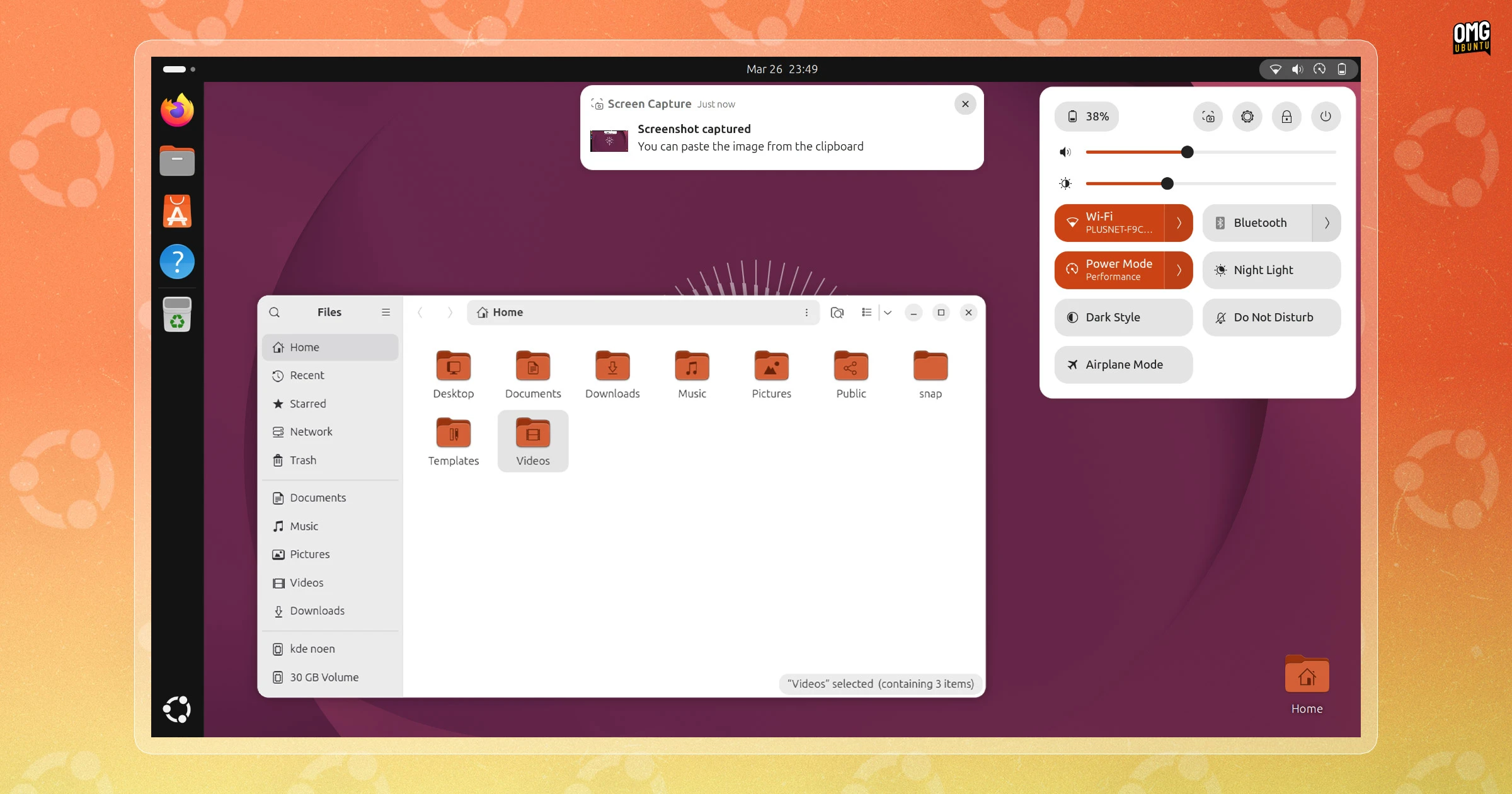
Visual changes introduced include a set of colourful new folder icons, a fully opaque Ubuntu Dock, a new default wallpaper and, albeit a little harder to spot, a new boot spinner animation that plays during system startup.
On the backend, kernel firmware packages are split-out from a super-sized single package to a set of 17 vendor-specific ones. This reduces the amount of bandwidth updates required going forward (and lets you free up disk space by removing drivers for hardware you don’t own).
A fleet of new packages are now available to install from the Ubuntu archives, including AMD ROCm and NVIDIA CUDA packages and tools for AI workloads, and OpenJDK 25 is the new default (older versions remain available).

A top level overview of Ubuntu 26.04 LTS:
- Linux kernel 7.0 – Next stable kernel release
- New GPU drivers – NVIDIA 590 & Mesa 26.0.2
- GNOME 50 – VRR, legacy X11 app scaling and new parental controls1
- New default apps – Resources system monitor & Showtime video player2
- Web & Snap app search in Overview – Can be disabled
- Nautilus – Fast thumbnail loading, case-insensitive path completion
- Security Center – Ubuntu Pro settings, TPM PIN changing
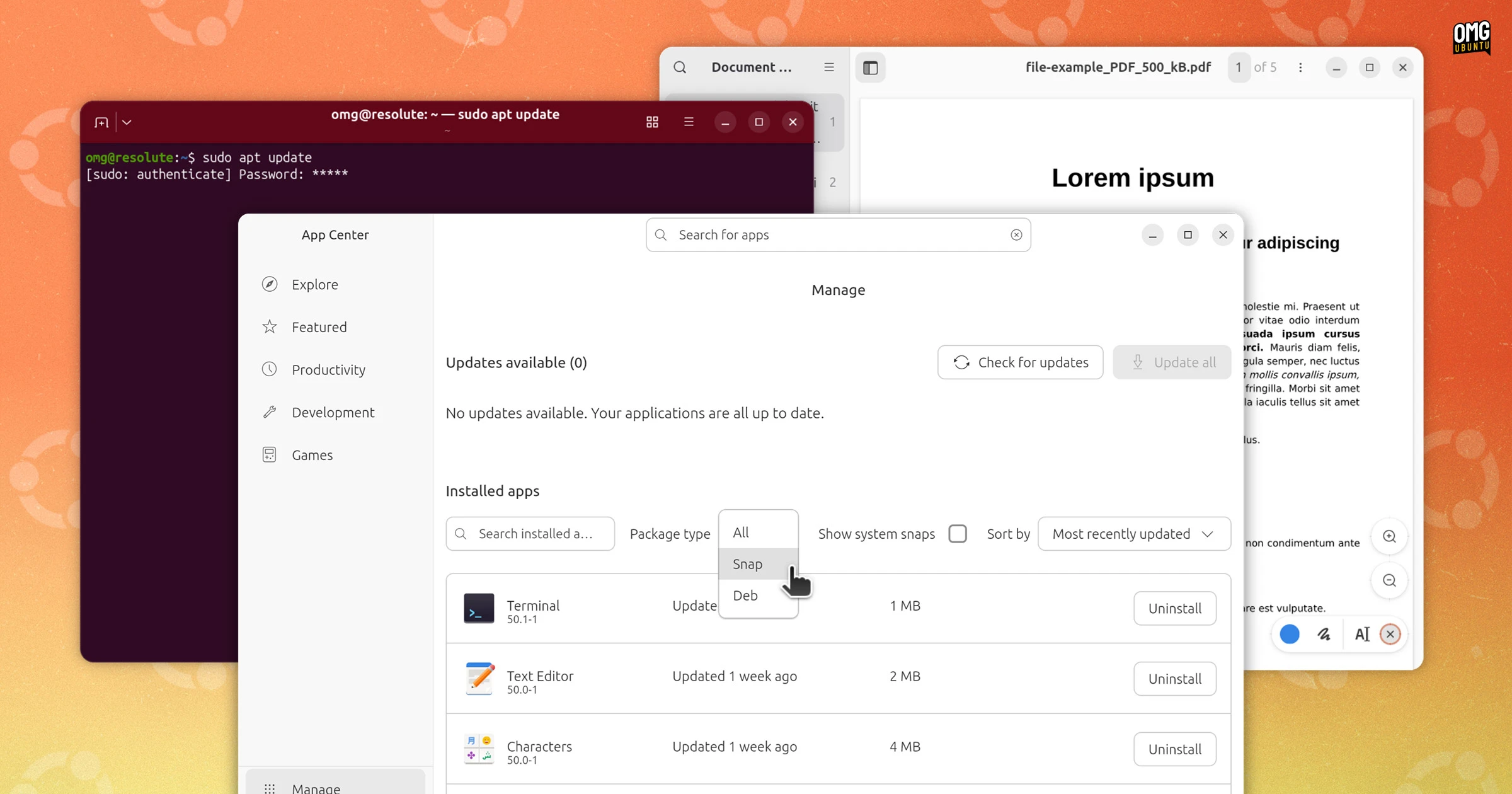
- App Center – DEB package management + more
- Yaru theme update – New folder icons, new boot spinner, bolder UI text
- Settings – Assorted tweaks + new Ubuntu Telemetry controls panel
- Ubuntu Dock – No longer transparent
- OS Installer – small design/text changes, new telemetry slide
Under-the-hood changes:
- Password feedback for sudo – asterisks now show when typing password
- Apt – expanded bash-completion,
why/why-not+ more - TPM/FDE – firmware update prompt if recovery key needed after reboot
- Ubuntu Insights – report is generated during OS upgrades (Desktop, WSL)
- Time server – updated to Chrony 4.8
One major omission:
- Software & Updates – This utility is no longer preinstalled
A slew of smaller, less obvious or impactful changes are included too. I’ll have a full run-through of what’s new in Ubuntu 26.04 LTS ‘Resolute Raccoon’ out shortly, packed with more detail and (obviously) plenty of screenshots too.
But as this is a beta release, nothing is yet fixed or final, and further refinements and even new features could still arrive – Resolute isn’t wrapped up yet.
A couple of bugs I’ve noticed: crazy spacing between app icons when viewing app folders in the app grid; Document Viewer (aka Papers) crashes when the new ink tools are activated; and Snap App results in the Overview don’t appear reliably3.
Plus, the changes above only cover what’s been added since last October’s 25.10 release. If you’re coming from Ubuntu 24.04 LTS, you net a cumulative rollup of things added in Ubuntu 24.10, 25.04 and 25.10 – new apps, system tools and foundational capabilities.
Should I try the Ubuntu 26.04 Beta?
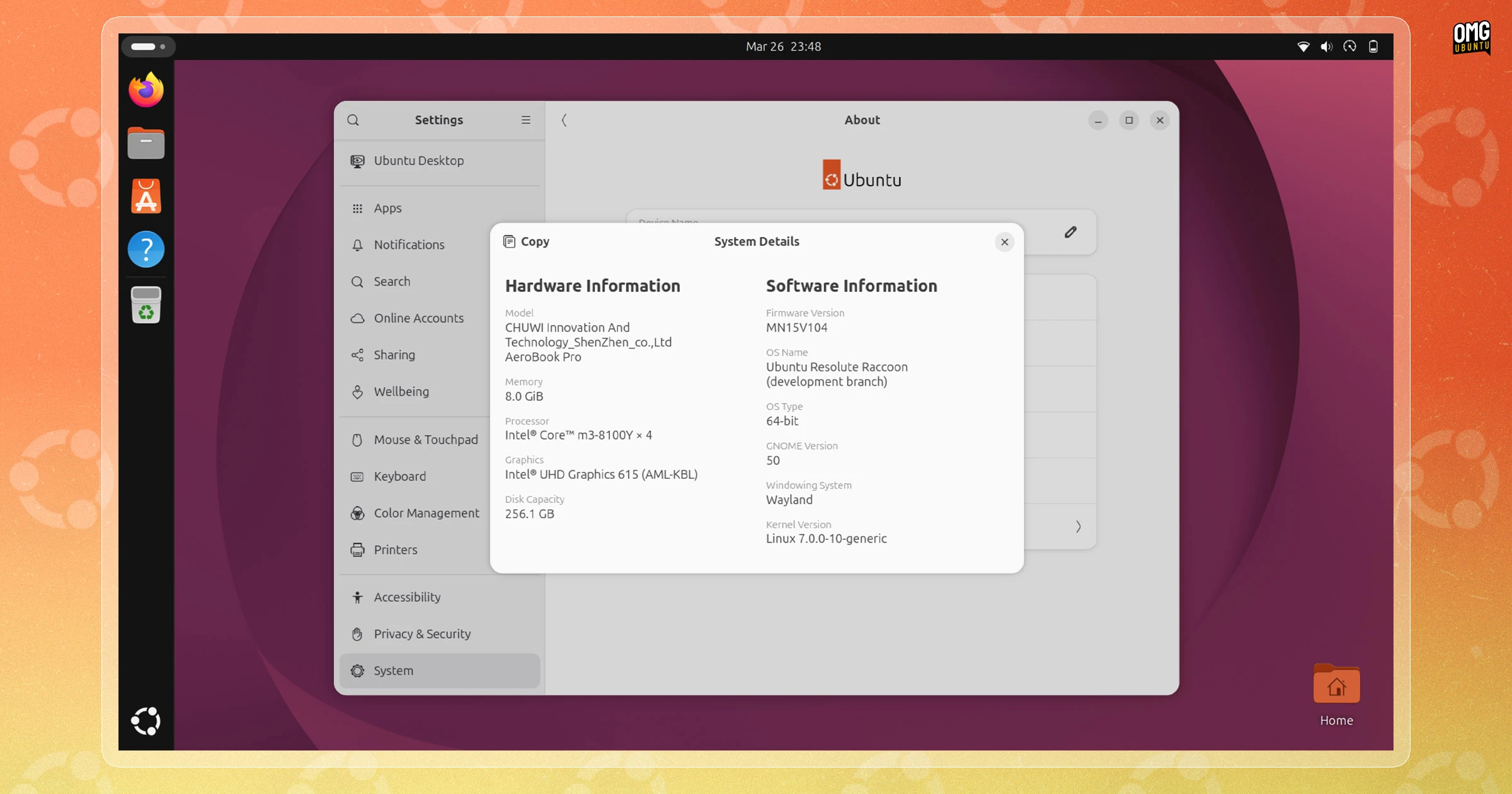
Beta builds are not intended for daily use, or to be relied upon. Though they are more stable than a daily build, they’re not deemed ready for prime-time use. If the idea of bugs and crash dialogs makes you wince, wait for the stable release.
If you intended on making an upgrade from Ubuntu 24.04 LTS, be aware Ubuntu lacks an X11/Xorg desktop session as GNOME dropped support for running on one. Legacy apps aren’t affected, as they run on Wayland via Xwayland.
If having access to a full X11/Xorg display server is non-negotiable, you may wish to switch to using a different flavour (e.g., Lubuntu, which still uses X11 for 26.04 LTS).
Download Ubuntu 26.04 Beta
You can download Ubuntu 26.04 from the Ubuntu release server for Intel/AMD 64-bit PCs. A generic ARM image (may not work on all devices) and a preinstalled image for Raspberry Pi devices is also available (Pi build runs better than ever, in my hands-on).
If you do choose to install this release, you can upgrade to the final, stable release from Ubuntu 25.10 beta to the stable release is easy: install software updates as they come. By 23 April 2026, you’ll have the same core experience as if you’d performed a fresh install.
Prefer Ubuntu with a different flavour? Beta builds of Ubuntu flavours are available for testing too, including Lubuntu 26.04 with LXQt 2.3.0, Xubuntu 26.04 with Xfce 4.20.1 and Kubuntu 26.04 with KDE Plasma 6.6.
Share your thoughts on this beta and its features down in the comments.
- Accessing parental controls requires installing the
malcontent-guipackage. ↩︎ - Showtime is only installed as part of the the ‘extended selection’ option in the OS installer. Everyone gets Resources by default. If you later want Showtime, install it from App Center or via apt
sudo apt install showtime. ↩︎ - Noticed that one trying to take a screenshot of ’em! ↩︎