
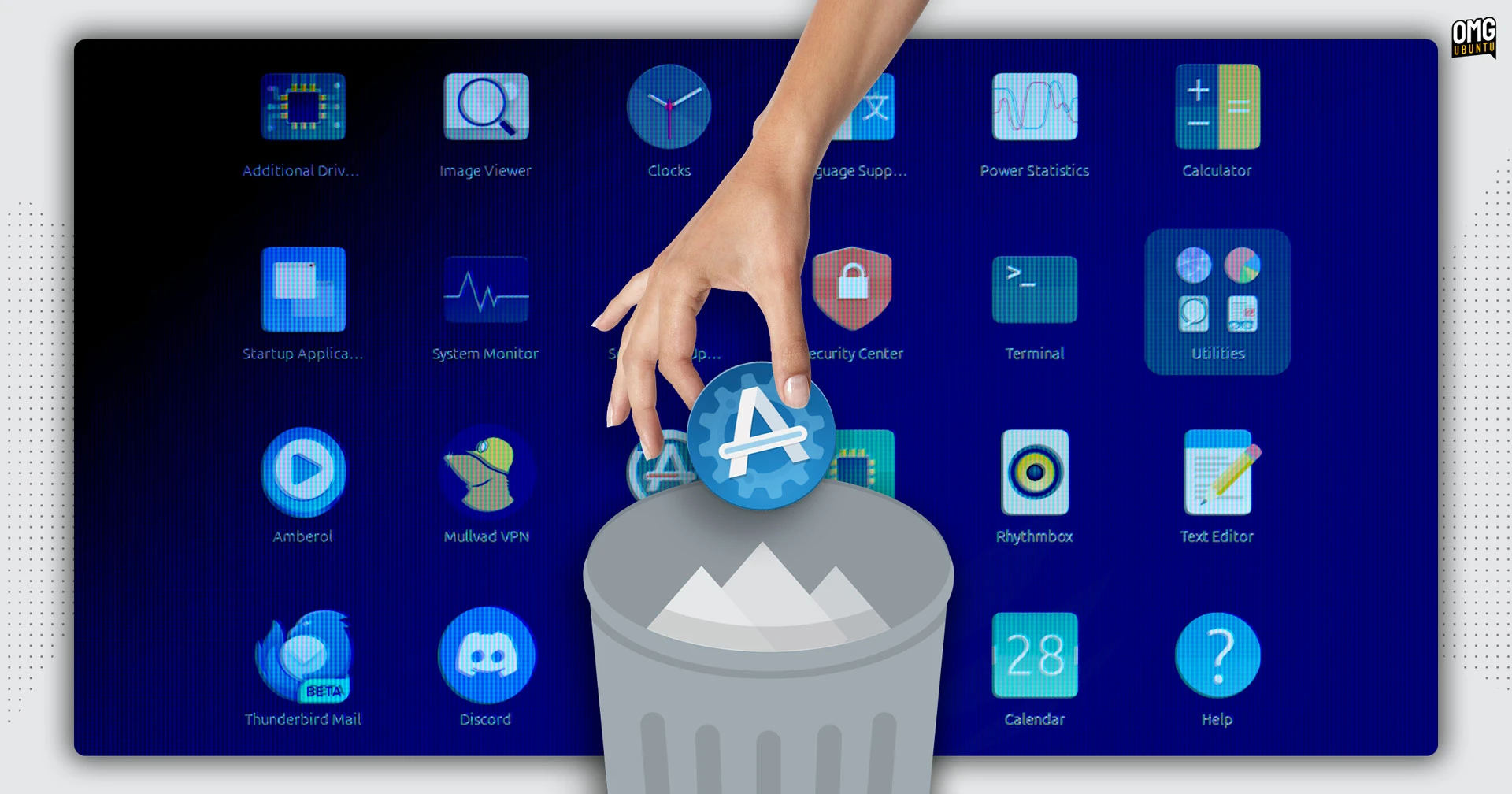

Ubuntu 26.04 LTS will drop the Software & Updates utility from default desktop installs, with developers saying many of its features are “dangerous or too complex” for regular users.
The concern centres on features like being able to disable access to the main Ubuntu repositories through the GUI, something that can leave users unable to install updates if toggled accidentally.
Additionally, the upcoming version of the distro has moved Ubuntu Pro subscription options to the Snap-based Security Center app, according to Canonical’s Jean-Baptiste Lallement.
The move will relive the distro’s engineers of maintaining the old GTK3-based tool for the duration of the 26.04 lifecycle, which is a timely decision given that Canonical recently extended LTS support to 15 years.
Command Line Tools are Unaffected
Ubuntu 26.04 may be trashing the GUI way to manage repos, but the CLI software-properties-common package is staying put.
This package provides the core command line tools used for managing repositories and PPAs on Ubuntu. It’s what powers features like add-apt-repository.
As such, terminal-based package management will be unaffected in 26.04.
You Can Still Install ‘Software & Updates’ in 26.04

If you do use the Software & Updates tool a lot for enabling/disabling PPAs and repositories, picking a faster archive mirror or controlling Ubuntu’s update behaviour, don’t fear: you can still use it Ubuntu 26.04 LTS ‘Resolute Raccoon’, you’ll have to install it yourself.
The software-properties-gtk package is staying in the resolute repo (in main), so it only takes an apt install command to add it back.
If you upgrade to Ubuntu 26.04 LTS from an earlier version of the distro, Software & Updates will not be uninstalled either. Ubuntu has a firm ‘no yanking away things people use when we no longer include them on the ISO’ policy (not said policies’ official title).
Similarly, if you run an Ubuntu flavour that preinstalls this utility, don’t fret. Being in the repo means it’s available for flavour leads to ‘seed’ as part of their default installs – should they wish to.