


The NordVPN Linux app added a GUI earlier this year, and today the company behind the privacy tool has made that front-end open source.
Since adding a graphical way to use and configure its private virtual network and related privacy tools on on Linux, the number of daily Linux devices using NordVPN has reportedly grown “by more than 70%”, the company says.
Now, in an effort to ‘build on that momentum’, it’s decided to open-source the Linux GUI. The code is hosted on GitHub, which offers build instructions and contribution guidelines. NordVPN’s command-line interface was already open-source.
“Linux is built on openness and community collaboration. It’s what makes it one of the most resilient ecosystems in the world. We share these same values and seek to better serve the Linux community,” Marijus Briedis, chief technology officer at NordVPN, says.
He adds that in open sourcing the client’s frontend, Linux users get “more transparency, more accessibility, and more confidence in the tools they use every day”. It will also enable the community to vet and contribute to the code to “help push it forward”.
Given how boilerplate the app looks out of the box, a bit of outside help would certainly be welcome ;)
NordVPN Snap scores an update too
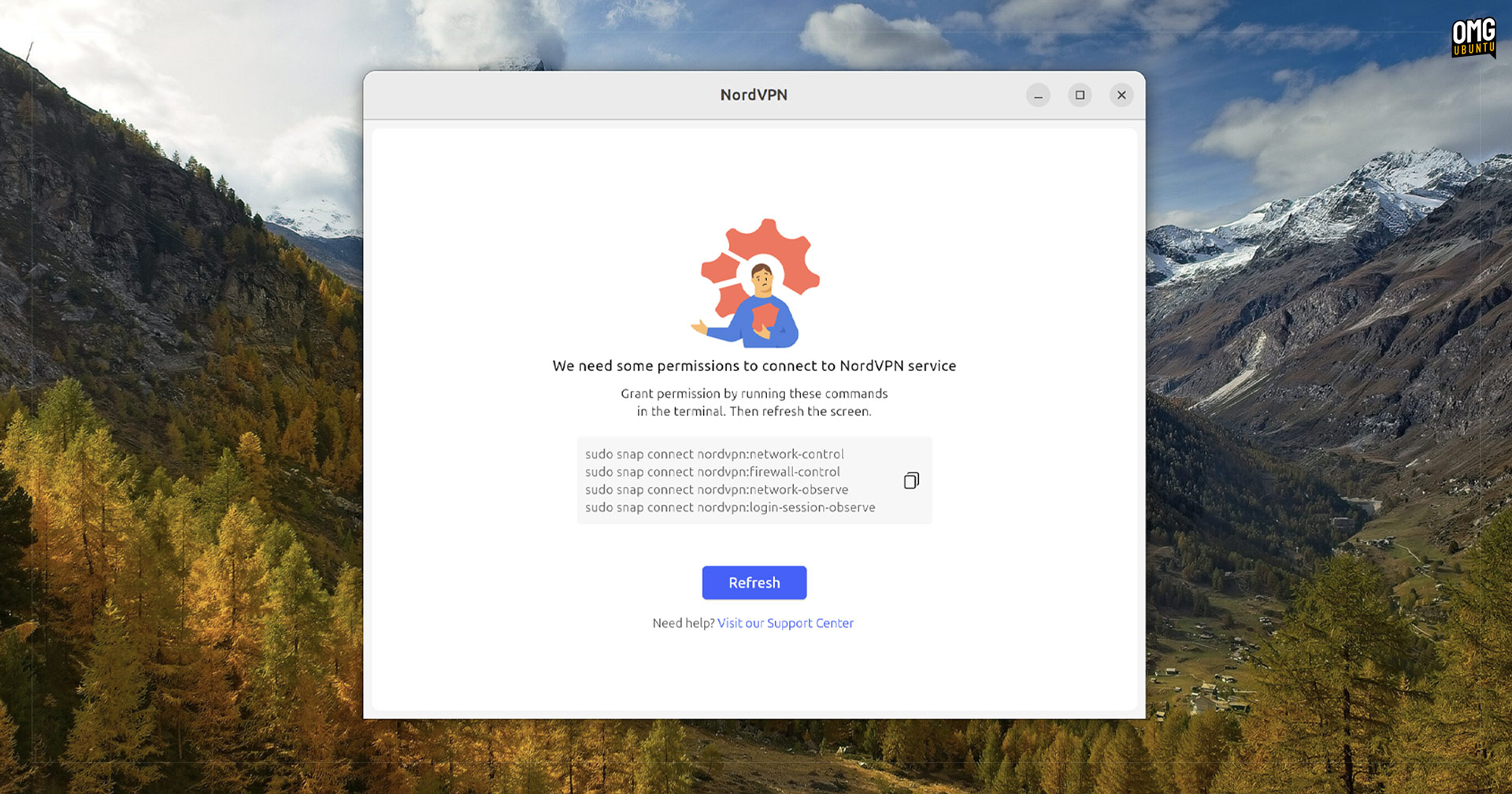
In addition to the GUI going open source, an update to the official NordVPN Snap package finally adds it. The Snap previously only supported the command-line interface (the NordVPN Linux app is available in packaging formats, and those already included the GUI).
Additionally, the Snap package adds a small info screen to tell users which Snap commands they need to run to get it working properly (as it’s a sandboxed package format).
If you want to install the NordVPN snap on Ubuntu, open the App Center and install it from there. Alternatively, run the following command in the Terminal:
sudo snap install nordvpn
Using NordVPN on Linux does require an account and a paid plan.
A variety of VPN services support Linux with desktop apps, extensions and command-line tools, some of which are considered by privacy advocates to be more trustworthy than others due to being outside of US jurisdiction.
“Why pay for a VPN when there are loads of free ones around?”, you wonder.
Earlier this year, a popular free VPN Chrome extension was found to be doing icky things in the background. It’s not uncommon. Opting for a free VPN might save you a few quid, but it could cost you privacy and data security guarantees.