

The latest bug fix update to Google Earth desktop app finally allows Linux users to see Panoramio photos without pesky workarounds, and adds a new app icon.

An updated version of Google Earth 7 that will work in Ubuntu is on the way, with Google testing a build that doesn't fall foul of the 'caught signal 11' error.
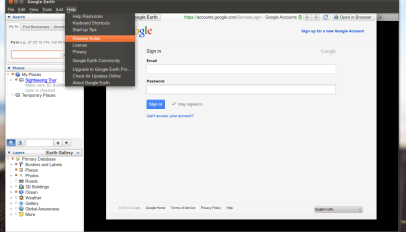
We showed you how to fix Google Earth's 'ugly fonts' issue on Linux. Now, here's a quick workaround to make the entire app appear more native on Ubuntu.
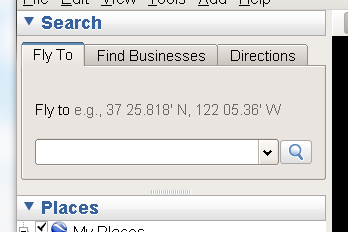
Google Earth 6.2 released with improved imagery and faster search. One thing wasn't improved: font issues on Linux. So here's how to solve it – very easily!

The last time I tried Google Earth on Ubuntu was late last year and I remember I couldn't get it working with Compiz enabled - OpenGL was slow and flickered so much it was unusable when effects were enabled. When they were disabled, it wasn't much better. I installed Google Earth on Maverick and I was blown away by how awesome it was. Click through for videos and install instructions.
Google has dropped a new version of its popular Google Earth desktop application. In this post we show you how to install it, and get it setup on Ubuntu 10.04 LTS looking relatively nice. While […]
Google’s 3D desktop application “Google Earth” has been updated to 5.1 ” but brings with it some incredible speed and memory improvements. “Fast is better than slow.” “For the newest version of Google Earth, we’ve […]

There are some incredibly useful applications that don’t ship with Ubuntu one for reason or another. Below I list my 5 of the best applications you might be missing out on! Pitivi – Simple Video […]
Google Earth doesn’t use your GTK theme by default and as such tends to look like a Windows 95 reject! The command below will make Google Earth use GTK – matching the rest of your […]