

A new version of BleachBit, an open-source system cleaning tool, is out.
BleachBit 6.0.4 brings everything I mentioned in my spot on the BleachBit 6.0.4 beta release, including macOS support for the first time – albeit in an early state, and including a Cleaner for Safari and a choice of the (neat) BleachBit CLI or an early GUI.
Windows and Linux users all benefit from faster startup times and scanning speeds, and gain new cleaners for Android Studio, Gradle’s cache, fish and Zsh shells and Python CLI. Top-level log files are cleared by the Claude cleaner, and browser “super cookies” can be expunged.
Linux-specific changes in BleachBit 6.0.4
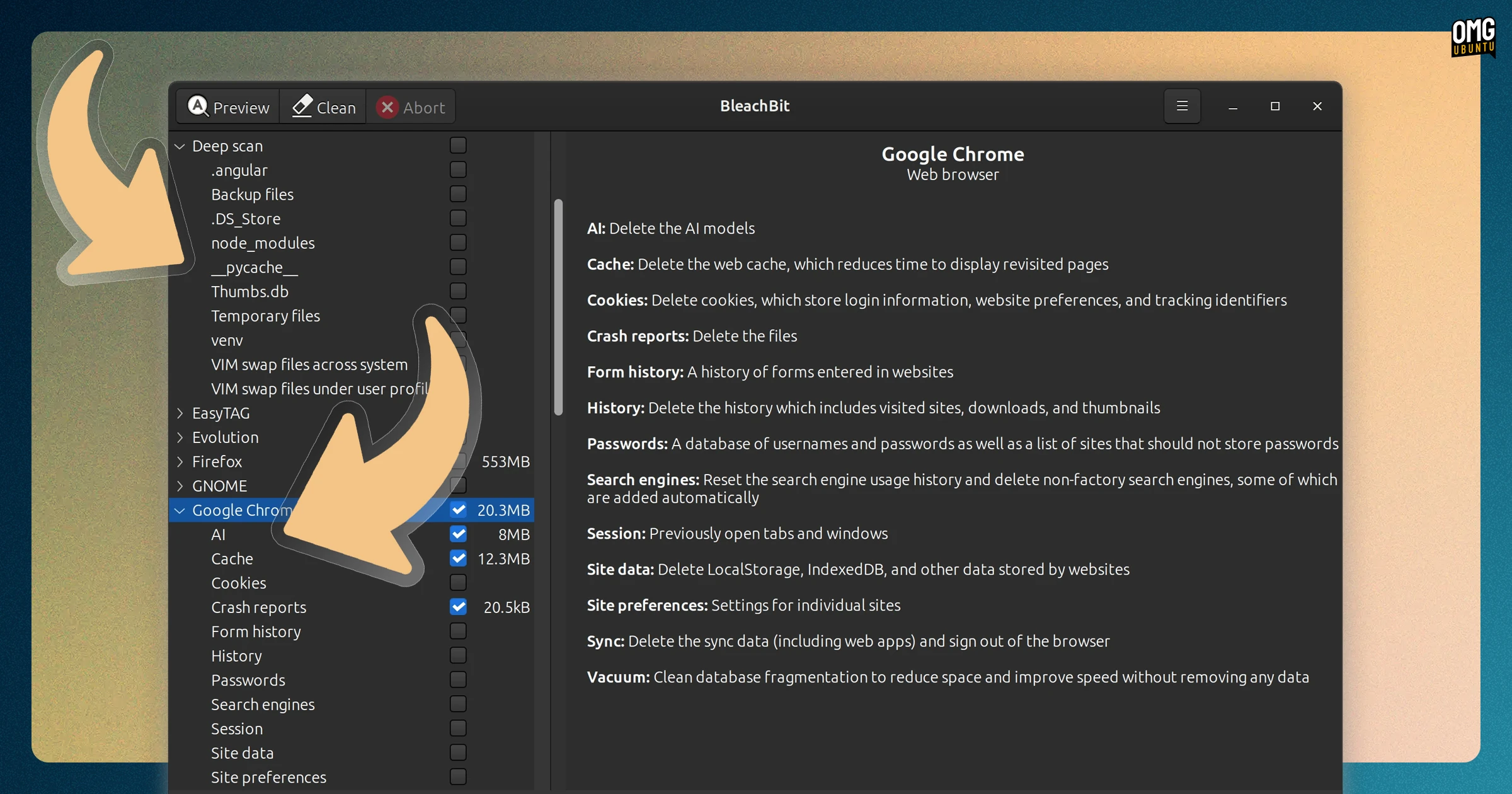
On the browser side, BleachBit no longer “over cleans” the Chromium snap, and uses XDG_CONFIG_HOME to find Firefox profile folders, which those running a Firefox binary build (e.g., Nightly) alongside a standard install will appreciate.
Disk space and usage detection was improved across various package managers. Fedora users see accurate disk usage info when selecting DNF4 and DNF5 operations, like autoremove, and size estimates for pacman and APT tasks are more precise.
Other Linux fixes in v6.0.4
- Memory wiping under systemd works again
- SwapCached no longer counts as free memory
- Keep-list matches literal dots, avoiding unintended regex matches
Plus, as stated, all of the improvements and cleaner tweaks that apply to users on all platforms.
You can download BleachBit from the official website for all major operating system, with Deb and AppImage options for those on Ubuntu.
Alongside this new maintenance release, BleachBit also added source code for the v0.1.0 release from 2008 to its GitHub releases page for “historical purposes”.
This code was already available on SourceForge, where the project hosted its downloads for many years (as GitHub was still very new in 2008).