

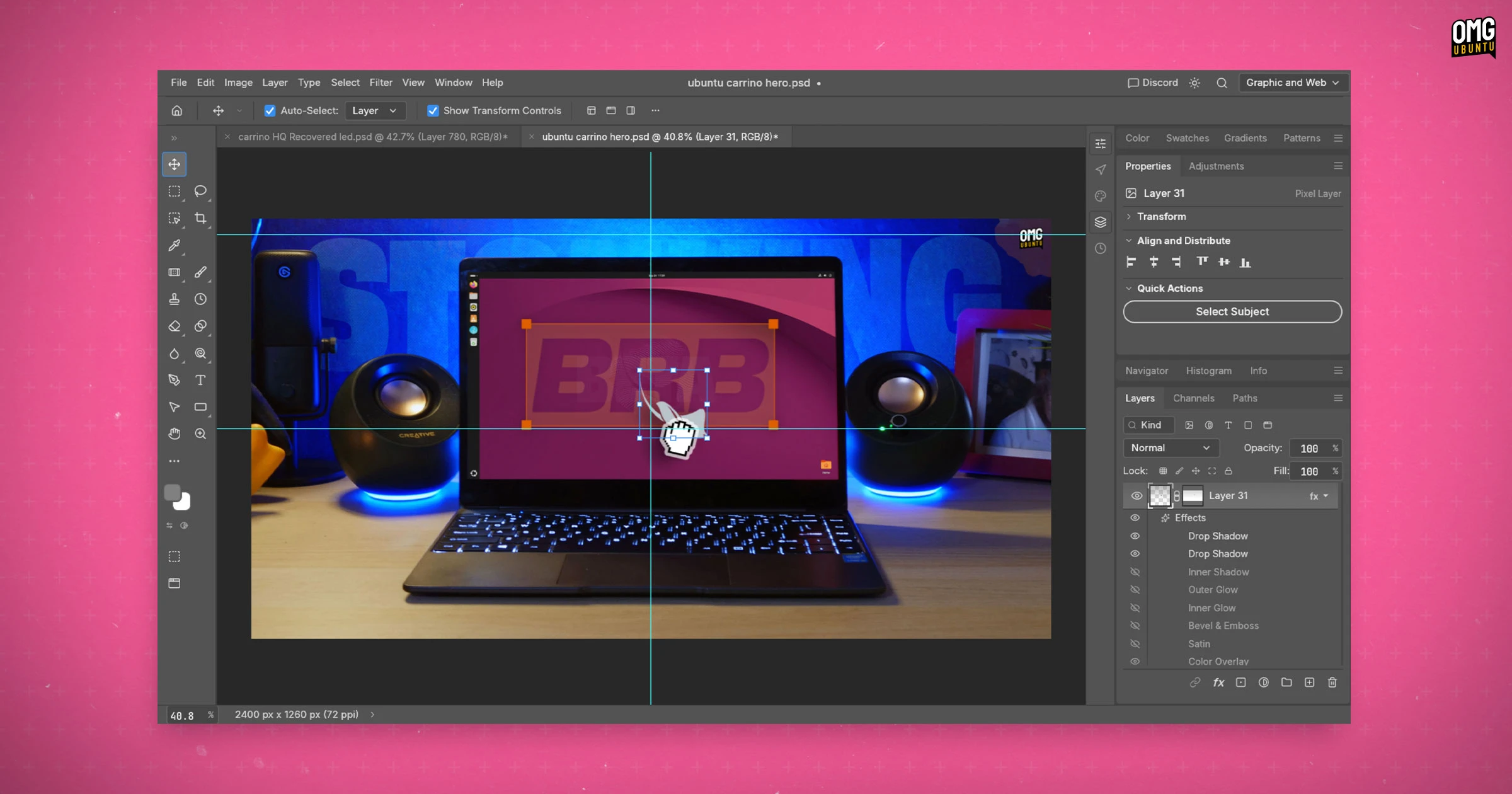
It was only a matter of time before someone would point AI coding tools Photoshop and get it to build a copy.
PhotoCraft is that copy – an open-source, cross-platform image editor written in Rust. The app is part of several creative tools created by the ArtCraft project, lead by Brandon Thomas, the former CEO of storyteller.ai.
ArtCraft bill the app as “clean-room reimplementation of Adobe Photoshop”, and so swerve any copyright issues as it’s not reverse engineering anything (that isn’t publicly documented) – words FOSS fans will to cheered to hear.
Features-wise, PhotoCraft is already well stocked despite being in alpha. It has layers, masks, layer styles, smart objects a brush engine and more. It also boasts 34 tools, 27 blend modes and various filters. It can also open/save to Adobe’s .psd file format.
It also copies the placement of menus, keyboard shortcuts and tools from the real-deal since the idea is those who are familiar with Photoshop can switch to PhotoCraft and carry on1.
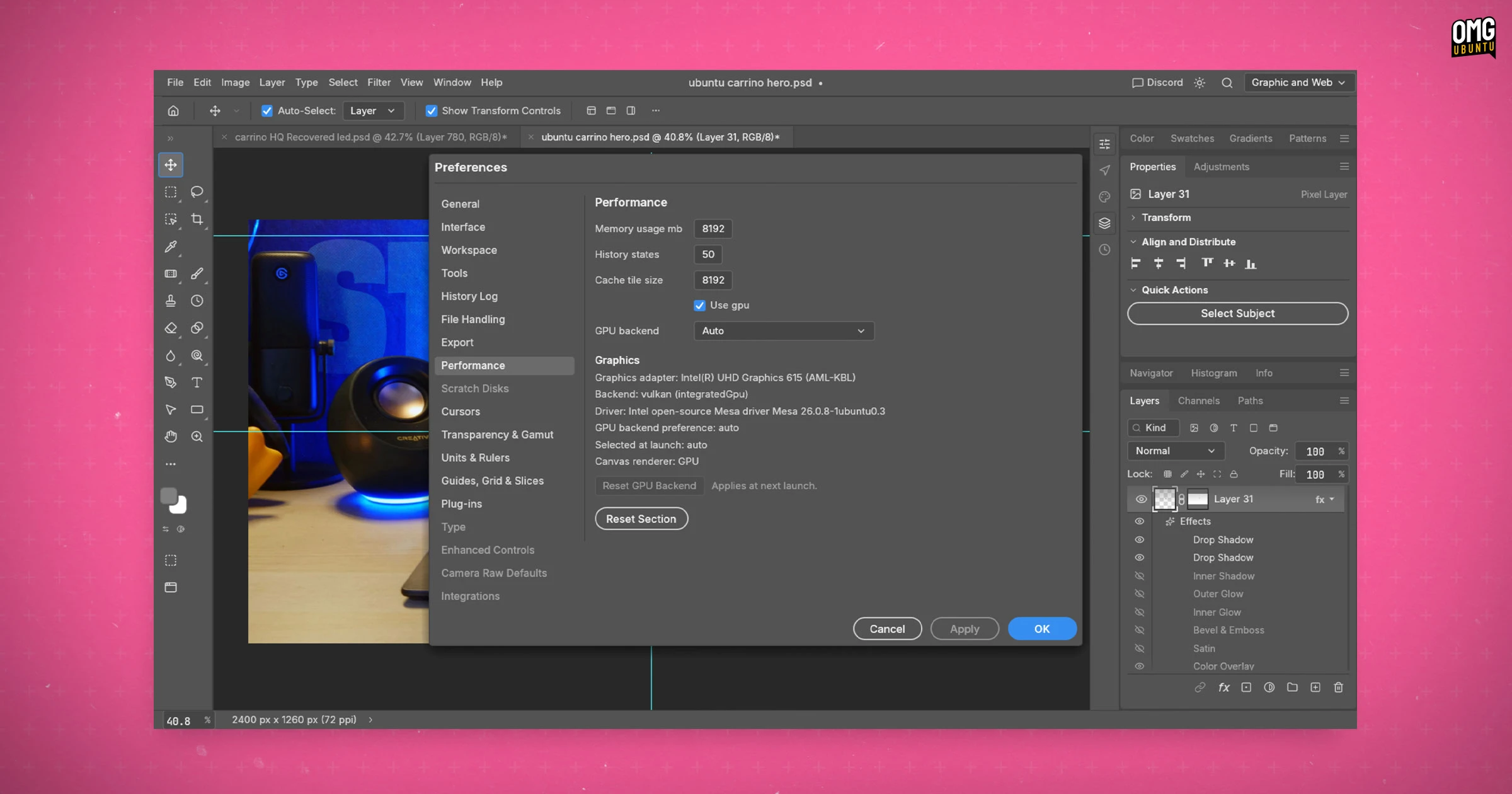
GPU-acceleration works via Vulkan on Linux, Metal on macOS and DX12 on Windows (or WebGPU in the WebAssembly build you can self host). The app also has reams of agentic hooks for every feature so that AI agents can “use” the app too.
It starts up incredibly fast – even on my workhorse Chuwi laptop (with a weak m3-8100y CPU, integrated GPU and room for a pony) it feels responsive. Ballooned to 5GB in RAM a few minutes after opening a PSD, just like the real Photoshop!
Why make it?
From what he’s posted on Reddit, Thomas was early motivated to clone Adobe’s wares because of fees, hurdles and general contempt involved in cancelling his Adobe subscription. That and, I guess, as a developer with experience and a history in AI, it’s an obvious target.
It won’t replace Photoshop for pros
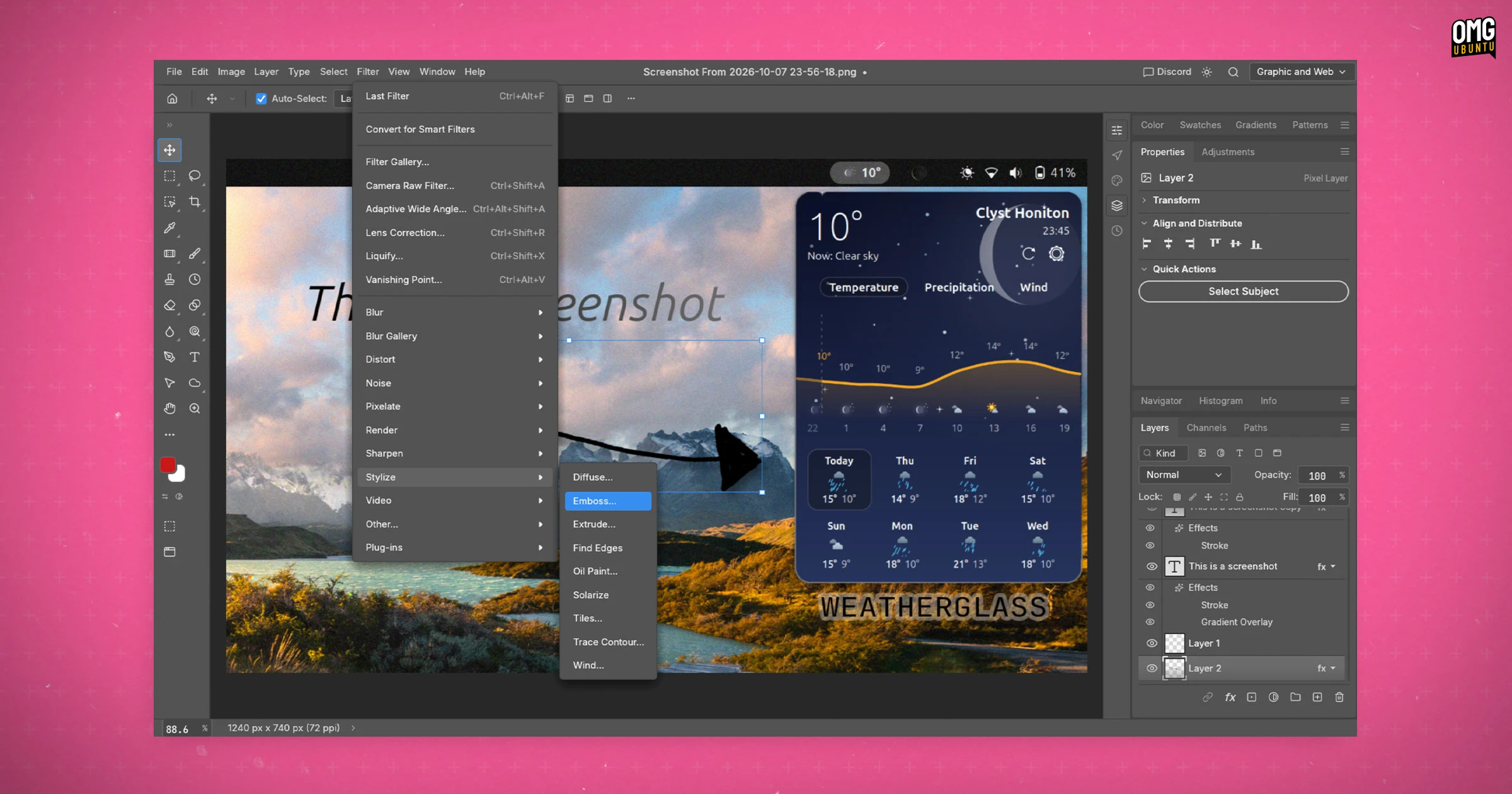
I’m pretty familiar with the real Photoshop and was a little cynical about the “clone” aspect. Having tried PhotoCraft, it does come close in the real UI and UX – more than “make GIMP look like Photoshop” efforts I’ve written about in the past.
But it is only a superficial similarity. To that end, it reminds me of PhotoPea, the free online Photoshop clone that’s been around for many years (pre-AI, made by a human). It’s to that which PhotoCraft feels more indebted.
Having similar features in similar locations with similar names/icons is not the same2 as features behaving or outputting that is the same. While this gets uncannily close to resembling Photoshop, it’s some way off feeling like it’s Photoshop.
Adobe’s fine-tuned its blending modes, filters, content-aware tools, object detection and spot removal algorithms over many decades. Clones can follow public specifications and tune to observed behaviour, but it can’t replicate the exact same output.
Does that matter?
It depends how well you know Photoshop.
To casual users doing basic edits won’t notice difference (until they try follow with a detailed Photoshop tutorial on YouTube). For that cohort, plenty of image editors already exist, with features comparable to Photoshop – Affinity runs well on Linux via Wine.
For pros, PhotoCraft’s missing features, bugs, different output and results and all of the “invisible” things may sound small in isolation, but in a day-to-day workflow, they do add up.
This may be a clone created with a genuine end-goal, or it might be a development flex with an upturned middle-finger to one particular company.
Try PhotoCraft on Ubuntu
PhotoCraft is free, open-source software that supports Windows, macOS and Linux. The project’s Github releases page has alpha builds for all major OSes, including a DEB installer for Ubuntu (Intel/AMD and Arm64). I opted for the AppImage.
Though free to use, the ArtCraft website lists monthly and yearly subscription tiers. Ponying up cash nets you AI credits to use generative AI features inside of the apps – though, right now, those aren’t included in this app3.
Like other AI generated apps, the development pace is breakneck: version 0.1.0 released 5 days ago, and there have been 8 further releases, big and small, since. I tested v0.3.0 whilst writing this, and v0.5.0 is already out.
Given the hate people hold for Adobe, and PhotoCraft‘s gratis price tag, no surprise that this effort is already attracting both interest and goodwill (the repo has 17k stars and counting).
- The website slogan (at the time of writing) is “the image editor you already know how to use”. ↩︎
- The “bUt aI iS gEtTiNg bEtTeR” crowd will, assuredly, say give it time. Sure. Maybe. But a rival clone may pop up in a weeks’ time, strip-mining the code from this, be fractionally better in one area and suck enthusiasm away. Creating apps from scratch has never been cheaper thanks to AI, but commitment and loyalty has never been weaker. ↩︎
- Paying to be able to generate AI artwork in an app designed for creating art by hand feels too circular. ↩︎