
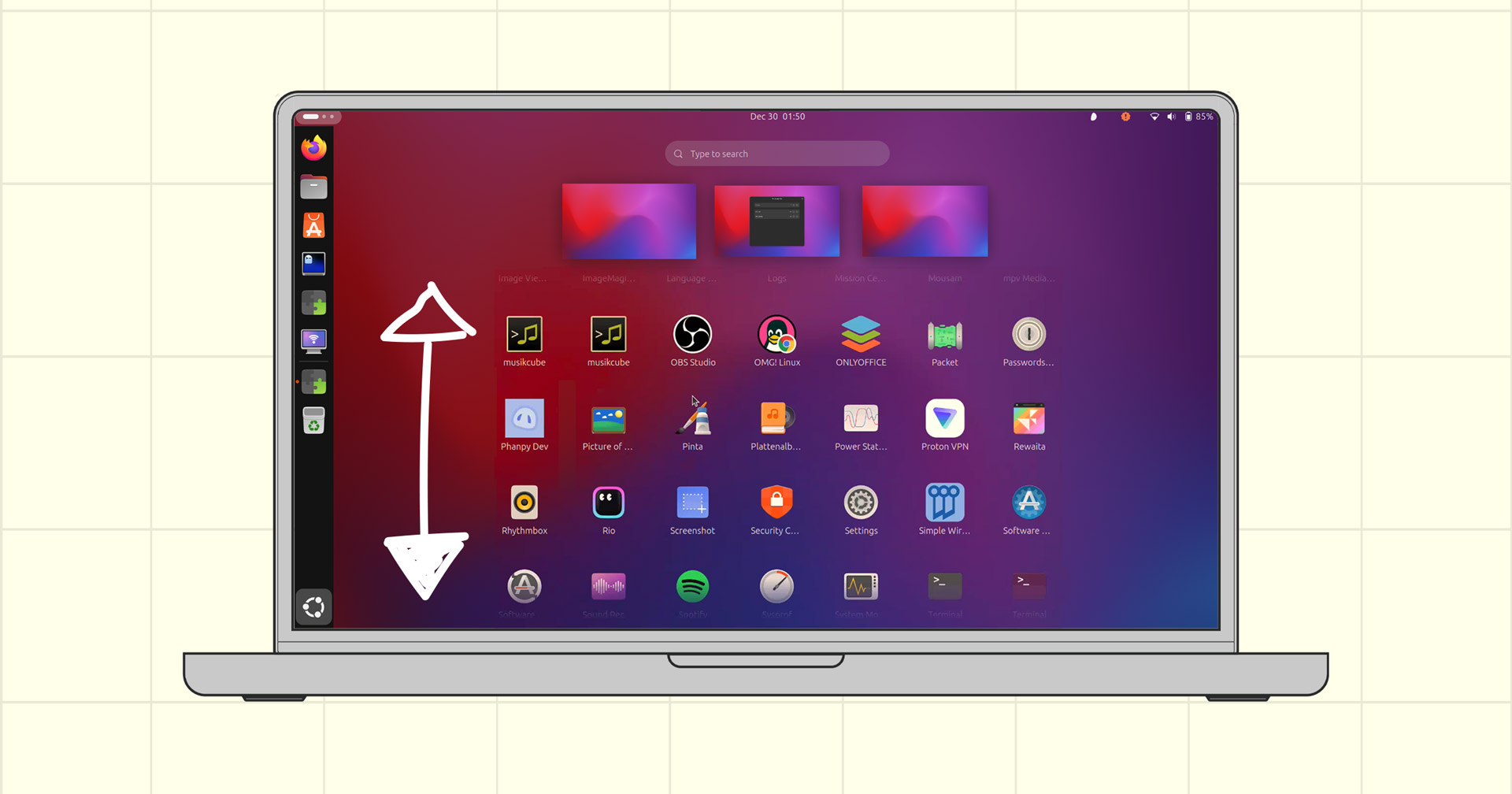

A new GNOME Shell extension rethinks the app grid (aka the app picker, app drawer, launcher screen – what do you call it?) by making it scroll vertically instead of horizontally.
Y’know, the way it used to, pre-GNOME 40.
GNOME 40’s switch to horizontal app grid scrolling in 2021 irked a few of the desktop’s mice-favouring aficionados. Their main gripe? Mouse scroll wheel to move horizontally feels off1.
Thankfully (for those put out at least) GNOME Shell is malleable; the way it behaves isn’t the way it has to stay. A number of extensions that redress, revert or rejig changes to suit those who prefer vertical UX elements (workspaces, app grid, dock, etc).
The latest such extension is Vertical App Grid which does exactly it says: you scroll your a list of app shortcuts (assuming you’ve enough apps installed, or rearranged the ones you have across separate pages) up/down rather than left/right:
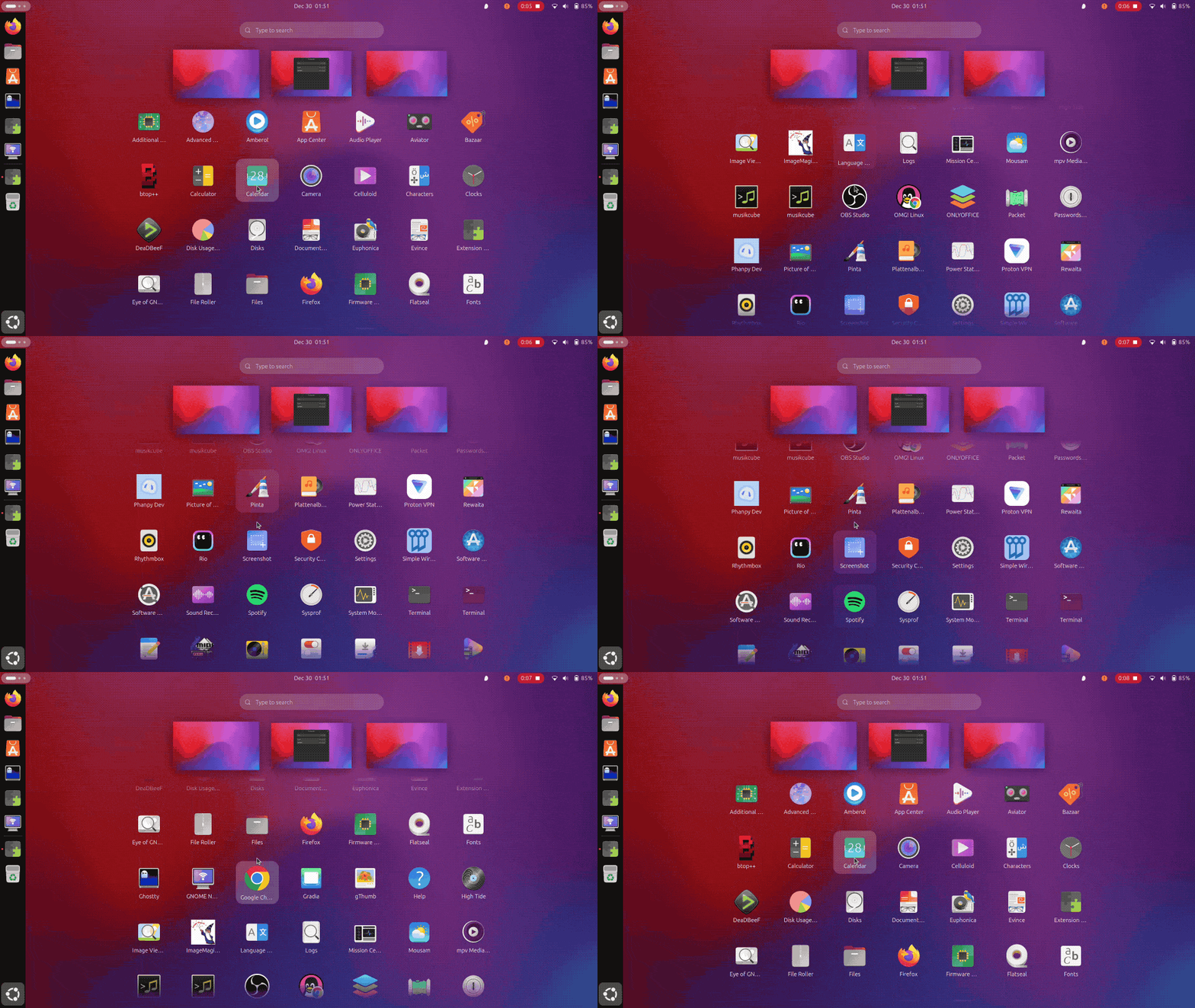
You can change size and spacing of app icons and increase or decrease the number of columns, all from the extension’s petite Preferences dialog.
As nice as this is it not a “you NEED this one killer extension” extension. For most, it’s makes a spatial change that jars with the rest of the GNOME Shell experience, like virtual desktops/workspace.
But if you run a portrait monitor, or use a multi-monitor setup that stacks displays vertically, or you simply prefer vertical scrolling as a concept, then this extension may appeal.
It may end up being a sometimes-tweak than an always-on one. You can toggle GNOME extensions on/off as/when required.
The developer of Vertical App Grid says the “the implementation is very basic”, and that drag-and-drop reordering and app folders are “currently not supported”. This means you should organise shortcuts the way you want, before you enable the extension.
If you fancy giving it a go, you can, provided that you run Ubuntu 25.10 or another Linux distribution running GNOME 49.
Get Vertical App Grid on GNOME Extensions
- Not that anyone has to use their mouse scroll wheel as the app grid has clickable pagers on the sides, works with keyboard arrow keys, and supports swipe touchpad and touchscreen gestures too. ↩︎