

Pigeon Email Notifier is a GNOME Shell extension that does one thing: show a desktop notification when new mail arrives in your Gmail, Microsoft Outlook or IMAP webmail account.
If you don’t want to leave a webmail tab open in Firefox, the overhead of a desktop email app like Thunderbird, or your provider doesn’t offer a desktop Linux app (like Fastmail and Proton Mail now do), Pigeon provides a set-and-forget way to still get new mail alerts.
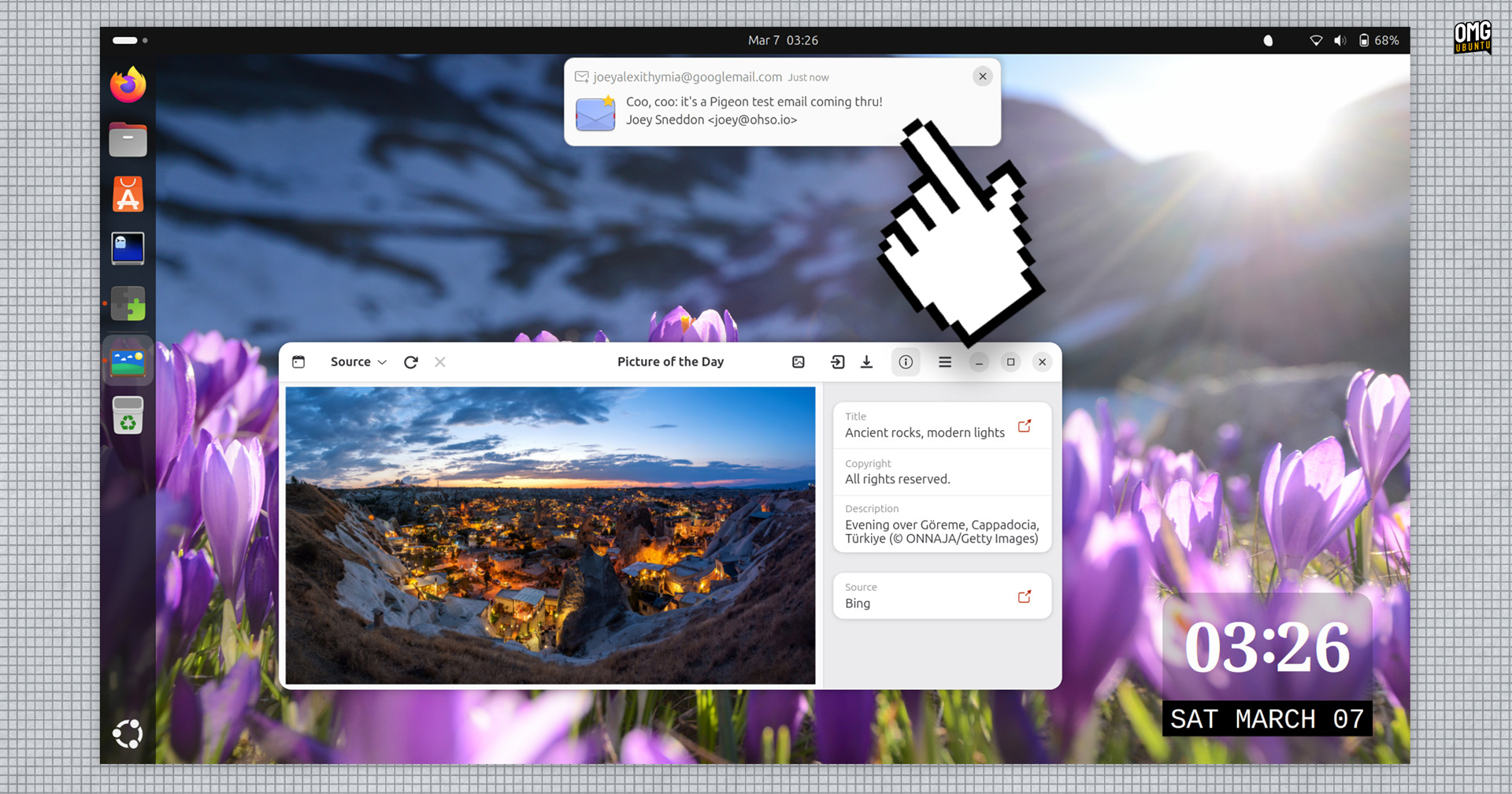
Desktop email notifiers have been around for a long time. I’ve written about many standalone tools, like Unity Mail, Popper and Mail Nag over the years. And there have been plenty of GNOME Shell extensions too, the best known being GNOME Email Notification.
Pigeon is the same idea, but actively maintained and working with GNOME 48-49 (you can use it on Ubuntu 25.10).

Setup is straightforward since it hooks in to GNOME Online Accounts. You set up your Google, Microsoft or IMAP email in Settings > Online Accounts, and then Pigeon picks it up from there. No separate login flow, so no worrying about entering passwords in random boxes.
What you get:
- Desktop notifications for new mail
- Priority-only mode for Gmail and Outlook (off by default)
- Configure how often to check for new mail
- Persistent notifications (off by default)
- Sound alerts (off by default)
- Click a notification to open the email in your browser
That’s the full scope of it – which is the point: simple.
Not everyone wants to setup and keep a full mail client running in the background just to catch a notification, so if if you want to receive desktop notifications for email on Ubuntu without using Thunderbird or a browser tab, Pigeon can deliver it.
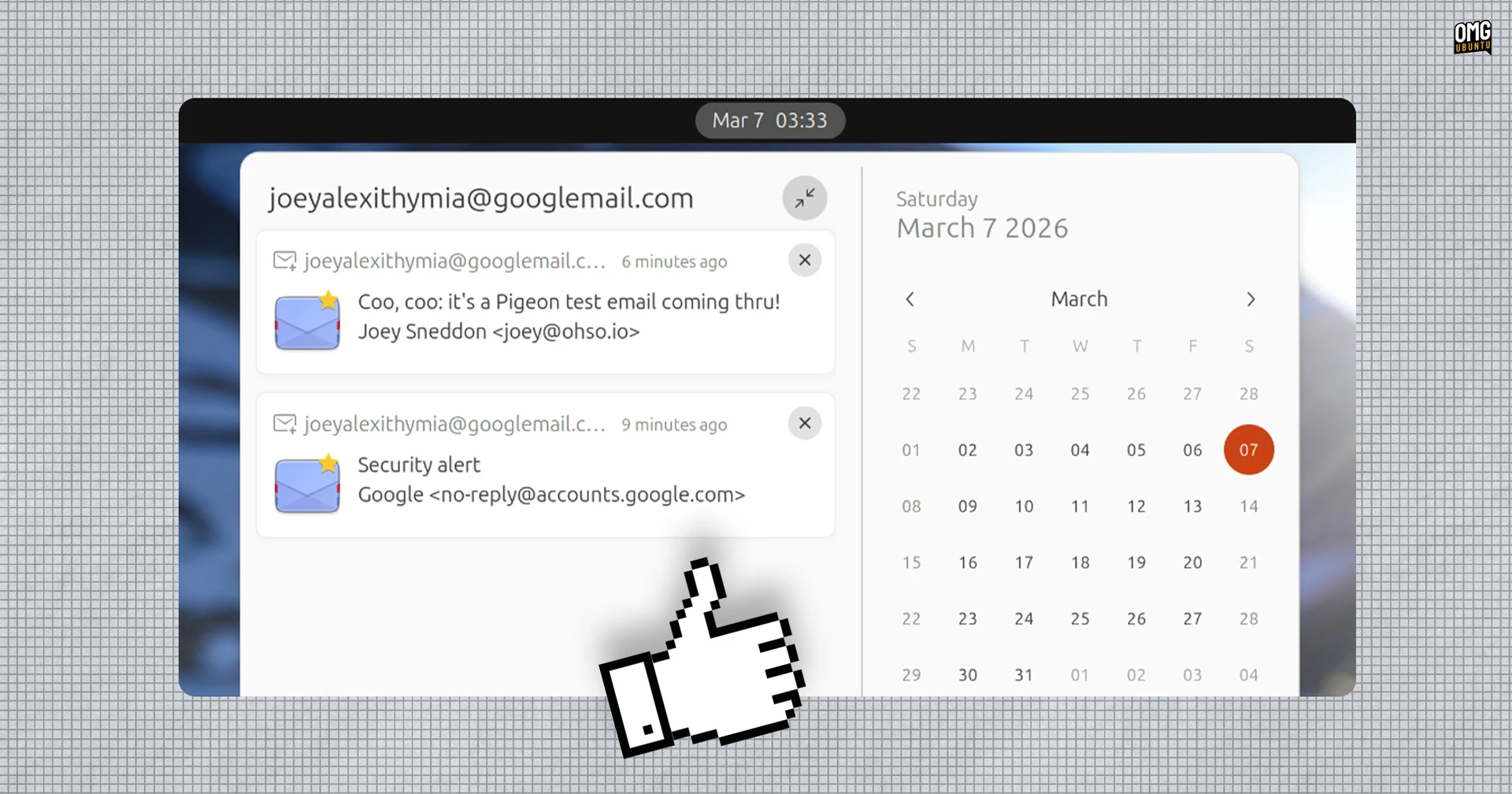
Pigeon Email Notifier supports GNOME 48 & 49 (at the time of writing). You can install it on Ubuntu 25.10, but for it to function, you need to install two dependencies from the Ubuntu repos. Run this command in your terminal:
sudo apt install gir1.2-goa-1.0 gir1.2-xmlb-2.0
Then log out and back in, then install the extension.
As I said, this uses the accounts set up in Settings > Online Accounts. It also only shows notifications of new mail – it’s not a dedicated e-mail client itself. Send yourself a test message from a different account to check it’s working.