


GNOME’s Software, Linux Mint’s Software Manager, and indie app Warehouse — several desktop frontends available that make it easy to find and install apps from Flathub.
Bazaar is the latest to join the fray.
“A new app store for GNOME with a focus on discovering and installing applications and add-ons from Flatpak remotes, particularly Flathub. It emphasizes supporting the developers who make the Linux desktop possible,” states Bazaar’s Flathub description.
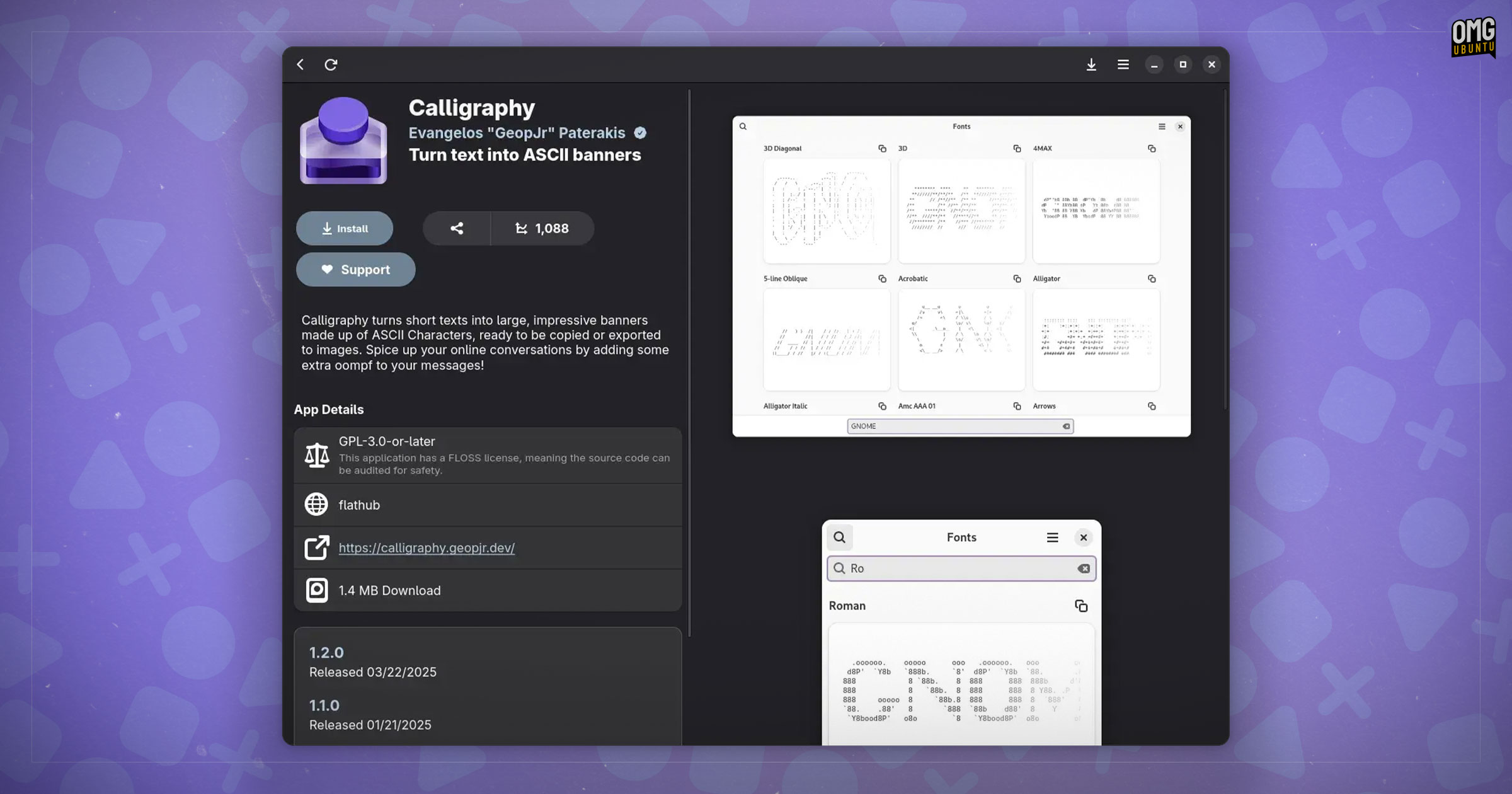
It does everything one would expect. It lets you search and browse for apps, view screenshots, descriptions, and app details (including download stats); install/uninstall apps, check for and manage updates, read release notes, and so on.
It makes a couple of conscious design choices that similarly-purposed GUIs often do not, such as prominently placed, above-the-fold ‘support’ links (where available), and calls out download stats (other stores list that, but more modestly).
Bazaar also comes with a Curated tab. This may be configured by distributors to give their users a “more localized experience” (sic), spotlighting Flatpak software and add-ons which may be of specific or more pointed interest.
Multi-threaded performance
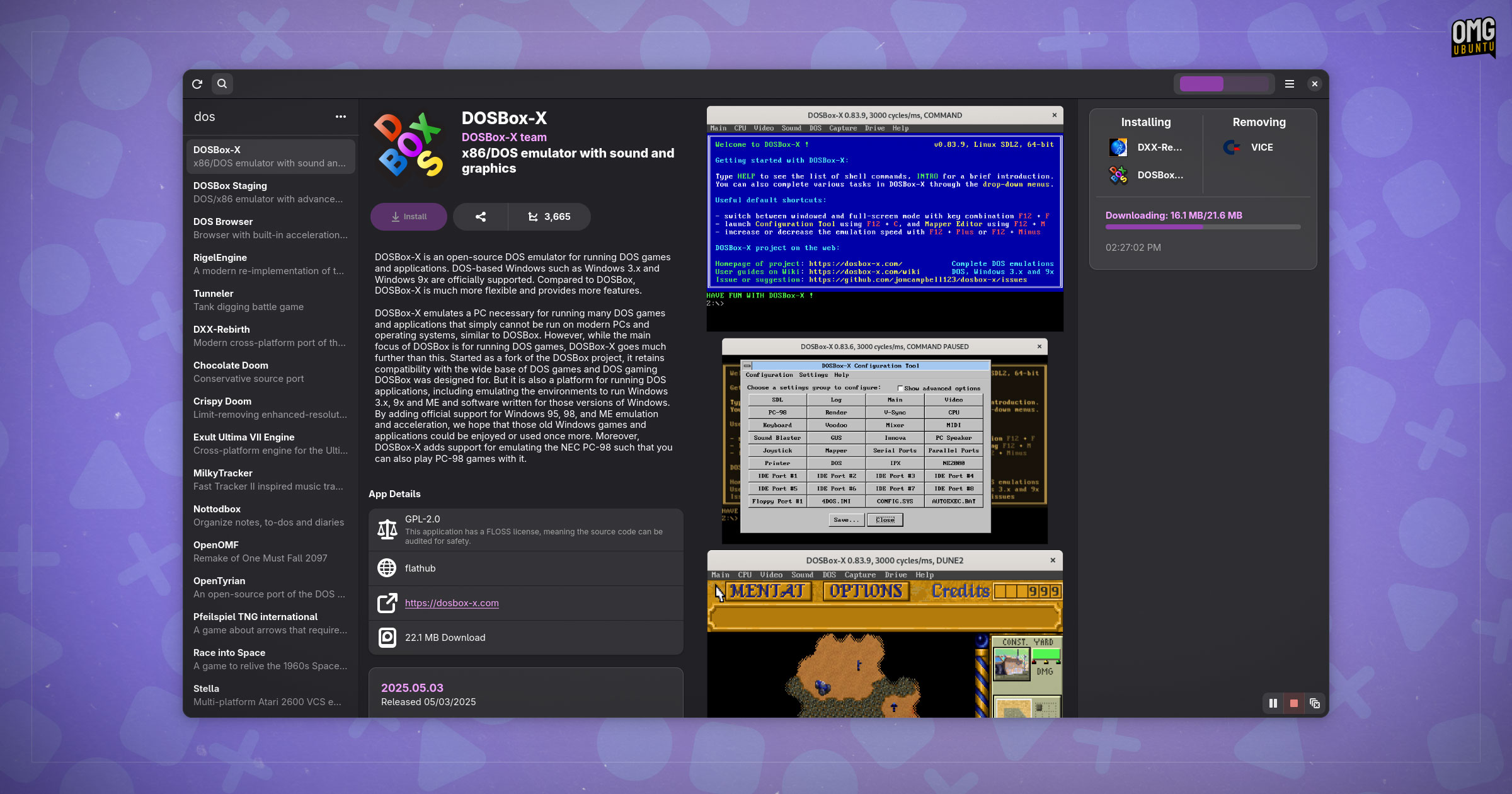
Besides its engaging visual-heavy layout, and split-pane navigation, it’s the technical underpinnings that help make Bazaar an attraction for desktop users.
This marketplace runs a tight operation, designed to be fast and “highly multi-threaded”, with a user interface “completely decoupled from all backend operations”.
This means you can queue up multiple downloads, uninstall things at the same time, and carry on browsing for more, without interrupting proceedings.
It even bundles an GNOME Shell search provider, making it easy for you to reach for apps directly from the GNOME Shell overview, and a KRunner plugin available for KDE Plasma users to provide similar app-seeking functionality.
Why choice?
The Flathub website remains my favourite storefront of any platform or OS. Focused, unfussy, and superbly designed — it’s hard to visit Flathub on the web and not come across some unexpected gem I want to immediately rush off to install.
Great though the official website is, it is disembodied from the desktop. Clicking the “install” button will open a desktop tool for handling flatpakref files, if one is installed. On Ubuntu, there isn’t; Flatpak is not supported on the distro.
And while GNOME Software is the go-to GUI for Flathub-related tasks, it is designed to handle system tasks too. Users may prefer a standalone tool decoupled from general OS updates, yet able to run as a service and “maintain state” even when closed.
That is the role Bazaar — not to be confused with the code control system of the same name — fulfils admirably.
Install Bazaar
If you fancy trying it out, you can get Bazaar on Flathub. It’s a small ~12MiB download, but if you don’t have the latest GNOME runtime installed, one will be pulled in and this can make the download seem excessively large. Runtimes are shared by other apps, mind.
If you give it a try, be sure to let me know what you think — do you prefer searching for software inside of a desktop app, or are you happy using a browser that punts you back to a desktop app when you find what you need?
Thanks Dominic!