

A glut of great GNOME extensions that modify, manage, or merge features in to the new Quick Settings menu in GNOME 43 have been released over the past few weeks — and another one has just appeared!
We’ve seen Bluetooth integration, button removers, time remaining battery tweak, and a super all-in-one add-on that adds notifications and media controls to the Quick Settings menu.
The latest bolt-on for the fast-access menu?
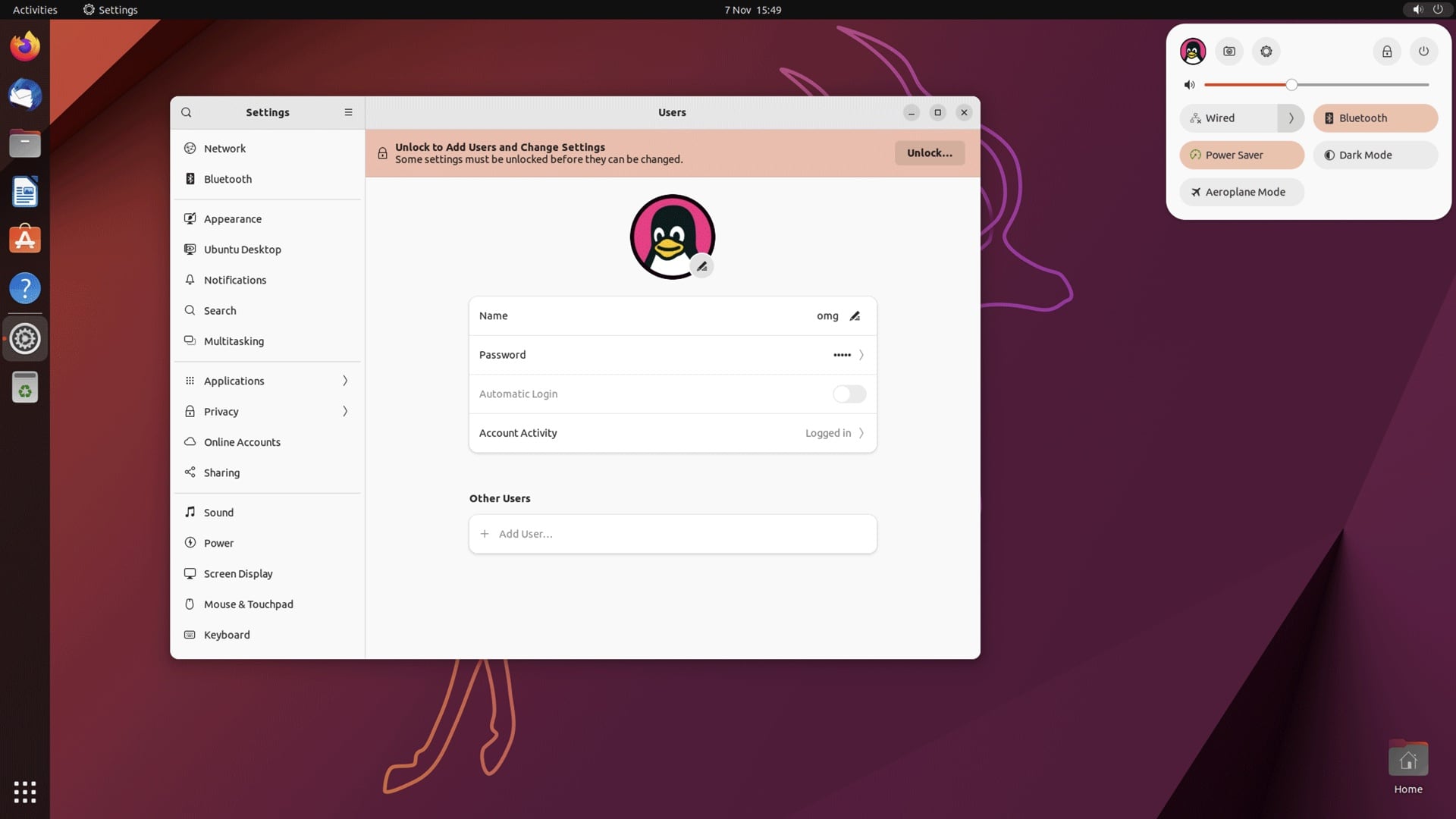
Well, it’s rather more modest in ambition: it shows your user avatar in Quick Settings.
Yup, that’s all it does. It puts whatever image you’ve assigned to your user account in view, in the Quick Settings menu, at the left side of the Quick Settings settings row, beside the battery charge info on laptops, or beside the screenshot shortcut on PCs.
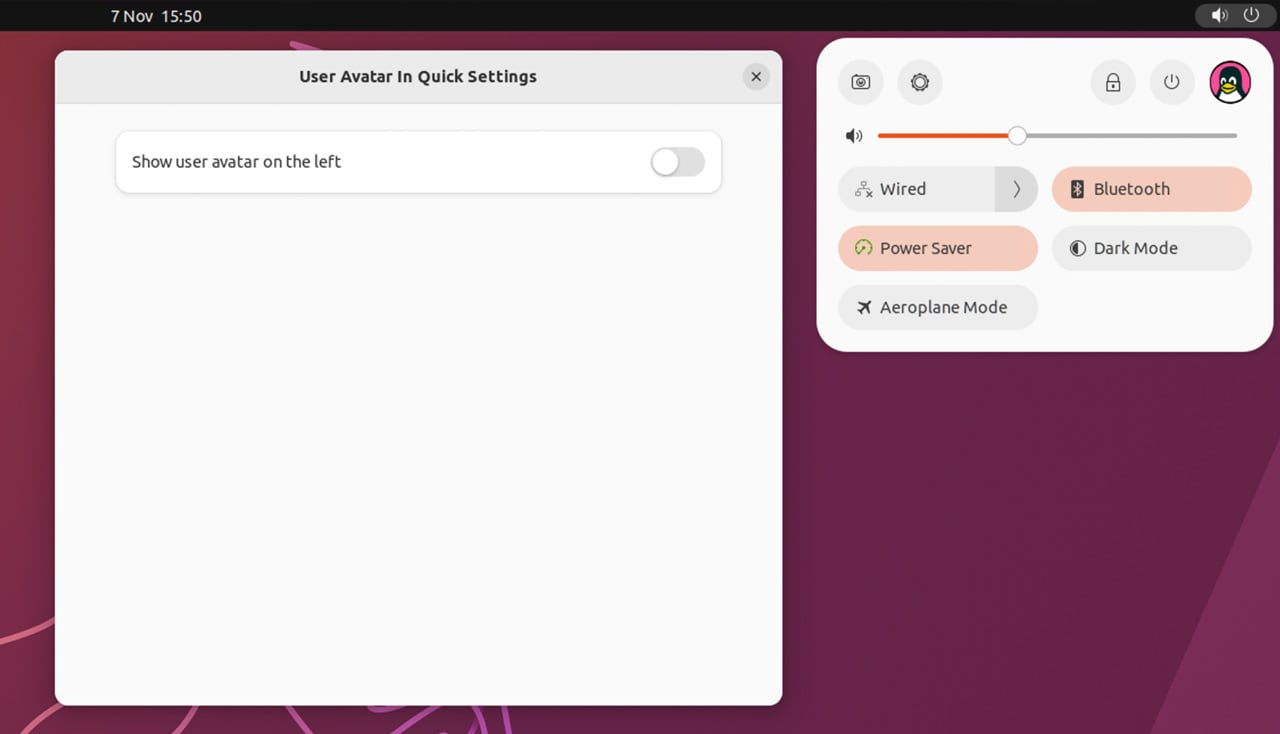
If you want it to appear on the right-hand side, just pop open the Settings dialog for the extension and slide the lone toggle to its respective position.
You can install the “Quick Settings Avatar” extension from GNOME Extensions website via a web browser or, as I like to nag you, using the awesome Extension Manager app available in the Ubuntu repos and on Flathub.
Are there any other tweaks or integrations you’d like to see developers add to the Quick Settings menu? Let me (and maybe even them) know down in the comments!