
Discover a mix of tutorials on everything from how to install the latest versions of apps or enable new features, to workarounds for known issues – alongside general ‘configuring Ubuntu’ advice.

Learn how to enable WebRender in Firefox on Linux. This new tech can deliver a major performance boost by using your system's GPU to render web content.
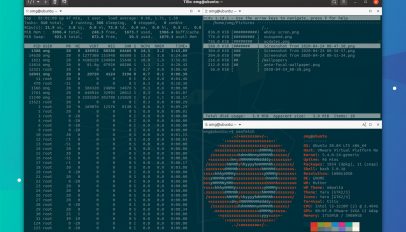
Being able to open a folder in a terminal from Nautilus is handy — but what if you want to use a different terminal app? Use this plucky Nautilus plugin.

Want to upgrade Linux Mint 19.3 to 20? In this short tutorial we show you how. So put off a fresh install and upgrade to Linux Mint 20 the easy way.
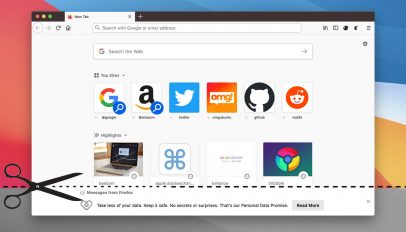
Learn how to disable the 'messages from Firefox' feature so that message no longer show in the footer of the New Tab page — and spoiler: it's easy!

Want to enable a wobbly window effect on Ubuntu 20.04 LTS? You can using this free Compiz-style window effect extension for the GNOME Shell desktop.
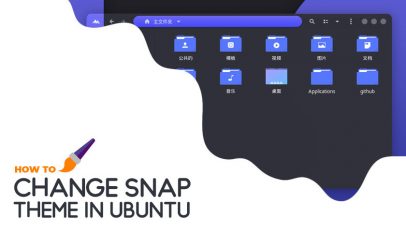
Want Snap apps to use your system theme? Learn how to make Snap apps use popular GTK themes like Layan, Orchis and Qogir in this short guide.
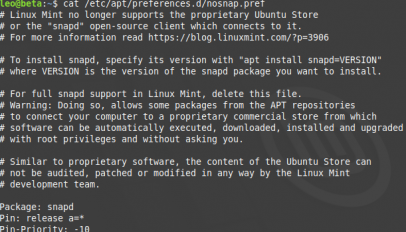
Linux Mint 20 disables support for Snap apps entirely on your behalf, but in this post I'm going to show you how to re-enable it by deleting a single file.
If you want to try out the improved Windows Subsystem for Linux 2 (aka WSL 2) in the latest Windows versions here’s how — I cover everything you need to do to install it, in […]

Learn how to install Sublime Text on Ubuntu using the official APT repository or the Snap store. Step-by-step terminal instructions for x86-64 and ARM64.

A new version of open-source torrent client Transmission is available to download. In this post I share details on what’s changed and show you how to install the update on your system using the official Transmission […]
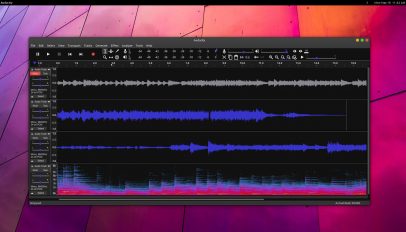
Audacity is a powerful audio editing tool but its appearance is utilitarian looking. In this post we show you how to theme Audacity with a dark, flat look.
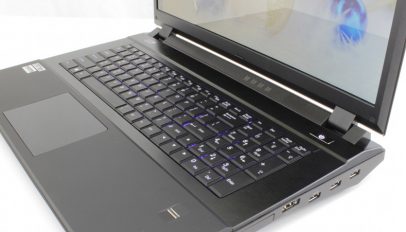
Fool around with function keys in Ubuntu at your own peril folks, 'cos today I came across a frustrating (if middle funny) bug that can freeze the desktop.
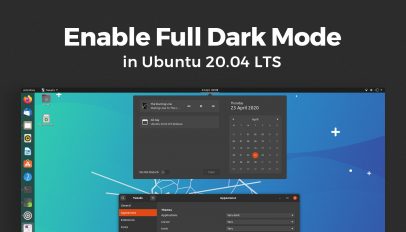
Learn how to change GNOME Shell theme in Ubuntu 20.04 LTS to Yaru Dark, giving you a more full 'dark mode' experience in Ubuntu.
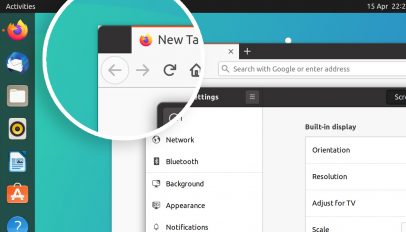
Does your Firefox have sharp white window corners on Ubuntu install? Mine did, but today I found the fix — which I'm pleased to say is very easy to do!
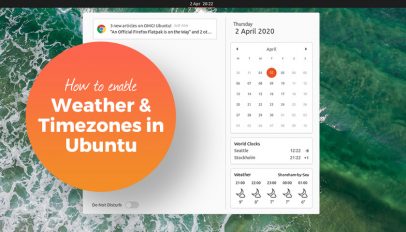
GNOME Shell allows you to view weather forecasts and timezones for different locations inside the message tray (also known as the notification area). This eliminates the need to open separate weather apps or install additional […]
You can upgrade to Ubuntu 20.04 LTS very easily, and in this guide we show you how. You can upgrade from Ubuntu 18.04 or Ubuntu 19.10 fast and easy.

The release of an official Raspberry Pi image writer tool means it now easier than ever to install Ubuntu on a Raspberry Pi 2, 3 or 4!
A trash can icon appears on the desktop of Ubuntu 18.04 LTS and up by default, but not everyone likes it being there. Thankfully it’s easy to remove the trash icon from the Ubuntu desktop, […]