
Discover a mix of tutorials on everything from how to install the latest versions of apps or enable new features, to workarounds for known issues – alongside general ‘configuring Ubuntu’ advice.

Do you want to try the latest Thunderbird 128 release but don’t want to use the snap package available in Ubuntu? Your first thought might be to run sudo apt install thunderbird to install the […]

Last May, Canonical announced that a hardware-accelerated version of the Chromium snap was available for testing on Intel (7th-gen and later) hardware. And that news was very welcome: hardware acceleration + the modern web = […]

I recently rediscovered my Amazon Kindle (a geriatric model from 2012, nothing fancy) and figured, as it still works, I’ll use it, and set about downloading freely available1 EPUBs of classic (and not-so-classic – I’m […]

Of the (many) handy new features in Ubuntu 24.04 LTS is the ability to access OneDrive files through the Nautilus file manager as a remote mount. This is made possible by the msgraph package, a […]
Among the (many) new features in Ubuntu 24.04 LTS is the ability to access Microsoft OneDrive files using the Nautilus file manager. Yup, no 3rd-party app downloads, no dodgy scripts to run, and no paid […]

If you only started using Ubuntu sometime after 2012 then you have my apologies: this article won’t make a whole lot of sense. But if your roots with the distro reach back farther then the […]
A new GNOME Shell extension allows you turn any app in to a picture-in-picture window on the Ubuntu desktop. You’re probably familiar with picture-in-picture mode (PiP) in web browsers as Mozilla Firefox and Google Chrome, […]
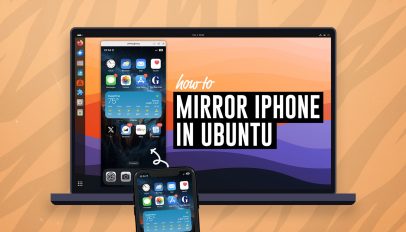
You can mirror your iPhone screen on the Ubuntu desktop using a free, open-source app that’s available in the Ubuntu repos. Want to mirror your iPhone or iPad to Ubuntu? UxPlay is the easy way […]
If your Bluetooth device is not reporting its battery level in Ubuntu and you want it to, there is a way to get it to appear. I know because I was in the same situation. […]
Just before Christmas I was introduced to a handy script that makes it easy to install the latest Enlightenment desktop release on Ubuntu 22.04. Emphasis on latest as (I’m sure you already know) you can […]
It’s time to deck the digital halls: Christmas is coming! By now you’ll have put your Xmas tree up (which the cat’s since stripped), wrapped a bunch of presents (impeccably well, I’m sure), and said […]
Upgrading to Ubuntu 23.10 from Ubuntu 23.04 is a breeze. If you’re fully up-to-date and have an active internet connection, you can upgrade directly. No need to download an ISO, flash it to a USB, […]
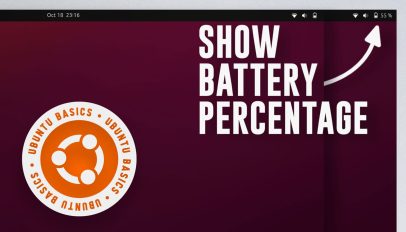
If you use Ubuntu on a laptop or tablet and you want to be able to see your remaining battery percentage in the top panel, you can — in this guide I show you how. […]
KDE Plasma 5.27 is now available for users of Kubuntu 22.04 LTS to upgrade to — if they want to. Kubuntu 22.04 LTS ships with KDE Plasma 5.24. That is a solid release that works […]
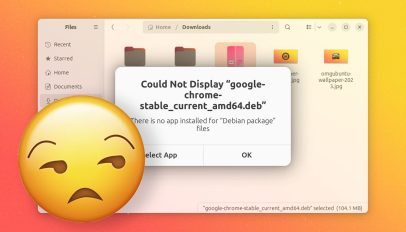
When you double click on a DEB package in Ubuntu 23.10 an error appears to say: “there is no app installed for ‘Debian package’ files”. In this post I show you a couple of ways […]
Do you use Ubuntu with an NVIDIA graphics card? If so, you may want to install GreenWithEnvy. And in this post I show you how. GreenWithEnvy is a free, open-source utility for Linux designed exclusively […]
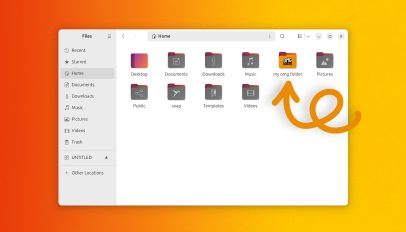
Here’s a tip for those of you who want to use a custom icon for a specific folder in Ubuntu. — And no, you don’t need to install a new icon set to do it. […]

Want to change the Ubuntu lock screen background shown in Ubuntu 22.04 LTS through to the latest release, Ubuntu 23.10? If so, I’m about to show you how. Here’s the deal: out-of-the-box (this is the […]