


If you only started using Ubuntu sometime after 2012 then you have my apologies: this article won’t make a whole lot of sense.
But if your roots with the distro reach back farther then the following curio might appeal (though that ‘might’ is, I accept, doing a lot of lifting).
In the comments to my coverage on the IRC-based chat app Linux Mint is building someone (amusingly) referred to those who continue to use IRC as “nostalgia connoisseurs” —that label, in some ways, applies to me with regards to this.
Because I am a nostalgic dweeb —sorry/not sorry! 🙈— and that golden, spirited era of Ubuntu is something I look back on with such great fondness.
In much the same way that a simple smell can recall a vivid memory from the past, seeing and hearing vintage Ubuntu elements transports me back to simpler times —more than mere recollection; I re-feel many of the same things I felt during those years.
And even now, in 2024, some 12 years after it the sound was turned off, I still listen to the classic Ubuntu login sound and find it sounds oh-so fresh:
Ubuntu disabled this login sound in Ubuntu 12.04 LTS. And when it later refreshed its sound theme with modern musical motifs it chose not to re-enable a login sound by default (which is why, reading this, you probably can’t recall what those newer one sounds like, heh).
Anyway, as said: I’m a sucker for nostalgia so I figured out how to bring it back.
If you also want to hear the classic Ubuntu login sound play after you login to modern Ubuntu (22.04 LTS or later – I tested this in Ubuntu 23.10) here’s what to do:
- Open Startup Applications
- Click ‘Add’
- In the dialog, enter a name (e.g., “login sound”)
- In the command field paste:
/usr/bin/canberra-gtk-play --id="desktop-login" --description="GNOME Login" - Click ‘Add’
You’re not finished yet, though.
If you log out and in again right now then the login sound from the Yaru sound theme will play. You need to download the old Ubuntu login sound and move it to the correct location in order to hear it.
You could download the old ubuntu-sounds theme package, unpack it, move the ‘ubuntu’ folder to the relevant location, and set it default in dconf. But I do not recommend that method because the old Ubuntu sound theme does no include all sounds that modern GNOME uses.
An easier™ solution is to only replace the login sound file in the Yaru theme. This keeps the rest of the system sound set (like low battery warning) in-tact and means you don’t need to change any dconf settings either (a bonus).
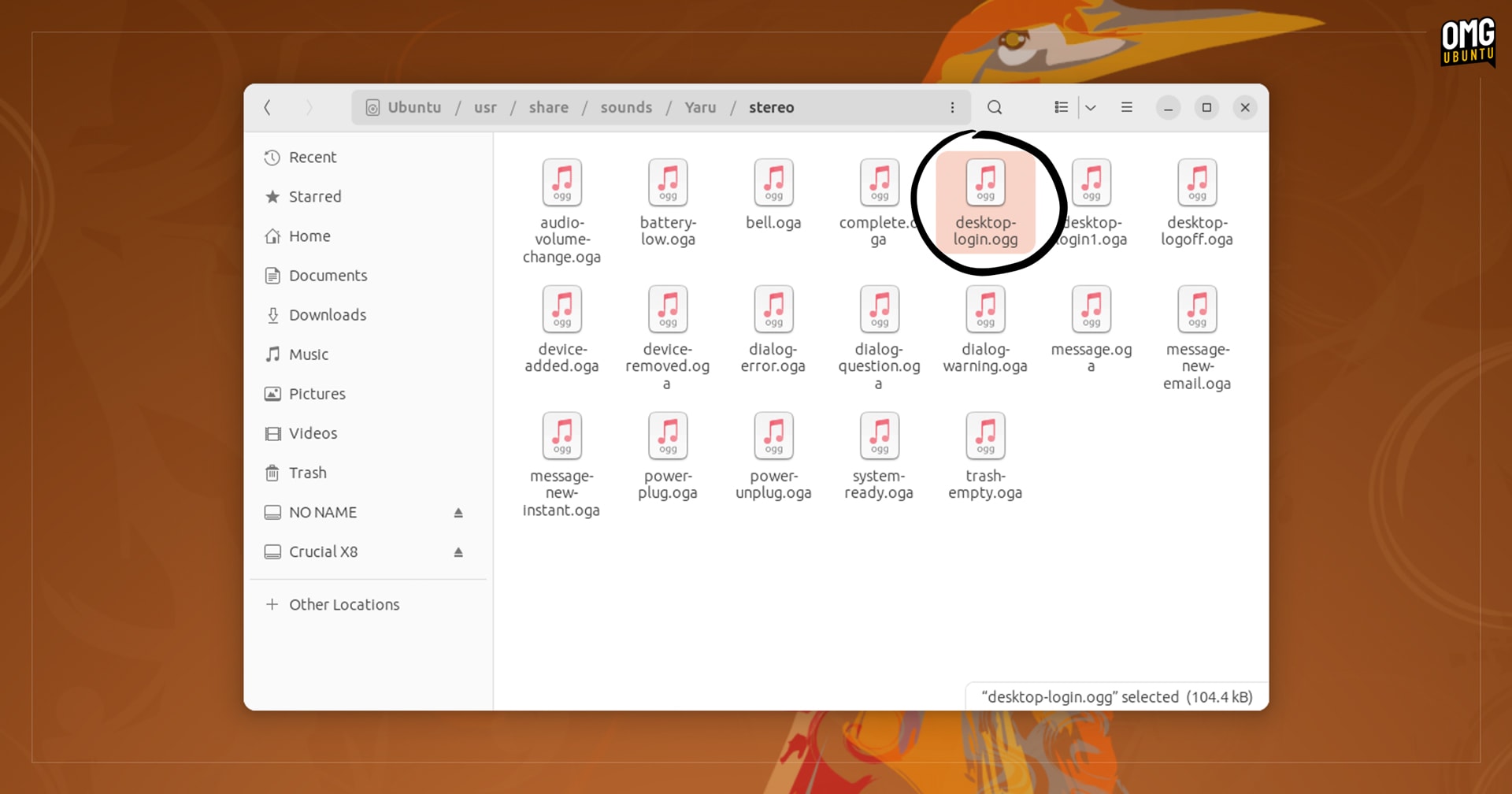
- Download replacement desktop-login.ogg file
- Move it to
/usr/share/sounds/Yaru/
You’ll need to be root to move the file in to place. You can do it from the command line (assuming the sound file is in your ~/Downloads folder) by running sudo mv ~/Downloads/desktop-login.ogg /usr/share/sounds/Yaru/.
Now you’re done; log out and back in and — ta-dah, the classic Ubuntu login sound 🥁 plays.
Don’t hear anything? Double check your volume isn’t too low or currently muted.
To “undo” the changes first reinstall the yaru-theme-sound package to overwrite your changes. Then open the Startup Applications tool and uncheck or remove the login entry you added earlier.
I haven’t figured out how to get a sound to play when the login screen loads, so if you know how to do that, let me know!