


A new version of Extension Manager, the desktop app that makes it easier to browse, install and manage GNOME Shell extension without a web browser, has been released.
Extension Manager 0.7.0 includes a number of welcome improvements, new features and restores a few nifty bits that had stopped working in earlier versions.
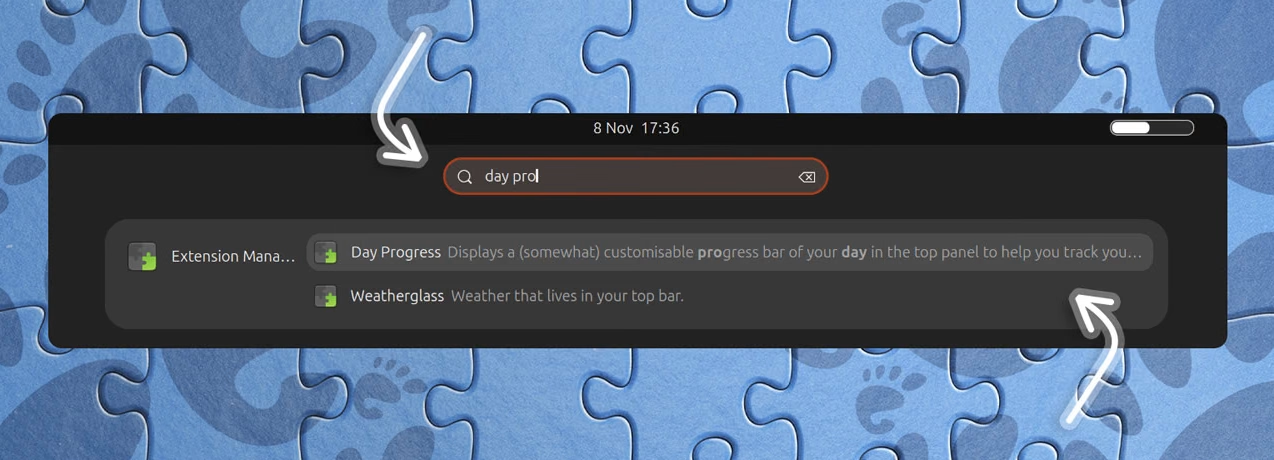
With the new update, you can now find and open installed extension preferences from the Activities overview as the app now bundles a GNOME Search provider. Enable that (after installing this version) from Settings > Search, if it’s something you’d use.
Extension detail pages show more details, including things you’d previously need to visit a web page to see, like version and GNOME support. Installed extensions show an uninstall button and installed path location, with button to open it in Nautilus.
Some extensions use animated GIFs to convey their chief gimmick or functionality, the app makes use of Glycin to render animated screenshots.

On the list of installed extensions, a select mode allows you to bulk uninstall extensions in one swoop, and if an error occurs after enabling an extension, a new dialog shows error details (previously shown in a liner drop down).
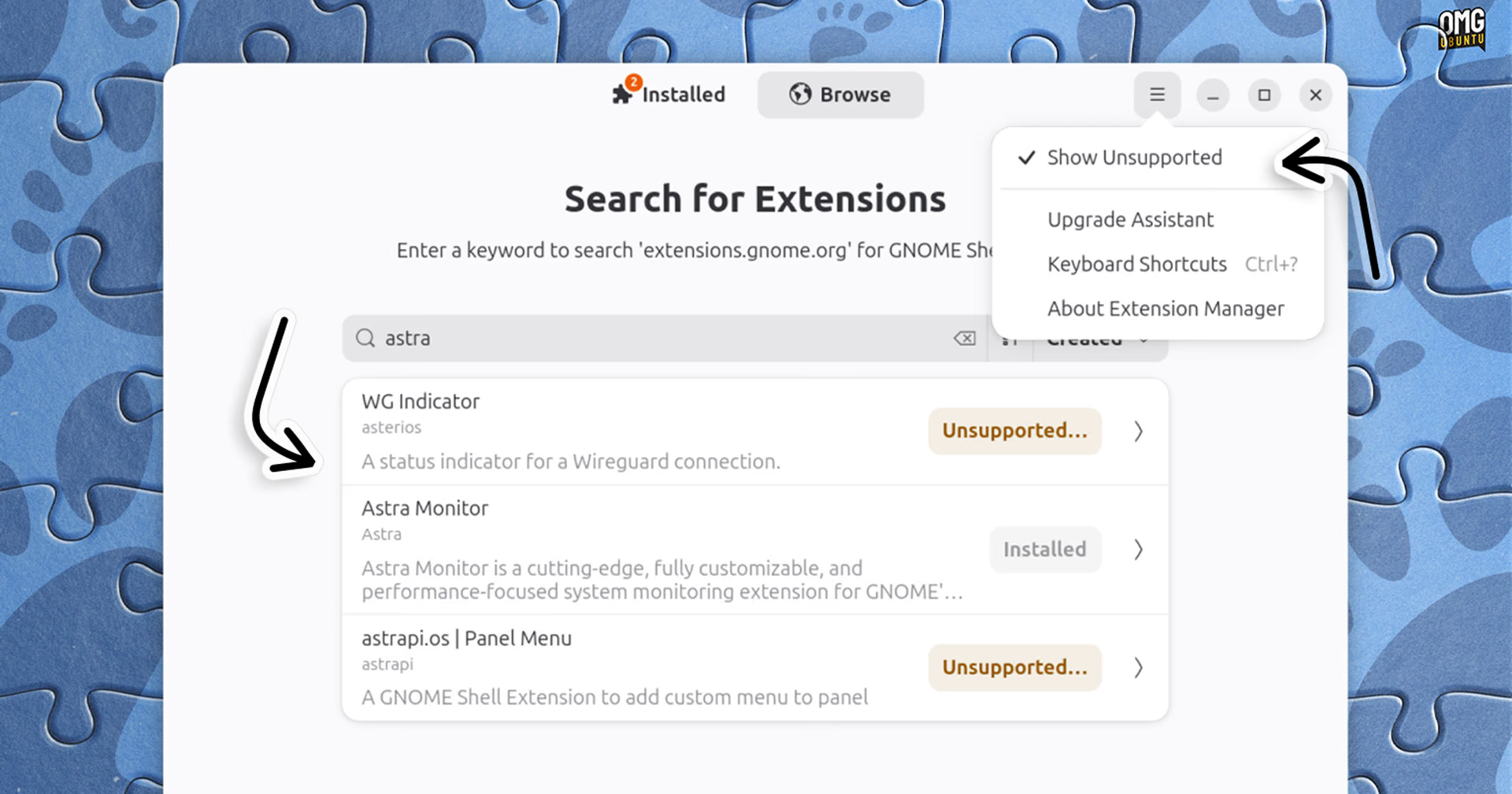
The app once again defaults to only showing search results for extensions that support your current version of GNOME. There is an option to show all (i.e., unsupported) results if you need it.
The app also planning to allow viewing extension author pages, which will list other extensions by that author. Some of the code needed to support lands here, but the actual ability itself was held back.
Extension Manager is free, open-source software designed for GNOME. You can install the latest release from Flathub, which relies on the GNOME 51 runtime (so if you don’t have other apps using that, it’ll be pulled in too).
An older version of extension manager is available in the Ubuntu repositories, but to benefit from the changes mentioned here you will need install it from Flathub, or wait for Ubuntu 27.04 to roll around.