


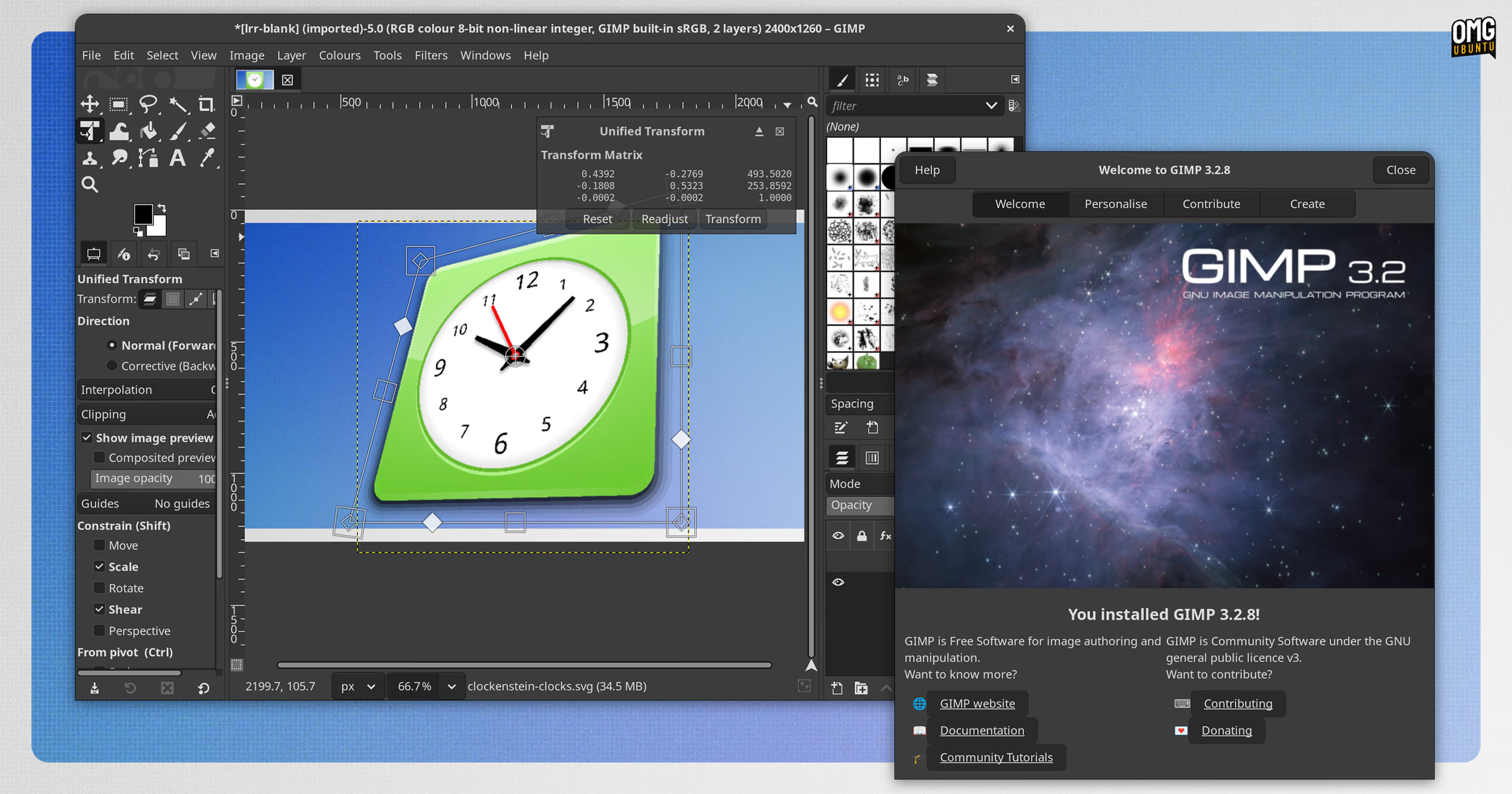
GIMP 3.2.8 is out, the fourth maintenance update in the current stable series, which first launched in March 2026.
No shiny new features ship, as fixes and fine-tuning are the primary focus. Major work is happening alongside maintenance efforts, but that work is targeted at the next major series.
What’s changed since the v3.2.6 update in September?
GIMP 3.2.8 offers better initial positioning of dialogs, makes the Preferences page load faster and allows the creation of colourful semi-transparent borders via the Add Border filter.
This update also bolsters the text tool’s support for right-to-left (RTL) languages. Arrow keys behave correctly and direction icons show on the on-canvas UI. If text direction isn’t set, the Unicode Bidirectional Algorithm picks one based on the first character typed.
A “gotcha” was fixed when editing linked layer files (GIMP’s version of Photoshop’s Smart Objects). The attributes dialog no longer allows clicking OK while a linked file is in the process of being added. Cancel remains selectable, if needed.
Performance tweaks bring better caching for large gradients (6000px) and a more efficient “marching ants” animation. HEIF loading code was tweaked to allow for loading larger images.
For its developers, a new GUI testing suite was added. The team says this will help them check for regressions in the GUI during development, rather than after. It plans to share more details on that soon.
Beyond that, the v3.2.8 update delivers a pinch of platform-specific fixes for GIMP’s macOS and Windows versions, including better theme matching, printing and windowing behaviour.
Besides simply being all-round a bit better, this update is a bit safer too. A small set of security updates are rolled in, plugging a few recently discovered vulnerabilities in libraries GIMP uses.
A tame release? Obviously; it’s maintenance update.
With enthusiasm for Affinity’s planned Linux release, AI-sired Adobe clones and emerging projects is high, it’s easy to forget that FOSS tools already exist and are already capable of doing wonderful, creative things.
Get GIMP 3.2.8
Download the latest version of The GIMP from the official website. It has Linux AppImages, as well as official installers for Windows and macOS installers. All are available for 64-bit Intel/AMD and 64-bit ARM devices.
Alternatively, GIMP is available on Flathub and on the Snap Store. Windows users can get it from the Microsoft Store too. If installed from a vendor store, this update will be made available delivered there, so remember to check.