
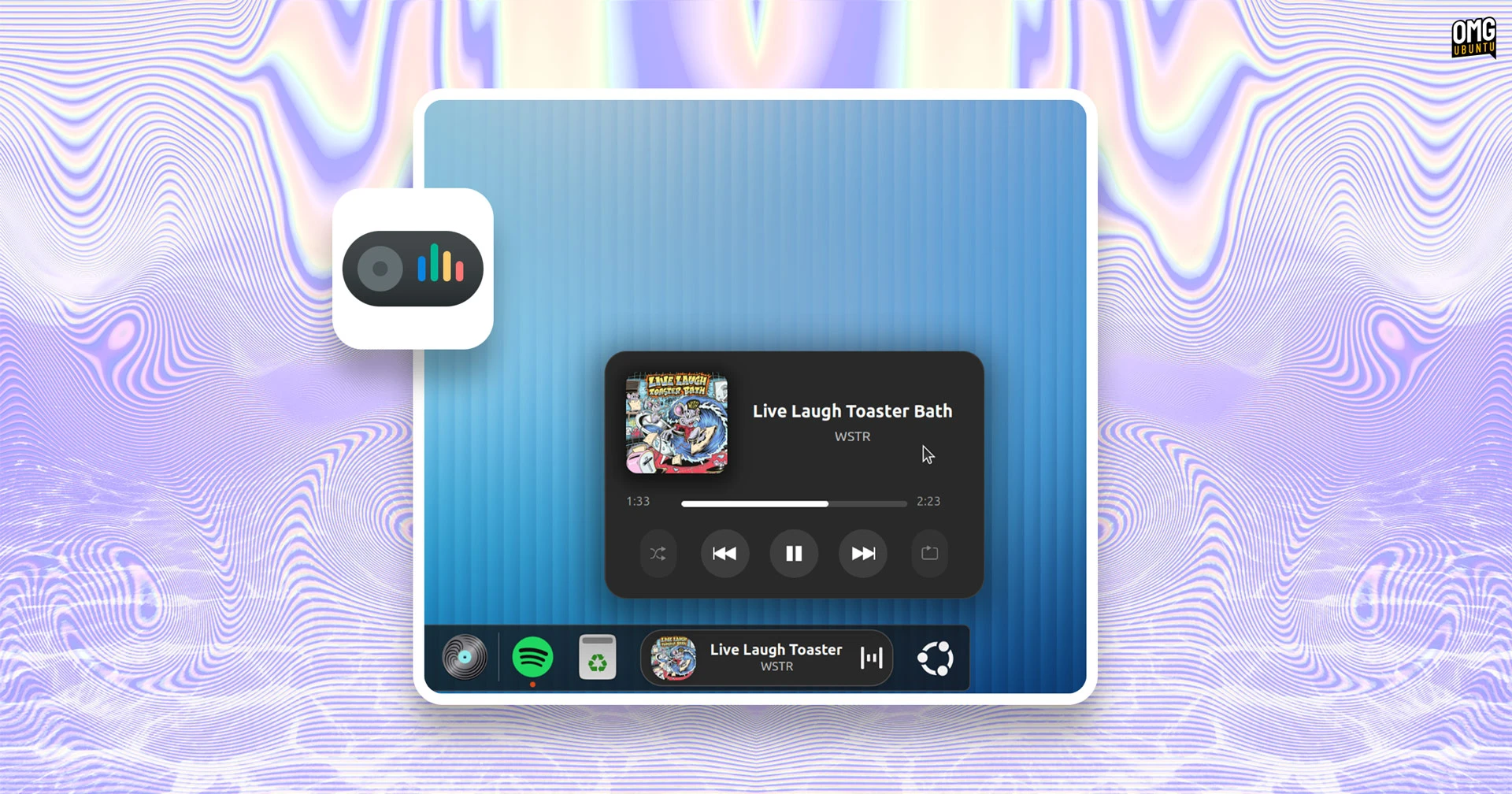

A clutch of new features are available in Dynamic Music Pill, the slick now playing and media controller extension for GNOME Shell.
The “big” new addition is lyrics support. When you listen to a track with synced lyrics in a compatible player, you can view those lyrics by opening the applet controller and clicking on the album art inside of it:
The lyrics are shown in a freely scrollable widget, with the active line bolder in white for more emphasis. You can scroll up and down whilst tracks are playing. If you click a lyric line, your music player jumps to that part of the track.
Of course, having a dedicated place to see lyrics is all well and good, but the popover hides when it loses focus. Not great for a passive sing-a-long while you work, right? ;)
There is an option to show lyrics appear in the panel pill itself, still in time with what you’re listening to. This feature is not enabled by default. As the pill width isn’t huge, lyrics auto-scroll, and the speed depends on how long it takes to transition to the next line:
Alongside some controls to adjust the lyric display behaviour, there are tweaks to other parts of the extension’s feature set, including a new option to display album titles and support for the HH:MM:SS format so long audio/live stream durations show properly.
Album art loading is now ‘fully asynchronous’ with improved caching, and the (optional) recently played feature now removes duplicate entries from the history list. Dash to Dock and Ubuntu Dock users with auto-hide enable should no longer see a duplicate pill.
These options add to an already giddying array already available, spanning everything from colour theming controls to custom control buttons. There’s even support for using Cava to render a waveform animation fully in-time with the music you’re listening to.
Fancy, right?
Dynamic Music Pill certainly adds a – don’t groan – dose of unapologetic bling to your desktop. If you want to try it out, you can install on GNOME 45 or later (so Ubuntu 24.04 LTS and up), and it can report audio from any Linux music player that support MPRIS.