
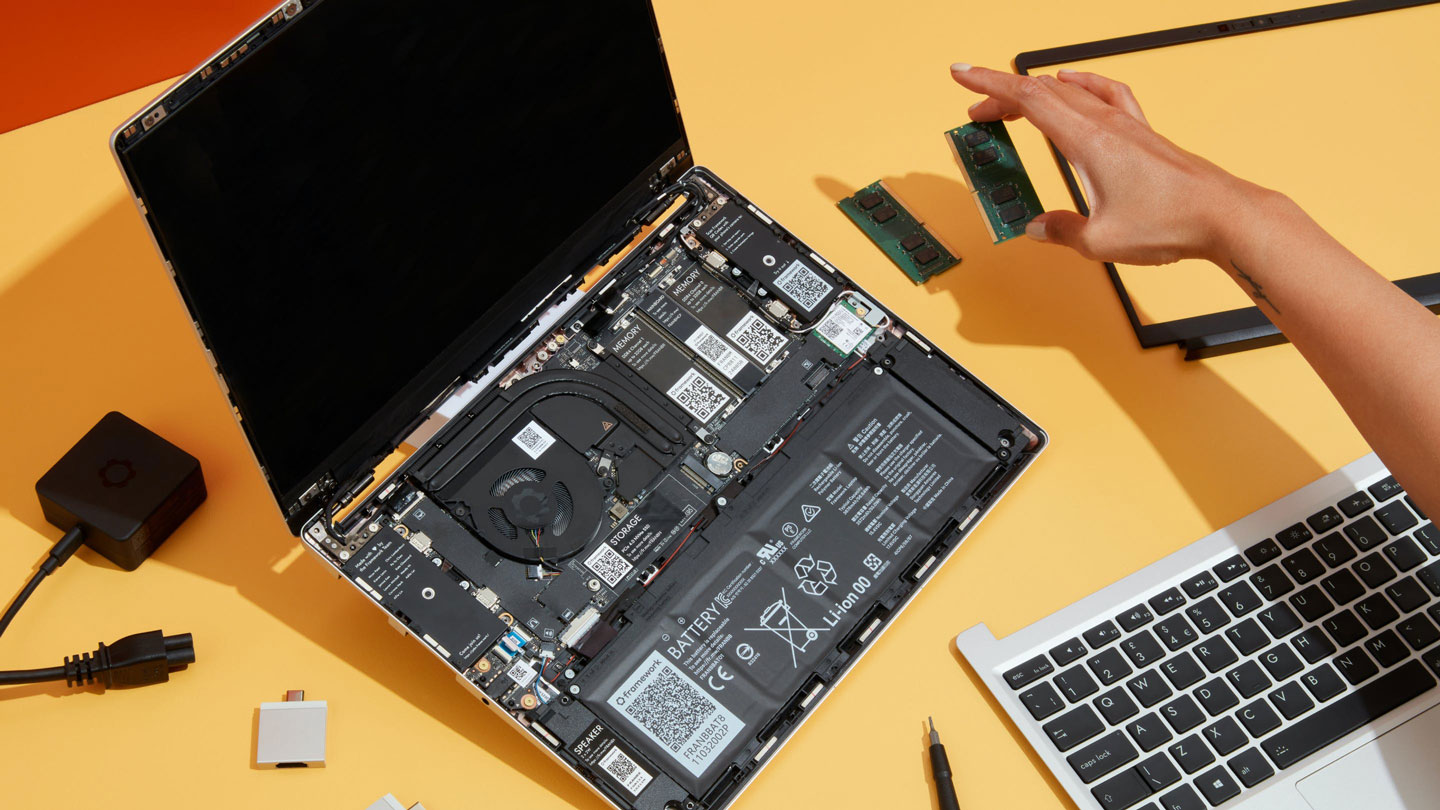

You’ll need at least 6GB of RAM to run Ubuntu 26.04 LTS comfortably, as the upcoming version of the distro raises its minimum memory requirement for the first time since 2019.
According to the official specs, “Ubuntu Desktop 26.04 LTS requires a 2 GHz dual-core processor or better, a minimum of 6GB RAM and 25 GB of free hard drive space.“
CPU and storage requirements stay unchanged.
Ubuntu last bumped its recommended processor requirements with the release of 17.10, when it also dropped support for 32-bit Intel/AMD CPUs. Free disk space officially ‘requires’ 25 GB in recent releases, but its hard requirement only appears to be 15-20 GB.
| Release | Year | RAM | CPU | Disk |
|---|---|---|---|---|
| 12.04 LTS (Precise Pangolin) | 2012 | 384MB (32-bit) 512MB (64-bit) | 1 Ghz | 5GB |
| 14.04 LTS (Trusty Tahr) | 2014 | 1 GB | 1 GHz | 5 GB |
| 18.04 LTS (Bionic Beaver) | 2018 | 4 GB1 | 2 GHz dual-core (64-bit2) | 25 GB |
| 26.04 LTS (Resolute Raccoon) | 2026 | 6 GB | 2 GHz dual-core (64-bit) | 25 GB |
Note: the table above shows requirements since 12.04 for the main desktop edition, and only where there was a change. Hardware requirements didn’t alter in Ubuntu 16.04 LTS (Xenial Xerus), Ubuntu 20.04 LTS (Focal Fossa) or Ubuntu 22.04 LTS (Jammy Jellyfish).
Is Ubuntu 26.04 more resource hungry?
Raising the recommended RAM requirements is not because the Resolute Raccoon requires more resources than before, not directly – this is not a 2GB RAM jump solely to load the OS and nothing else.
Rather, it’s more of an honesty bump. Components that make up the distro – the GNOME desktop and extensions, modern web browsers (and the sites we load in them) and the kinds of apps we use (and keep running) whilst multitasking are more demanding.
The recommendation – which is a soft one, see below – is not because Ubuntu requires 2GB more memory than it did, but more the way we compute does. The Resolute Raccoon‘s memory requirements better reflect real-world multitasking.
Can still be installed on less than 6 GB
Ubuntu 26.04 LTS can be installed on devices with less than 6GB RAM (but not less than 25GB of disk space). The experience may not be as smooth or as responsive as developers intend (so you don’t get to complain), but it will work.
I installed Ubuntu 26.04 Beta on a laptop with just 2 GB of memory – slow to the point of frustration in use, but otherwise functional.
If you have a device with 4 GB RAM and you can’t upgrade (soldered memory is a thing, and e-waste can be avoided), then alternatives exist.
Many Ubuntu flavours, like Lubuntu, have lower system requirements than the main edition. Plus, there’s always the manual option using the Ubuntu netboot installer to install a base system and then built out a more minimal system from there.
Requirements for Ubuntu Server 26.04 LTS are lower, but depend on use case. The main ISO can be installed on systems with a little as 1.5 GB RAM and 5 GB of hard drive space, with cloud images requiring less: 1GB and 4GB disk space.
- Ubuntu 18.04 LTS initially had a 2 GB RAM minimum, but the 18.04 download page was updated in 2019 to bump this to 4GB, following community feedback. This is why the article lede says ‘…since 2019’. ↩︎
- Ubuntu dropped 32-bit support in 2017. ↩︎