

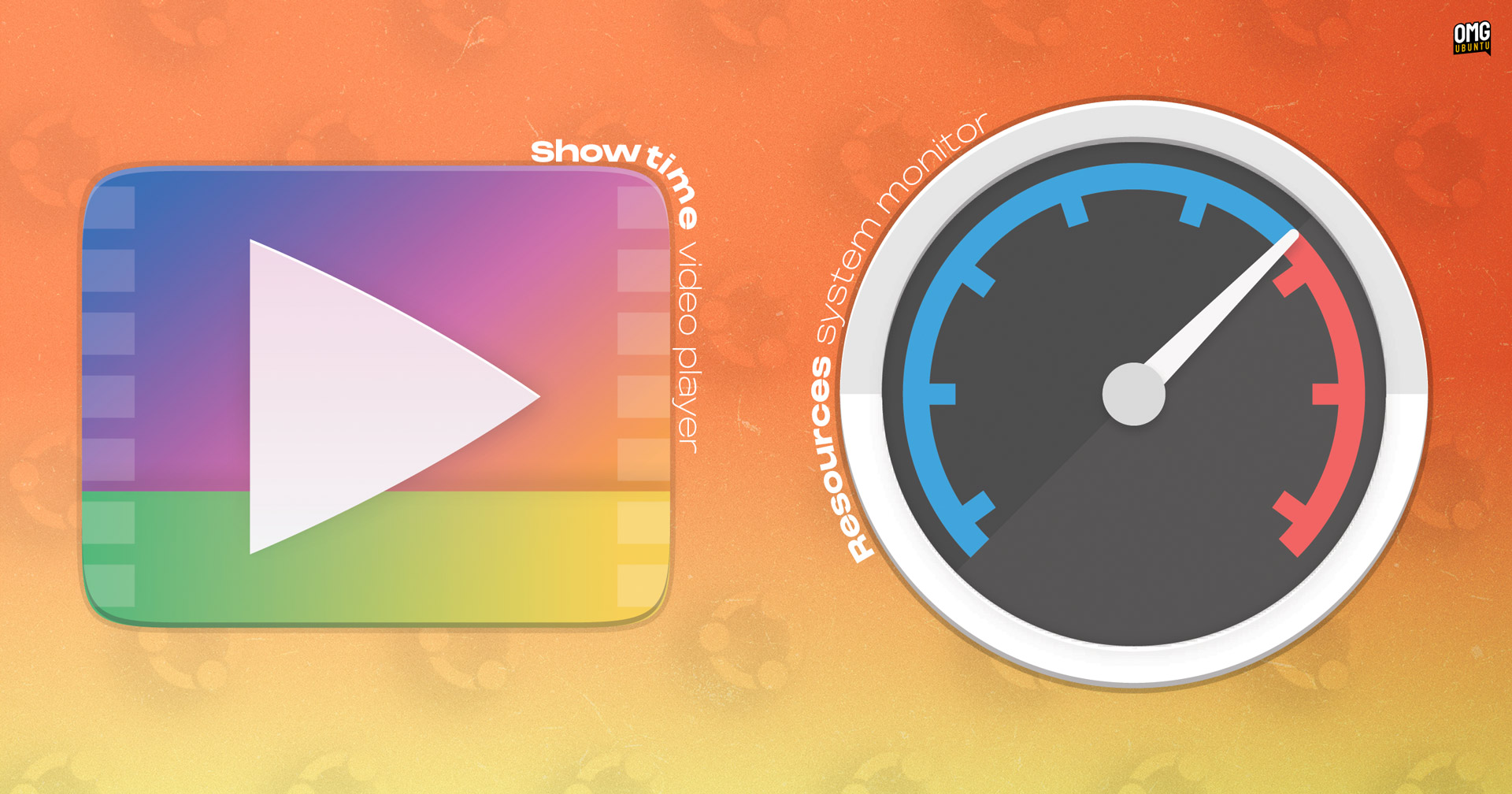
A couple of new icons have been added to Ubuntu 26.04 LTS, to ensure the Resolute Raccoon’s new default apps sport a Yaru-ified look in keeping with the rest of the distro.
Ubuntu’s new default system monitor tool Resources gains a new icon. In the Ubuntu 26.04 beta, the app was still sporting its upstream icon. That didn’t look out of place per se, but shape did not conform to the Yaru icon template (circle, squircle or upright rectangle).

That’s now fixed.
Still identifiably a system monitor, but uses the round template with less busy scale markings and simpler gauge hand.
On a related note, Resources was also updated in 26.04 daily builds to fix a few errant issues, like icons for snap apps in the process list and the ‘Combined Memory’ toggle not working.
Showtime’s showy new icon
Ubuntu 26.04 LTS swaps the GTK3 Totem video player for the newer, fancier Showtime, written in GTK4/libadwaita.
Initially, the app was using the upstream icon, but it’s been given a recoloured version of Yaru’s Totem icon using the upstream colour scheme.
Gaudy gradient, ahoy.
Unlike Resources, which is part of the minimal install, Showtime is only preinstalled if you pick the ‘expanded’ install option. You can install it at any time yourself via the App Center or by running sudo apt install showtime.
Resources retains its branded name (it’s not listed as System Monitor), but Showtime is labelled perfunctorily in the app grid, where you’ll find it called Video Player.
If you have installed or upgraded to Ubuntu 26.04 early to help test, the new icons are waiting in the Yaru theme updates. Pop open the Software Updater or run an apt update to get them.