

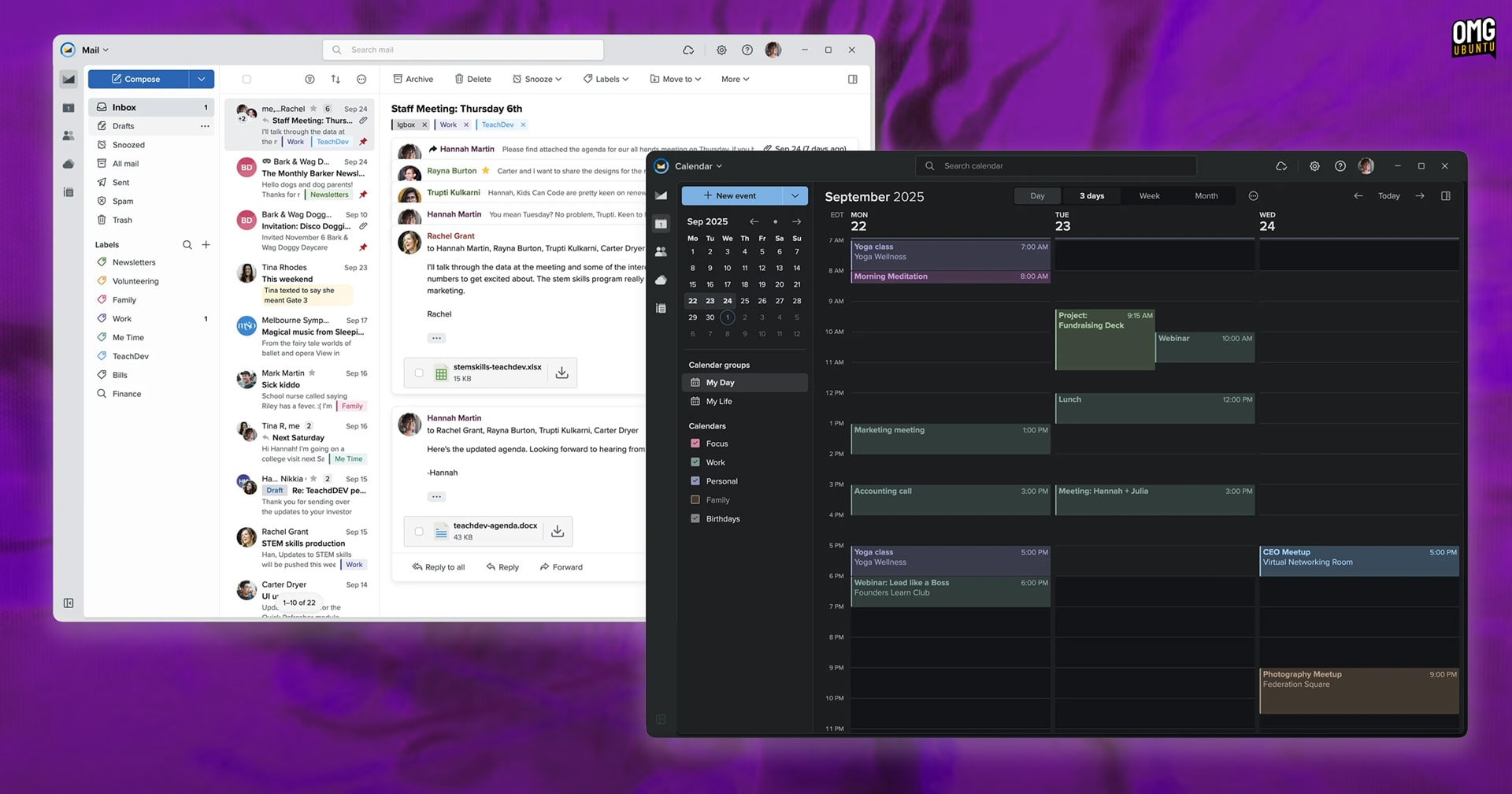
Paid email service Fastmail has just launched an official desktop app, and the best bit is that it’s available for Linux, as well as macOS and Windows.
The Fastmail desktop app has the same interface and feature set as the web-based client, but runs as windowed, standalone app with system integrations, like dock icon, badging, hooks to set it the default system email client, offline support and more.
It is similar because this ‘app’ is an Electron-wrapper around the official web client, albeit boasting deeper OS integration, including desktop notifications and respecting dark mode preference, than a regular browser tab provides.
The functionality inside — keep in mind this article isn’t an overview of Fastmail as a service — will be familiar to existing users. Mail layout options, behaviours, icons, theme tweaks, account management and others settings available in the web client are available here.
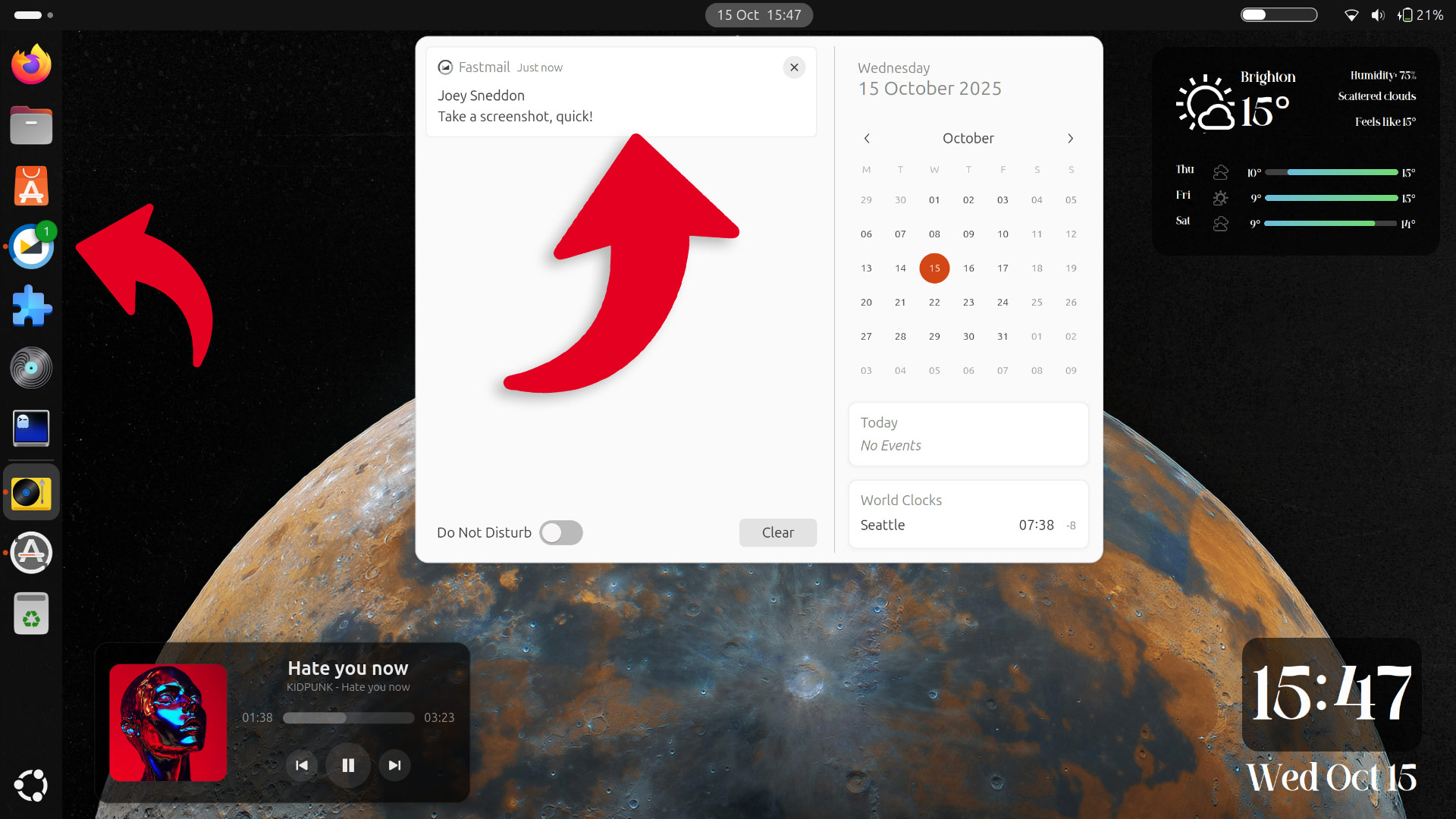
To prolific Fastmail users, managing their e-mail workflow in separate app could be preferable to a tab, since it’s easier to switch to, surface and juggle with other apps, system actions can open it, and seeing notifications and alerts is easier:
Will the use of Electron cause some scoffing? You bet!
Yet, keep in mind that Fastmail is a comparatively smaller company with a smaller user-base than rivals web-mail services. A native GTK4/libadwaita app with support all of its features would be sweet, if but a little unreasonable to expect – even Discord uses Electron.
That said, it didn’t have to be this way.
On macOS, there are third-party wrappers that integrate Fastmail on macOS without the Electron overhang, making use of an API (as Fastmail is built on the open-source JMAP backend). It offers more features, and come in at a fraction of the install size: ~10MB vs 300MB.
Who is this for?
The Fastmail desktop app is not a standalone desktop email client like Thunderbird, Evolution, MailSpring et al. It is not provider-agnostic.
Fastmail is a webmail provider like Gmail or Yahoo! Mail or Outlook, but it is not “free” to use (beyond a 30 day free trial to test). As a paid service that is not owned by “big tech”, Fastmail is free of ads and AI gimmicks, doesn’t track, profile or use your data for icky ends.
This post isn’t a pitch on why anyone should use Fastmail over anything else, but suffice to say that if privacy, security, a lack of vendor lock-in, simple migration, power-user features, search that works, human support (no chatbots) etc appeal, it’s worth the £5 a month.
Download Fastmail Desktop App
Users on Windows and macOS (Apple Silicon) can download an installer for the new desktop Fastmail app from the company’s website, while Linux users can get it from Flathub (not verified at the time I publish this, but it will be shortly).
What’s interesting (if you’re a nerd like me) is the promotional image Fastmail made to promote the app in their blog announcement. It uses Windows and Apple icons (to say ‘it’s available on Windows and macOS’), plus the Google Play logo synonymous with Android and…

Yes, that’s the Flathub logo at the end.
Typically, “companies” convey “available on Linux” with a penguin motif, irrespective of the packaging method or distribution outlet they using. To see a Flathub logo used is a striking reminder at how far the popularity of this Flatpak store has reached.
Not a fan of Flatpaks? Hopefully other methods appear in time. Given how many other Electron-based apps are available on the Canonical Snap store, and how easy it is to create AppImages from Electron apps, both of those would be welcome options.