

Ubuntu 25.04 with GNOME 48 introduced new Wellbeing controls which, once enabled, remind you to take a break, look away from the screen, go check OMG! Ubuntu—wait, I made the last one up.
But you can get similar wellbeing prompts on earlier versions of Ubuntu, where such features aren’t provided built-in, using apps.
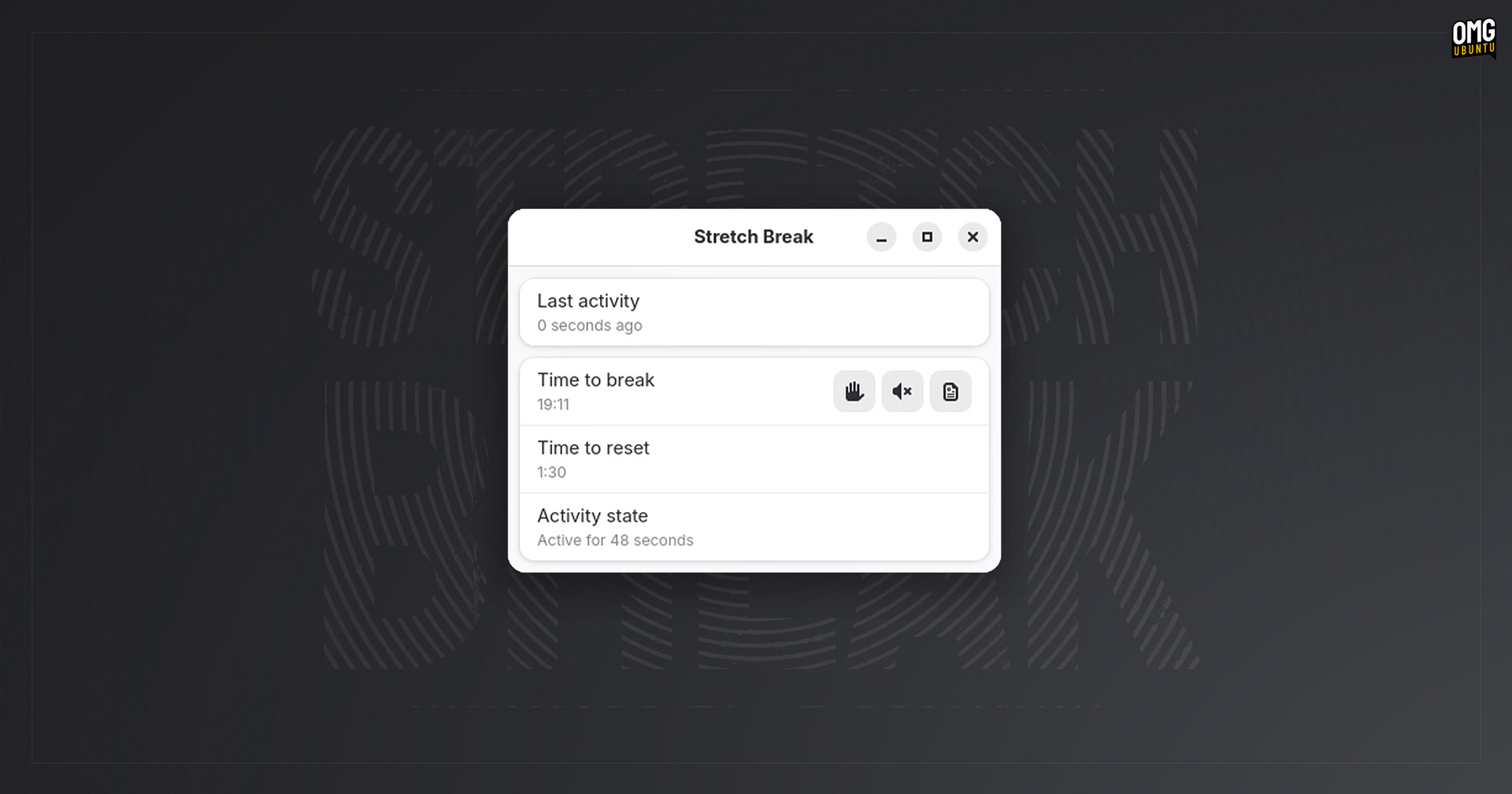
A new one (with companion GNOME Shell extension) called Stretch Break hit Flathub this week.
Its sole purpose? To remind you to take regular breaks (so you can stretch your legs, rest your eyes, breath deeply, chase the cat, stepping outside to scream and thus relieve the relentless existential dread, etc).
This conceit ought to be familiar to anyone who has tried apps like Workrave or Safe Eyes in the past – same idea here, just in a nicer, modern app (built using Rust, obviously).
Stretch Break will:
- Deliver break reminders every 20 minutes
- Pause its break countdown if you’re not using your computer
- Automatically reset the break countdown if you’re AFK for a while
It also has options to
- Mute all break reminders for a set period
- Reading mode to keep countdown active while mouse/keyboard are idle
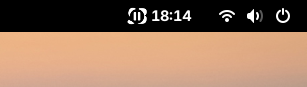
Stretch Back can be run and used as-is, but its developer has made an accompanying GNOME Shell extension. The add-on does nothing other than show a countdown—which I find a tad pressuring, since it’s a form of clock watching—until the next nag.
—I mean ‘nag’ in a positive sense, like the way parents would nag us to do something good—eat our greens, tidy up, call once in a while— but which feel as much effort to hear as they are to do.
If you’re into that, you can grab Stretch Break from Flathub, and the companion extension from (where else) the GNOME Extensions website. The app is free, open-source software written in Rust with a GTK4/libadwaita GUI.