

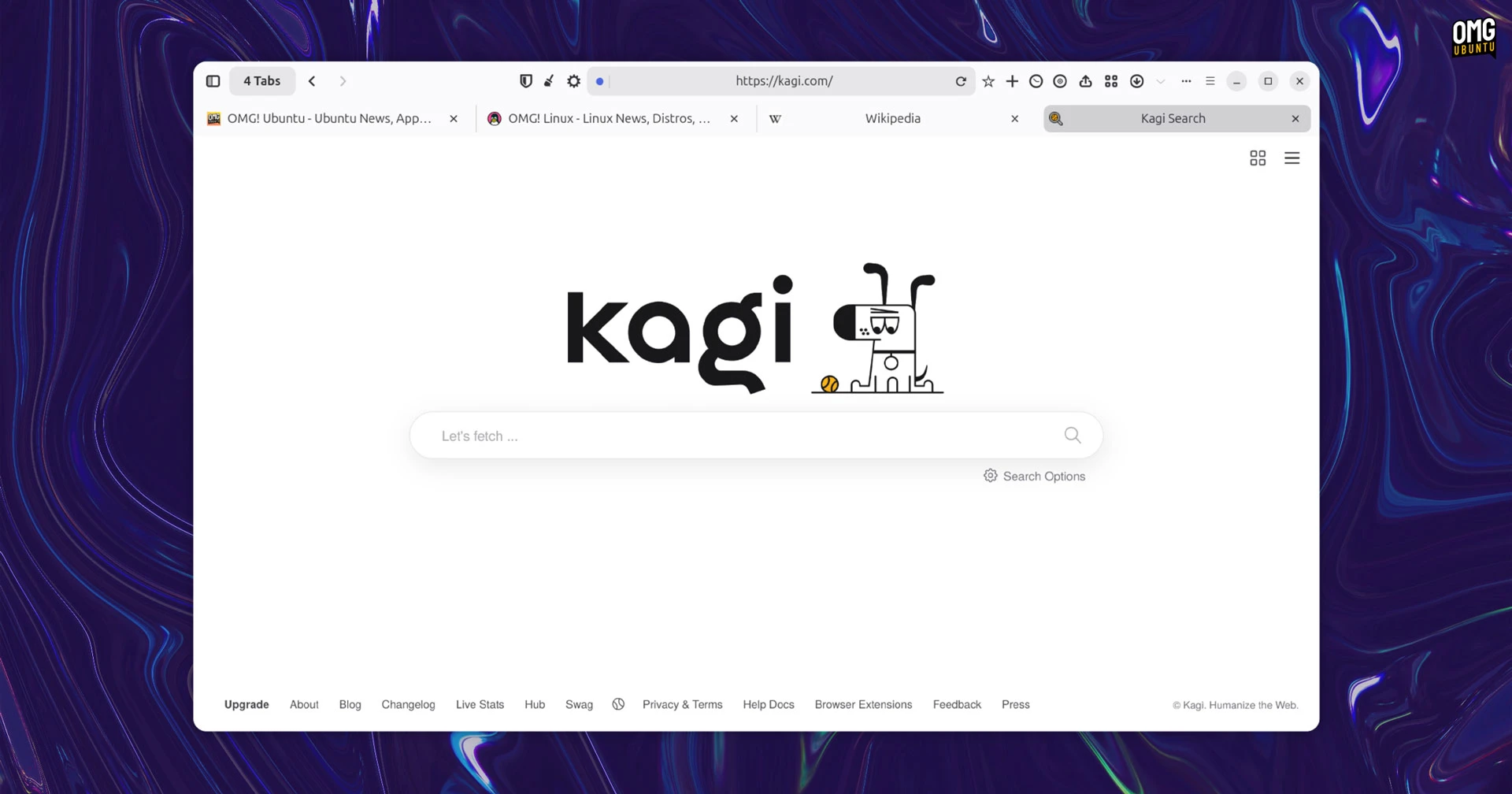
A public beta of Orion for Linux is now available to download and try.
The WebKit-based web browser from paid search engine Kagi has been stable on macOS and iOS for a while, but a Linux port was announced last year, and Linux alpha builds made available for paying Orion+ subscribers in January.
Now the beta is here and (almost) anyone can give it a go on Linux, not just subscribers.
Orion isn’t a recoloured Chromium or another Firefox fork, but a native Linux app built in GTK4/libadwaita and WebKitGTK, with platform-level integration. The closest comparison would be GNOME Web (aka Epiphany), though that tacks to a narrower scope than Orion.
In an update shared with followers of its Linux newsletter, the company says: “We know many of you have been eagerly waiting for a chance to try Orion Browser on Linux, and we’ve been hard at work to make progress behind the scenes.”
“After months of building the foundations, we’re excited to share this early beta with you. It’s our first opportunity to let you get hands-on with the new features we’ve been developing.”
I installed the ‘early beta’ on Ubuntu 24.04 LTS to see how things are shaping up.
Orion’s early beta is for testing
Orion for macOS is liked for its extensive UI customisation, built-in privacy and blocking controls, iCloud sync and support for using Chrome, Firefox, and Safari extensions – but don’t expect that level of feature completeness in the Linux beta.
Feature parity with macOS is the aim, but things have to start somewhere. This is dubbed an ‘early beta’ for a reason: it’s functional, but intended for testing and bug reporting rather than daily driving.
Web pages mostly load, basic tab management works, and you can add bookmarks, save passwords, and switch between vertical, standard (horizontal) and compact tab layouts. Focus Mode is working, albeit with a quirk – it re-enables vertical tabs on exit.
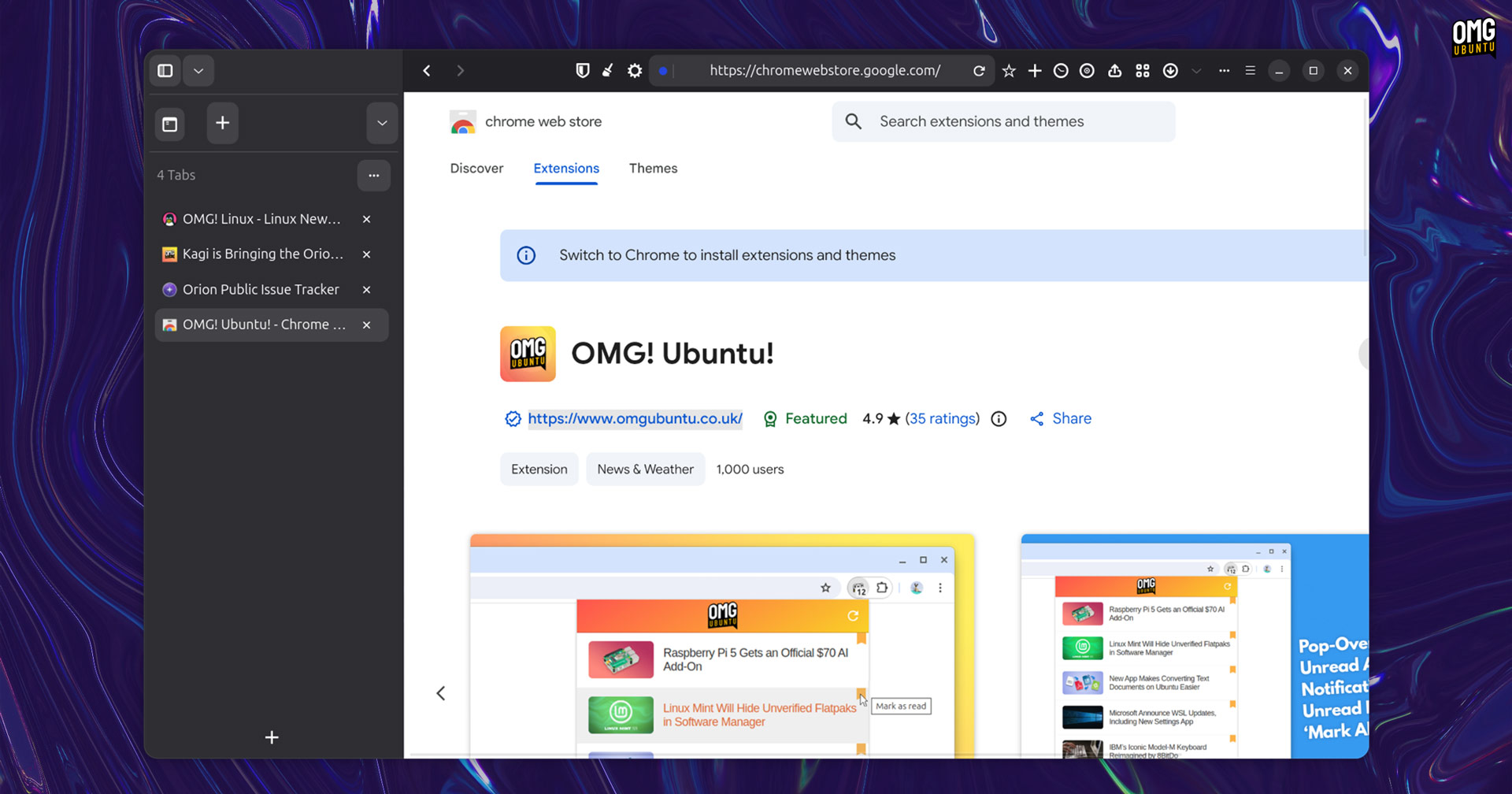
Although the toolbar is crammed with icons at present, and the toolbar isn’t directly editable yet, it’s great to see how well Orion has translated its macOS design into the modern GNOME style.
But there are hurdles to using it as a daily driver address bar lacks autocomplete or history matching, and some of the features I really wanted to try, like Page Tweaks to force colour schemes and erase elements on a per-site basis were present but not functional.

Orion’s Settings page was also cut-off on my testing laptop (FHD @125% scaling), making it hard to filly explore all of the available features (be them working or not). I don’t expect it to be an issue on external monitors or regular scaling values, but I figured I’d mention it.
Bugs, quirks and placeholder features – none of that is surprising for an early beta. There’s enough here to get a feel for where it’s headed.
If Firefox’s AI-powered Smart Window and Nova redesign have you mulling a browser switch, but you’d prefer a non-Chromium alternative, Orion is something to keep an eye on as it develops further.
Orion is free to use, but Orion+ isn’t
Orion is free to download and use on macOS, iOS and here, in beta form, on Linux. An optional Orion+ subscription1 help fund development, unlocks access to testing builds and gives subscribers more say/input on development direction.
To answer the open-source question: Kagi has released some components on GitHub and has said more will follow, but no, this browser isn’t fully open source. Whether that matters to you depends on what you’re weighing it against: if it’s Chrome, Opera GX or Vivaldi, same deal.
How to install Orion beta on Ubuntu

If you signed up to the Orion for Linux newsletter, you’ll have an email with the download link. The beta build come as a Flatpak (.flatpak) and this won’t auto-update – you’ll need to download and upgrade each new version manually.
If you didn’t sign up to get alerts on Orion for Linux you can download the beta to try since the link is in a pinned message in the #orion-linux channel on the Kagi Discord…
Ubuntu doesn’t support Flatpak out of the box, so you’ll need to install it first:
sudo apt install flatpak
Then install the Orion Flatpak from wherever you downloaded it to:
flatpak install /path/to/oriongtk.earlybeta.flatpak
Orion’s Linux build uses the GNOME 49 runtime, so if you haven’t used Flatpak before, expect the first install to pull down around 700MB of runtimes too. Those runtimes are shared across any other Flatpaks you install, so it’s a one-time cost.
Got suggestions or hit a major issue? Let the team know @ orionfeedback.org.
- You can see how many people pay for Orion on the Kagi stats website. ↩︎