
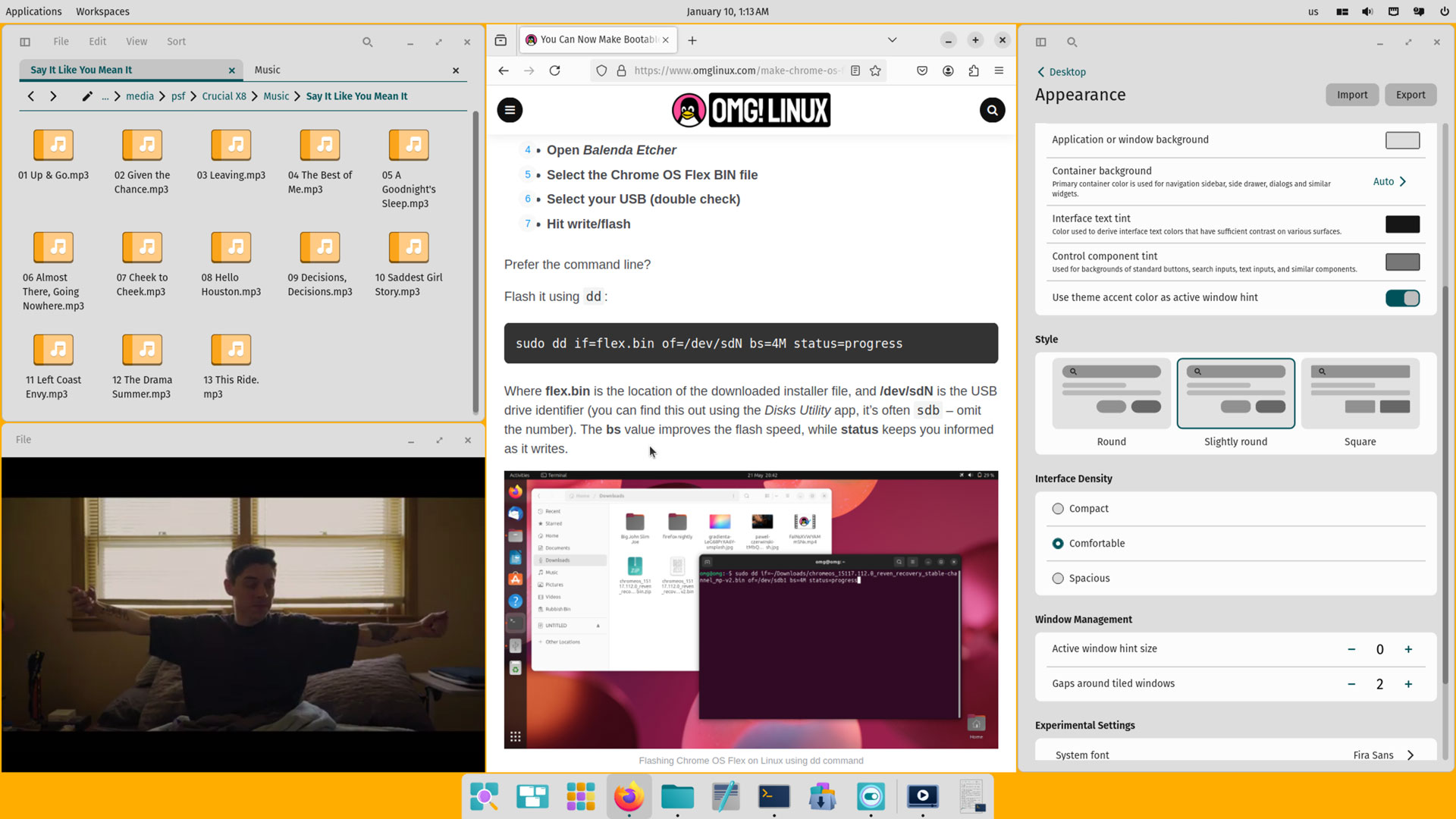

A new alpha update to System76’s COSMIC desktop environment has arrived with a clutch of interactive improvements.
This is the fifth alpha of the Rust-based DE since August 2024. More alphas will arrive each month until all the features planned to ship in the first stable release – or ‘epoch’, as System76 is calling them – are in place, at which point beta testing will begin.
Arriving alongside this alpha is a refreshed ISO of Pop!_OS 24.04 (Alpha) with COSMIC Alpha 5 preinstalled — but, just like previous COSMIC desktop alpha releases, users of other Linux distributions, like Arch Linux, can install it too.
For a lick more detail on the notable user-facing changes this update brings, read on.
COSMIC Alpha 5: What’s New?

Those trying COSMIC Alpha 5 will uncover a new Users panel in the Settings app (a sub-pane in System & Accounts). Here, it’s possible to view, add, edit and remove user accounts.
When adding or editing a user, the full name, username and password can be edited. An account avatar can be assigned from a local file, and admin permissions granted or revoked (though only if an admin account is doing the editing, of course).
Working with files gets a little easier as navigation buttons were added to the top of the Show Details pane in COSMIC Files:

Clicking the arrow buttons will shift the detail preview to the previous/next file in sequence, and clicking the bounding box icon will open an image file in the COMSIC Files’ nifty in-app Gallery Lightbox.
Keeping with COSMIC Files, items in the Recents folder (accessed from the sidebar) gain an “Open Item Location” right-click menu option; new files can be saved to a new folder (not just existing folders); and files may be renamed whilst using file search.
And if you come across a video when dipping in and out of directories there’s now a native app to watch them in as COSMIC Media Player is made default media player in COSMIC Alpha 5 (and Totem removed)

COSMIC Media Player uses Vulkan for rendering and vaapi for decoding (where available). It supports subtitles, switching audio track, dedicated volume slider, a seek/scrub bar (auto-hides during playback), and the video area supports pause/play on click.
Better handling of audio files in COSMIC Media Player is planned and to assist users with issues when attempting play back media files, a native codec installation tool is also in the works.
COSMIC Alpha 5 introduces alt + tab recency ordering to page through apps in order they were last active, while alt + shift + tab cycles through apps in reverse order – handy for keyboard-led multitasking.
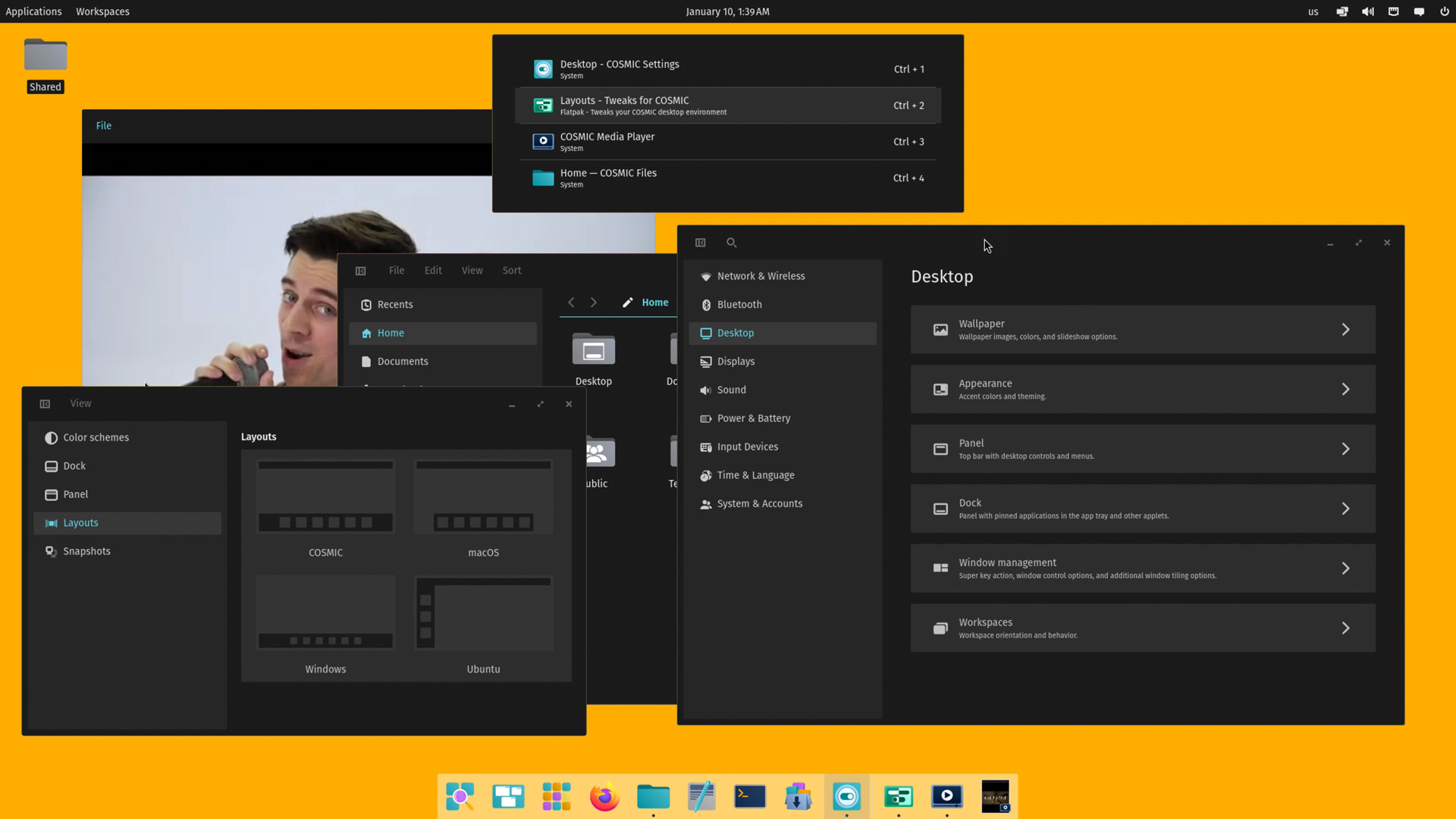
Finally, an important tweak is made to variable refresh rate (VRR) support in alpha 5, building on the foundations laid in alpha 4. VRR settings now take into account the minimum refresh rate of a display.
Why is this important?
This “ensure[s] that the cursor appears to move smoothly, even if an application runs below this minimum refresh rate. The resulting stable cursor framerate is most apparent in non-game applications running in fullscreen mode”, say System76.
The fifth alpha of COSMIC DE also includes:
- COSMIC Terminal: open links by left-clicking URL
- COSMIC Store: no longer shows error when cancelling system auth installs
- COSMIC Edit: possible to scroll to view a single, wrapped line
- Appearance supports tiling gaps lower than 3
- libcosmic apps now respect custom cursor themes (if set)
- Clicking Find Text search field now defocuses active text box
- Context menus will close on right/middle clicks
And as this desktop is still a formative work-in-progress, bug fixes include:
- Right-clicking on a title bar no longer causes pixelation
- Server-side decorations now scale properly
- Missing window controls in Google Chrome restored
- Calendar applet in panels updates after time zone changes
- Changes to default applications now save correctly
- Linux kernel 6.12 compatibility
- Certain letter combinations no longer crash the Launcher
- Transparent windows stay transparent in Workspaces
- Keyboard LEDs maintain state after un/plugging in
In all, another welcome set of updates – updates that anyone already running Pop!_OS 24.04 Alpha will have received over the past 4 weeks (open COSMIC Store > Upgrades to get the, if you haven’t been updated via apt).
Those unafraid of rough edges can download the Pop!_OS 24.04 Alpha 5 ISO from the System76 website. The ISO may be flashed to a USB, SD card, etc and used to boot the distro on real hardware, or spun up in a VM for safe play.
If you try this alpha out let me know what you think of it, and if you’d feel confident using this as a daily driver desktop already!