
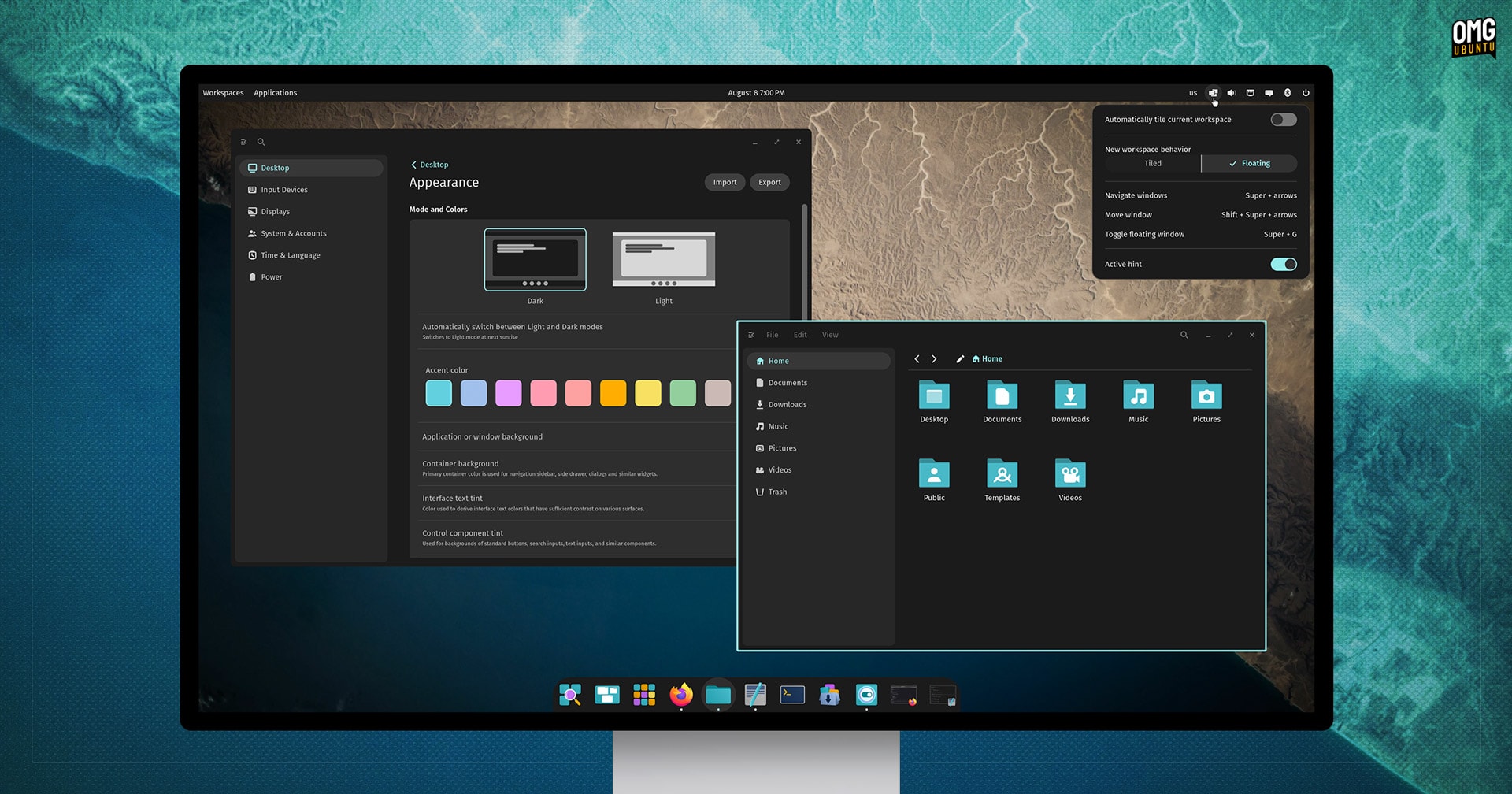

The wait is over: System76’s new COSMIC desktop environment is ready for its first test flight.
You’ve heard the hype about COSMIC. You’ve tracked news on its development. You’ve seen screenshots of formative builds on blogs like this one.
But today, you can finally try it out, firsthand.
The first public alpha of the COSMIC desktop environment has landed alongside the Pop!_OS 24.04 alpha release, giving you an early but exciting opportunity to download an ISO, boot it up, and explore what this Rust-based desktop has to offer.
Stellar Beginnings: COSMIC Desktop Alpha
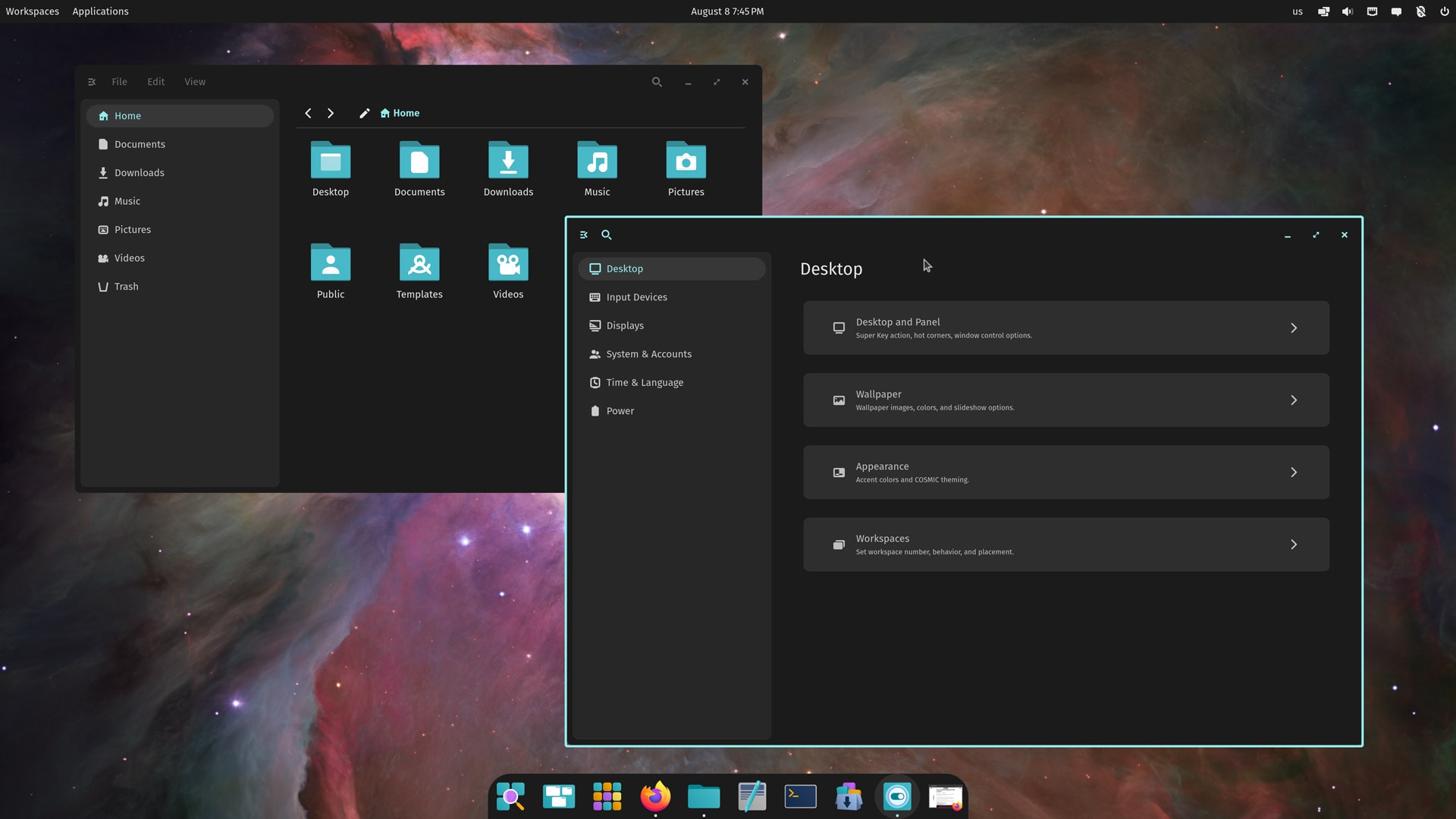
The COSMIC alpha has arrived alongside that of Pop!_OS 24.04, which will be the first version of System76’s Ubuntu-based Linux distribution to use it when it enters stable release later this year.
Pop!_OS 24.04 sits on top of the same technical underpinnings as Ubuntu 24.04 LTS, but the similarities pretty much end there.
System76 applies a considered set of modifications and adaptations of their own, opt for newer Linux kernel and graphics drivers, ship a different stack of software (no snaps), and use their new COSMIC desktop environment, compositor, greeter, and toolkit.
I’ve been testing the Pop!_OS 24.04 alpha with COSMIC for the best part of a week. As an alpha, it has bugs and quirks, missing and incomplete features, and so on. Yet despite the alpha tag, COSMIC (on Pop!_OS 24.04 alpha) runs well enough for daily driver usage.
That’s pretty incredible.

System76’s engineers have, in the space of just over two years, built an entirely new desktop environment, compositor, UI toolkit, theming system, core apps, and more, all from scratch, using the Rust programming language.
Why Rust? System76 say they picked it for “its readability, stability, maintainability, and memory safety; many modern computer vulnerabilities happen in the system’s memory, and Rust makes it easy to write memory-safe code.”
But Rust is a newer language, and no major desktop environment has been built using it – until now – which required System76’s engineers to work plumbing in features much lower down the stack, like compositing, text rendering, and so on.
It’s the engineering feat that impresses me most in COSMIC. System76 was able to get from nothing to this level of functionality in a couple of years — who knows what improvements, features, and enhancements they can add in a few more!
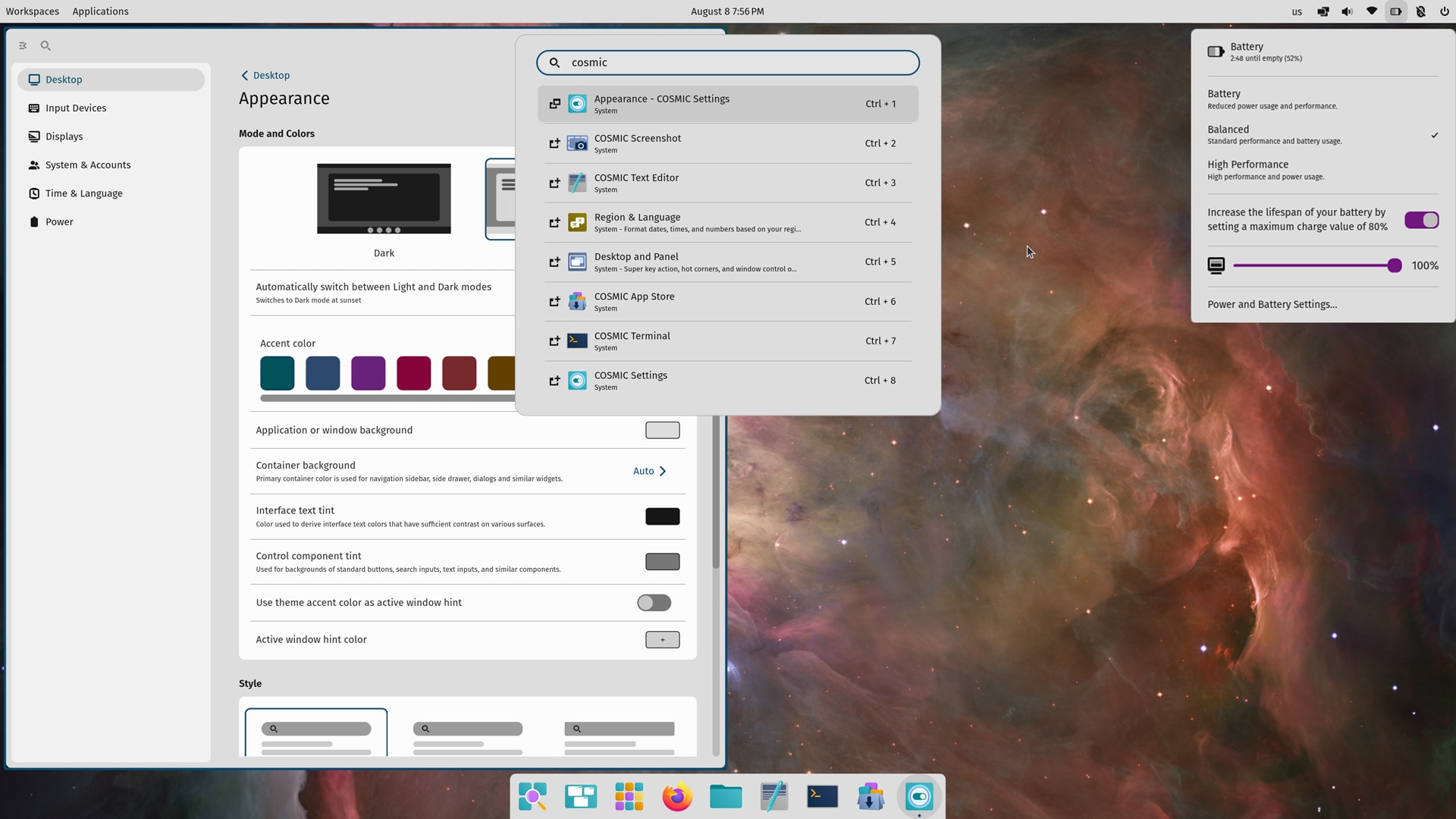
Of course, COSMIC is at the heart of Pop!_OS 24.04, where it replaces GNOME Shell and the many ‘Pop Shell’ GNOME Shell extensions earlier versions of Pop!_OS used.
And the new Rust-based reimagining of the Pop!_OS user experience treads closely to the UX/UI that went before.
This familiarity with the GNOME-based incarnation of the Pop Shell experience is entirely by design. Why fix what isn’t broken? Instead, System76 have chosen to reimplement the core UX but, it’s no longer an ‘add-on’, able to extend, expand, and embrace new features.
As such, COSMIC looks near-enough identical: dock at the bottom, bar at the top, the ability to enable automatic window tiling, an OSD app picker, text-based app launcher, vertical workspaces, and so on.
COSMIC is Wayland-first, but you can run X11 apps via XWayland. The compositor supports fractional scaling, refresh rate, NVIDIA hybrid graphics.

But COSMIC Epoch 1 also brings plenty of ‘newness’ to the fore too:
- New design language and theming
- Comprehensive theming system with shareable themes
- Option for horizontal workspaces
- New panel applets and applet customisation
- Enhanced customisation of dock and top bar
- New core apps, including file manager, terminal, text editor
- New Settings app and Pop Store software hub
The theming capabilities are fairly broad, but only affect COSMIC and its native apps using the libcosmic/iced toolkit. Regular GTK/Qt/Electron/etc apps stick with the standard Pop GTK theme (dark brown).
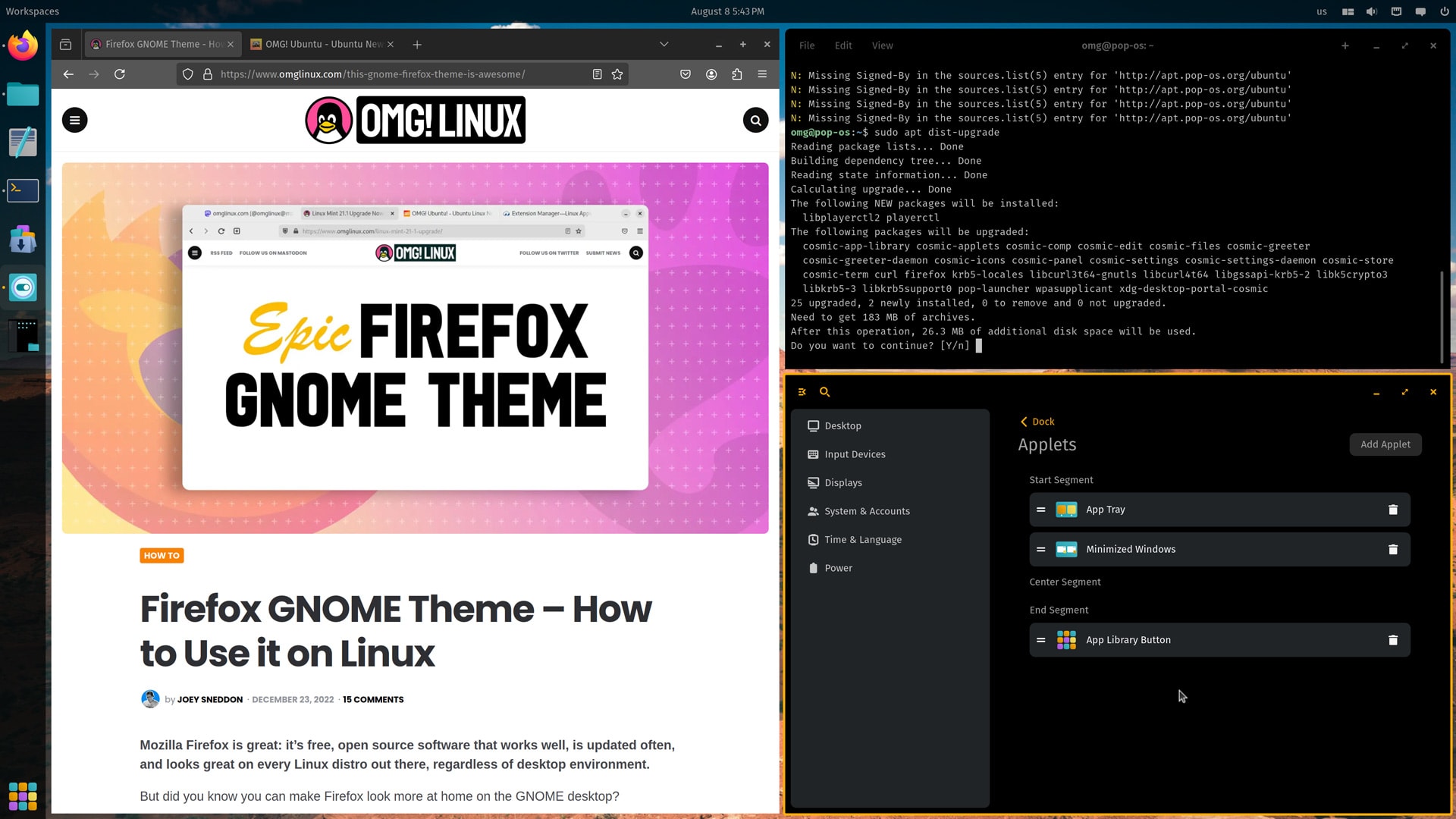
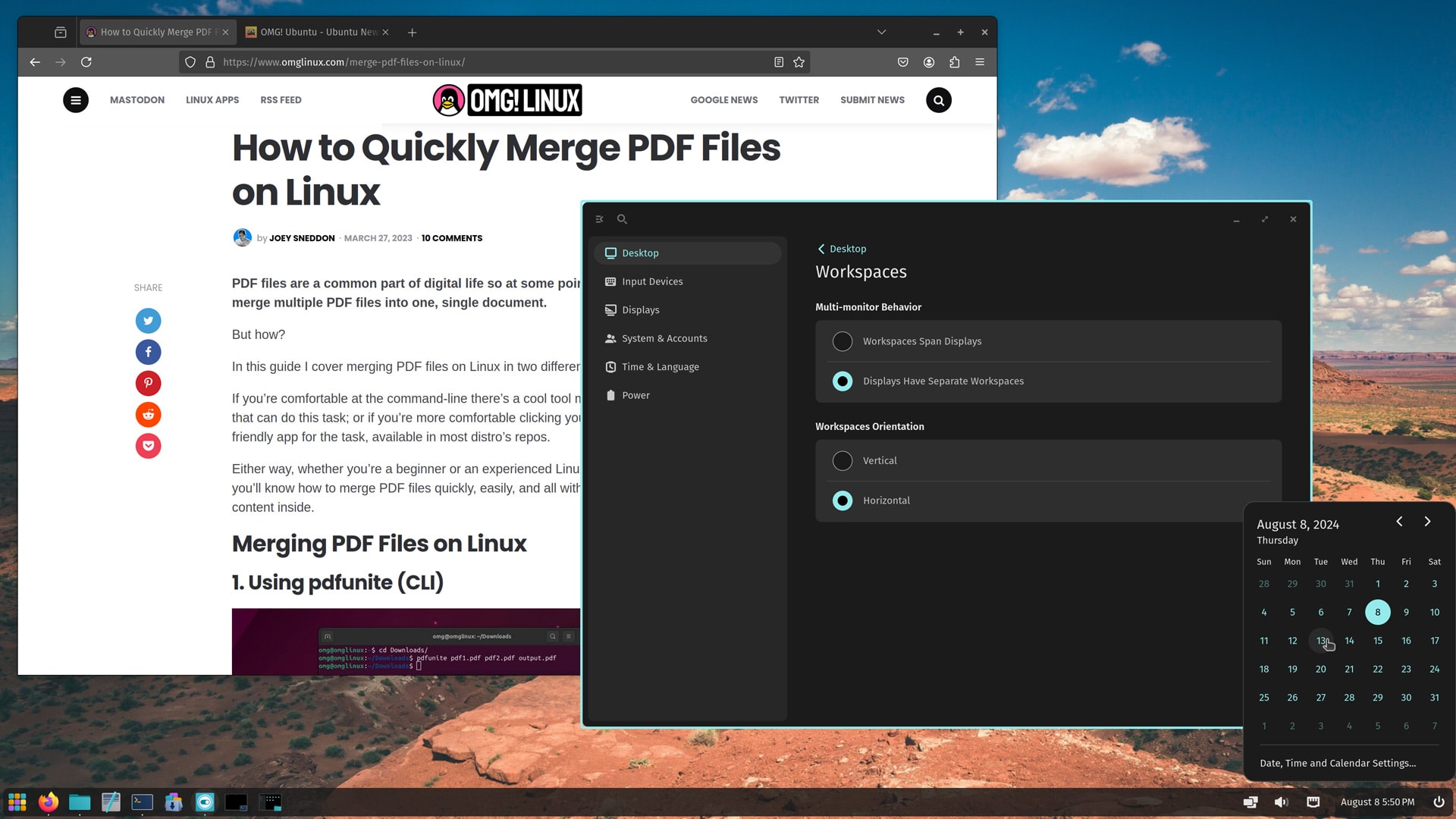

The COSMIC desktop is not exclusive to Pop!_OS. Today’s alpha release can be packaged by and made available in other distros (indeed, talk of an official Fedora COSMIC spin is underway).
“This alpha release puts COSMIC in the hands of Linux developers and maintainers so that they can see what COSMIC can do for their users, and help them achieve the experience they set out to create,“ the company say.
“System76 is excited to see COSMIC integration elevate Linux as a whole, and all the intriguing custom distros and features that come from making UX-building more accessible.”
COSMIC Epoch 2 will be the second official release, due in about a year’s time and will include additional features like touchscreen support. In the meantime, there’s still plenty of stuff to be added to Epoch 1, including accessibility features, a frosted glass effect, and more settings.
Bugs, quirks, incomplete features, placeholder settings, and a general lack of QA testing and polish should all be expected — it is an alpha. Don’t rush in to snap judgments about COSMIC based on playing with this build. You’ll get a more rounded picture by the time of the beta.
A few quirks I noticed: some changes don’t persist or aren’t retained between boots, including keyboard layout (I add a UK layout, reboot, and it’s gone); bluetooth status (I turn it off, reboot, and it’s back on); screen brightness (always a max on reboot), and so on.
Again: it’s alpha, and these aren’t functional dealbreakers.
If you’re willing to ride the bleeding edge, then honestly: download it, put it on a USB stick, try it out (it works okay in a virtual machine but it flies on real hardware).
Go grab a copy and let me know what you think!