

Do you like the idea of using the same profile picture in GNOME Shell on Ubuntu as your Gravatar?
If you do, there’s a GNOME Shell extension to do it. It automatically makes your Gravatar profile picture your GNOME Shell user account icon, which is the profile pic you see at the login screen, lock screen password shield, and auth prompts.
But perhaps you’re not familiar with Gravatar.
Gravatar is a cross-platform avatar service owned by Automattic, makers of WordPress (WordPress isn’t required to use it). You sign up with an e-mail address, set a profile image, then supported websites and apps where you use the same email address, can use it.
Many well-known services support Gravatar, including Disqus comments, GitHub, Trello, SlackOverflow (including AskUbuntu), and the workplace chat platform du jour Slack.
User accounts that have individual, personalised icons makes differentiating users easier when there’s more than one. Since I’m the only person who uses my computers, I rarely set a user account picture in Ubuntu at all.
That said, I do see the GNOME login screen more than my own face thanks to multiple laptops, VMs and other installs. Staring, however fleetingly, at a bland slab of dark grey each and every login is not exactly a hardship but neither it is inspiring.
Setting a user account picture in Ubuntu (well, GNOME) isn’t hard. You can use any supported image format, or select one from a set of pre-populated avatars.
But if I’m going to set a user account image I’d rather it was relevant – i.e., my own dorky visage, my cats, or something I’m interested in.
The Gravatar GNOME Shell extension (unofficial, unaffiliated, etc) solves the issue in one swoop. I just enter my Gravatar e-mail and, bam: –
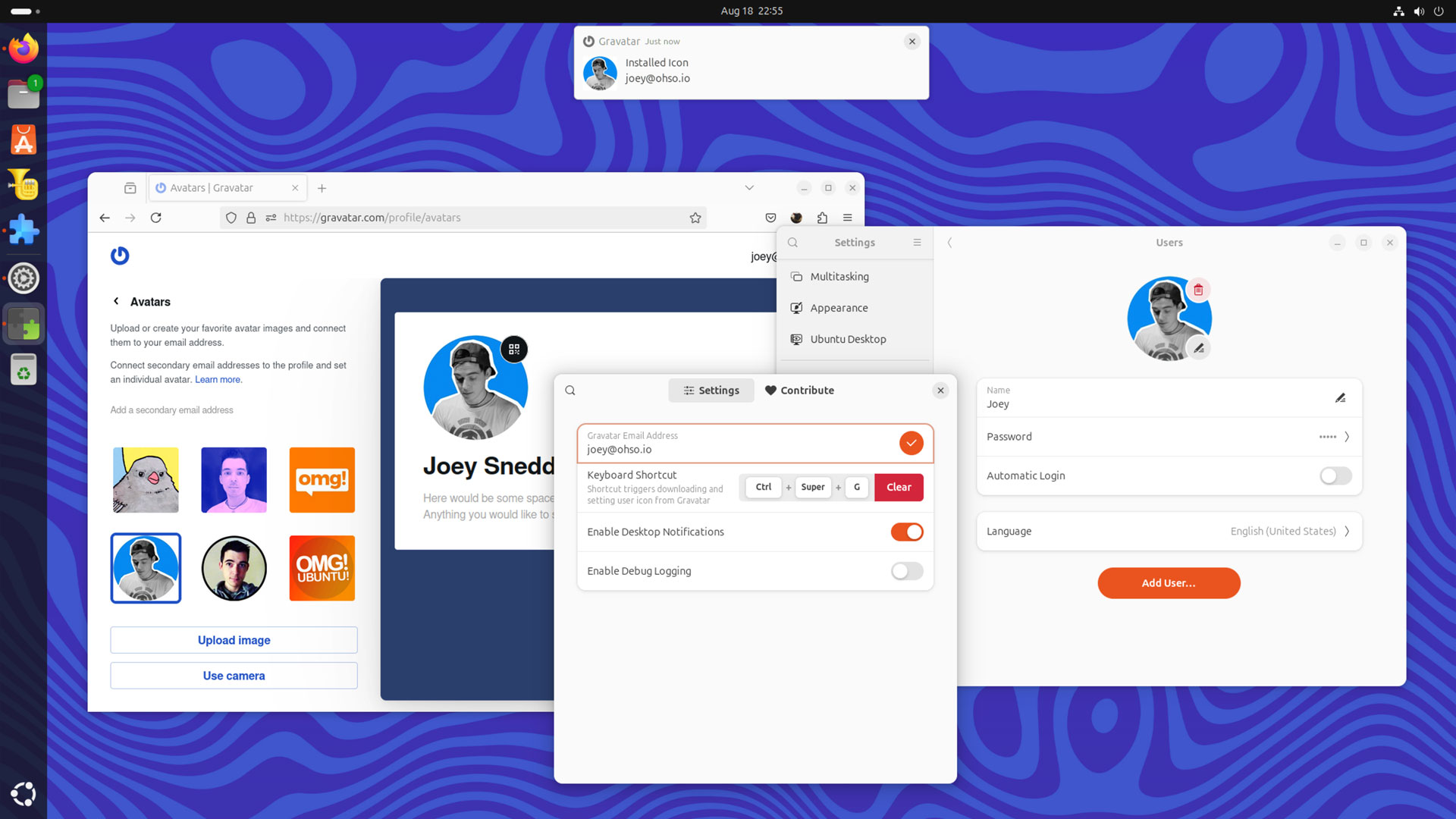
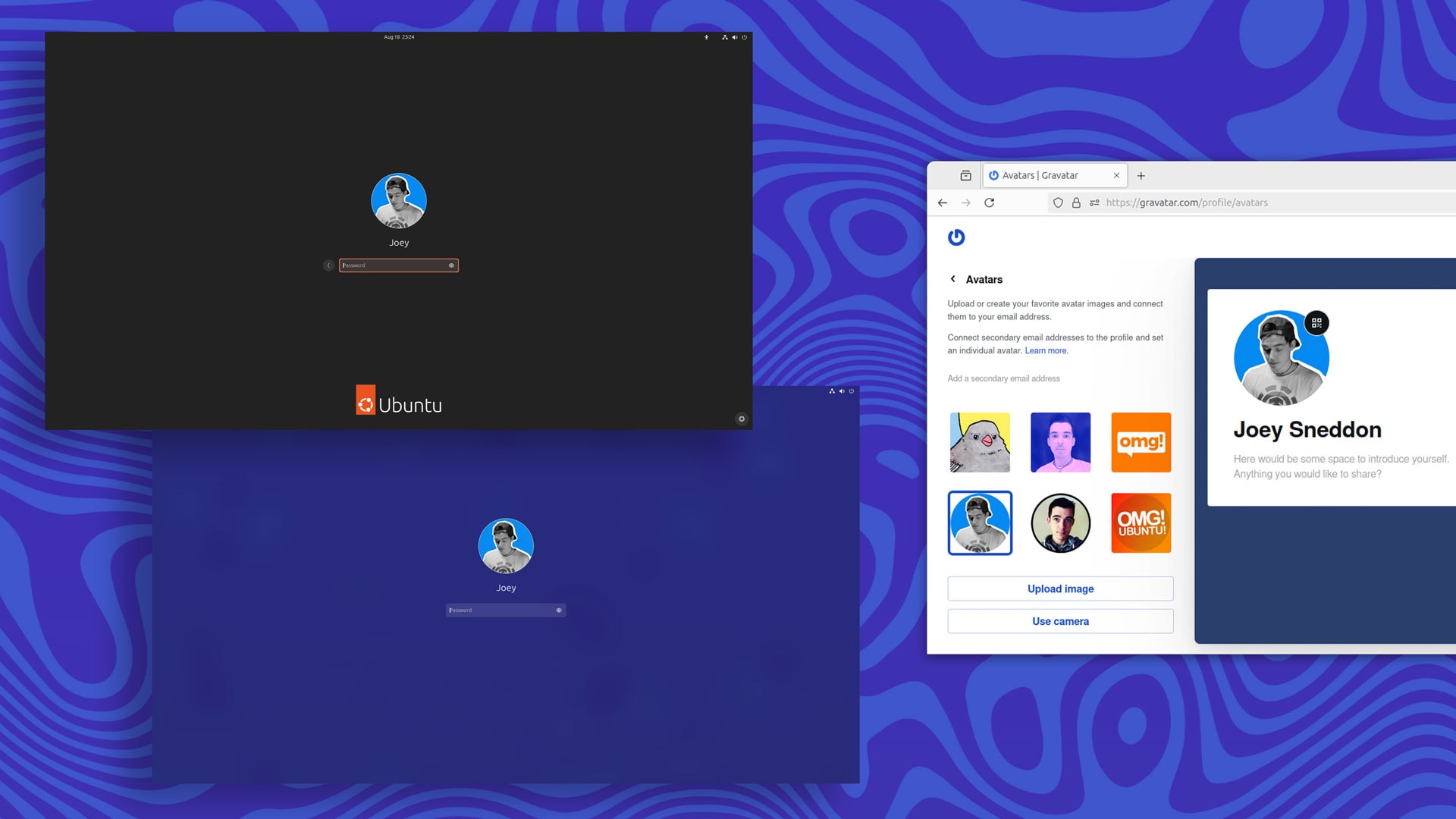
Whatever image I set as my Gravatar, this extension detects it, and sets it as my user account picture. When I change it, I press a keyboard shortcut to have the extension fetch the new one.
Plus, as I install this extension on a number of different installs, I can keep the user account pictures in sync (albeit only for my own personal amusement) without any major effort on my part, beyond installing the extension itself.
You can install the Gravatar GNOME Shell extension from the GNOME Extensions website, either via your web browser with the correct add-ons installed, or via the desktop Extensions Manager app. It supports GNOME 46-47 (Ubuntu 24.04 LTS & 24.10).