

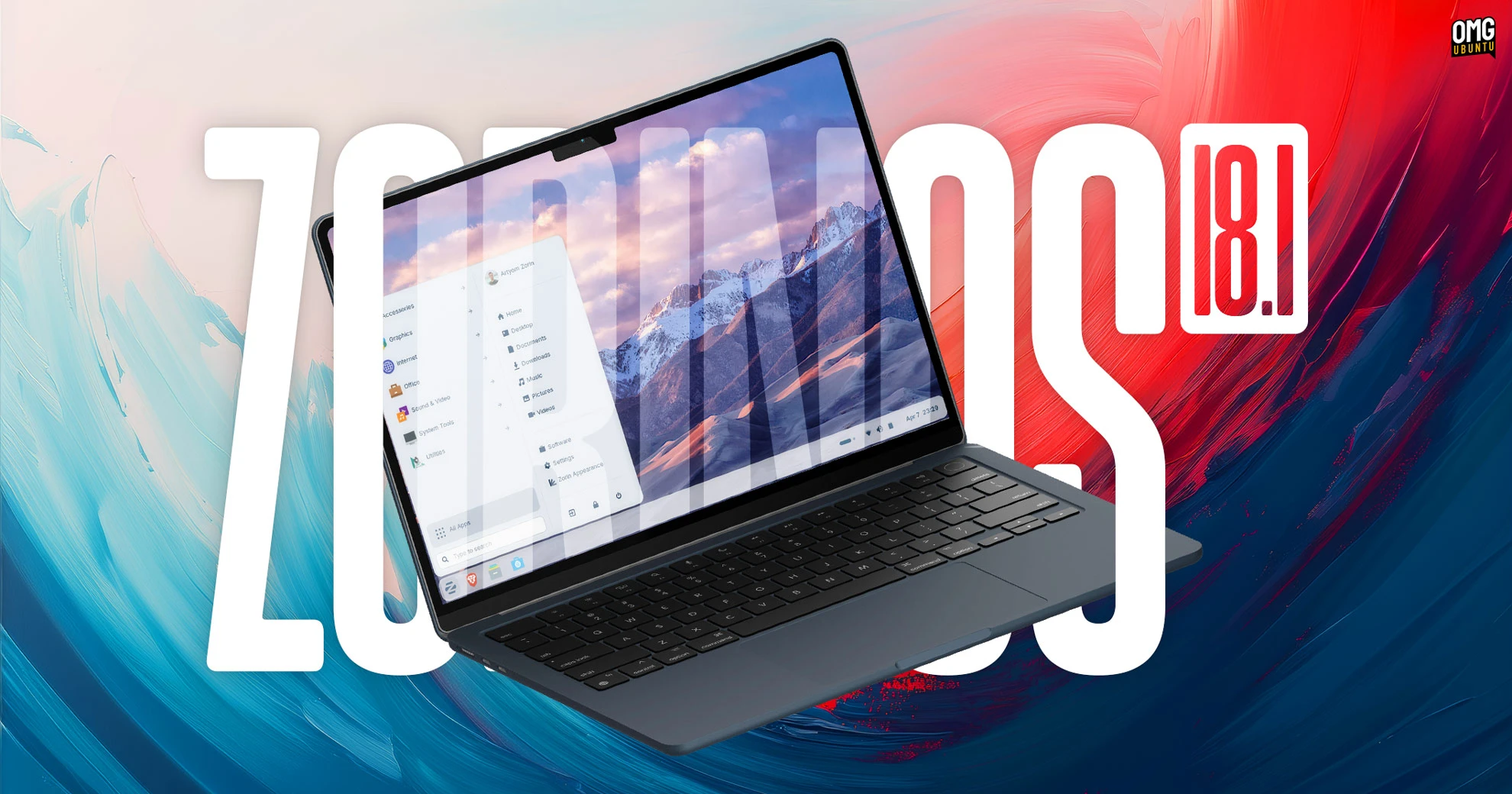
The first point release to Zorin OS 18 is now available for download, arriving six months and some 3.3 million downloads after the original launch.
Zorin OS 18.1 is a point release update. It’s still based on Ubuntu 24.04 LTS-based but adds a variety of desktop refinements, updated software and a new kernel (courtesy of the recent Ubuntu HWE from Canonical).
A new Zorin OS Lite also launches today. This nimble edition is aimed at older, lower-spec hardware and is based around a customised Xfce desktop rather than the GNOME Shell desktop the main edition uses.
If you already run Zorin OS 18 you can update to the 18.1 release directly (via Software Updater or running an apt update). If you’re on Zorin OS 17, use the direct upgrade tool in the Zorin Menu to avoid wiping your files and starting over.
Skip to the download section for links to ISOs of Zorin OS 18.1 and Zorin OS 18.1 Lite.
What’s New in Zorin OS 18.1?
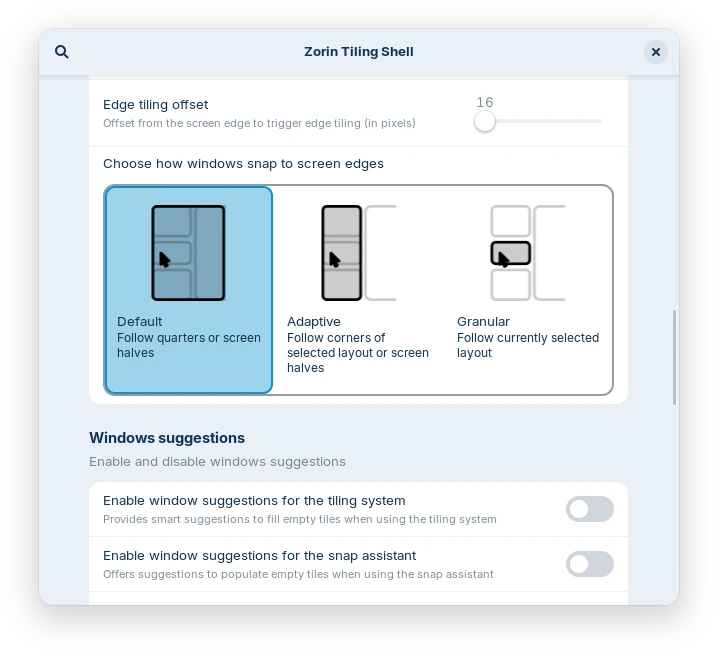
Zorin OS 18.0 added some new features that this point uplift improves, like the Advanced Window Tiling (a fork of the Tiling Shell GNOME Shell extension).
You can now reorder tiling layouts and bring all tiled windows to the foreground together when switching apps.
Enhanced edge tiling lets you choose to snap windows to your active custom tiling layout rather than the standard screen half & quarter tiling options.
All of those features were added in the upstream Tiling Shell extension, but Zorin OS integrates the options within its own settings app and does so in a rather attractive way.
Also new is a toggle to hide tray icons in the panel in Zorin Appearance > Interface. Use this if you’d prefer to keep things tidy, or control individual icon behaviour.
The desktop panel now correctly handles right-to-left scripts to ensure Arabic, Hebrew, and Urdu users see a properly mirrored layout.
Software & Windows app recommendations
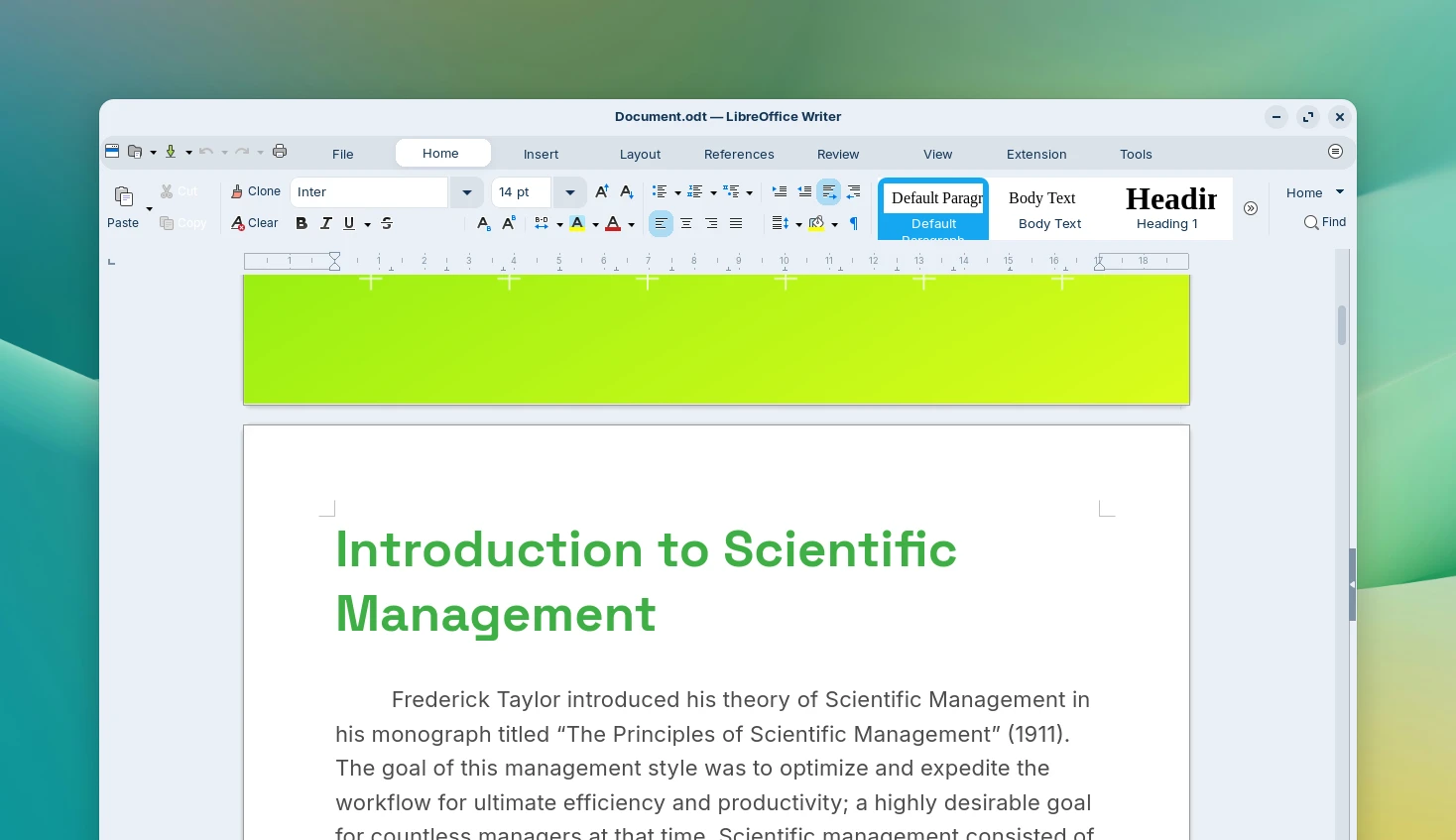
On the software side, Zorin OS 18.1 preinstalls the recent LibreOffice 26.2 release for office suite needs. That update brought (as ever) better Microsoft Office compatibility, as well as a slew of new features including Markdown support.
Another neat feature of Zorin OS, and no doubt part of why it’s proven popular with folks emigrating from Windows, is its built-in Windows app suggestion database. This detects if a user attempts to run an .exe file and recommends a Linux version or alternative.
In Zorin OS 18.1, the database of Windows-to-Linux app swaps was expanded by over 40% according to the developers, covering over 240 apps. Esteemed Linux users won’t ever run in to it, but it certainly does help those switching from Windows.
Zorin OS 18 Lite Edition returns
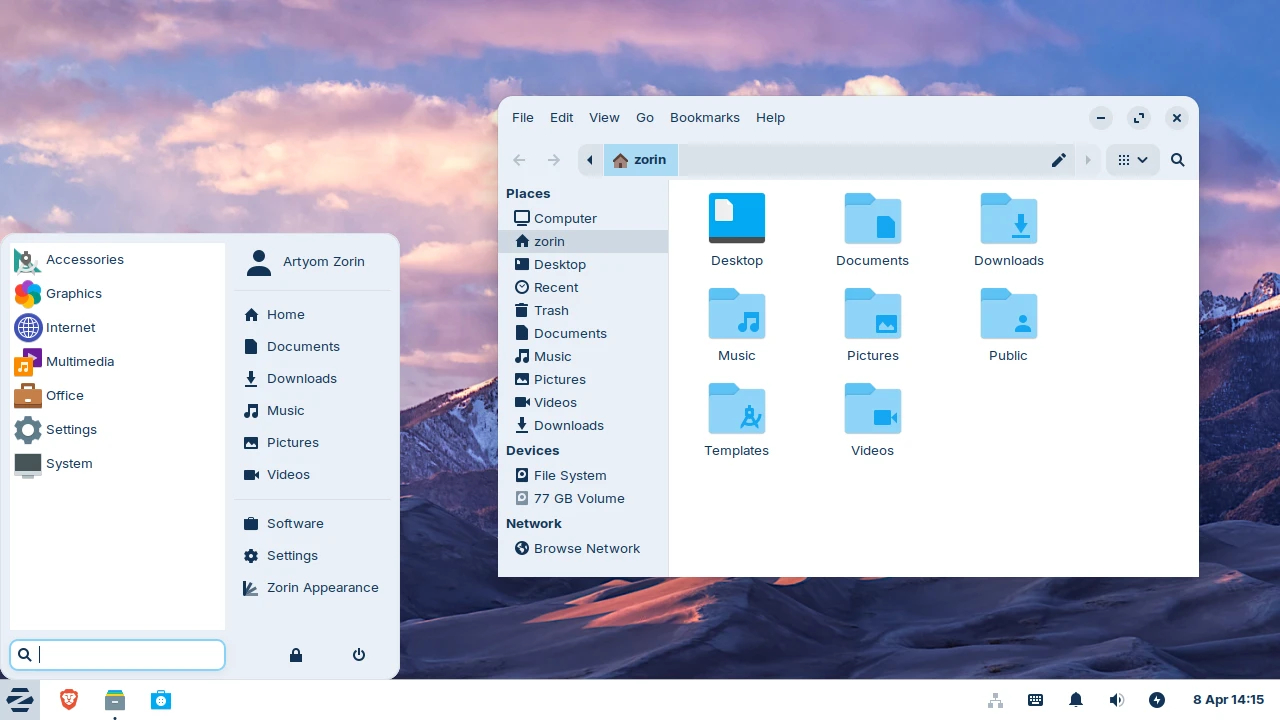
Zorin OS 18.1 Lite edition is also now available. This ships with the Xfce 4.20 desktop and associated core apps. It runs on the same foundations as the main Zorin OS 18.x series (Linux 6.17, Mesa 25.3, etc) but is aimed at older and lower-spec machines.
Those coming or upgrading from Zorin OS 17.3 Lite can look forward to a restyled file manager, support for fingerprint readers and a a refreshed theme (with new yellow and brown colour options). Also includes is the Web Apps tool to turn websites into desktop apps.
More details on this update in the release announcement.
Download Zorin OS 18.1
You can download the new release from the Zorin OS downloads page (for 64-bit Intel/AMD devices), or visit the the support site for a link to download the Lite edition.
The main edition comes in two version: Zorin OS 18.1 Core is free to download and use, but Zorin OS 18 Pro costs ~£48.
Buying Zorin OS Pro unlocks extra desktop layouts, more preinstalled software and funds the distro’s development (with some contributions passed to downstream extensions it bundles).
Existing Zorin OS 18 Pro buyers can download 18.1 from the link in their original purchase email.
Like Ubuntu 24.04 LTS (on which its built), Zorin OS 18.1 is supported with updates and security patches until at least April 2029. That window of stability makes it ideal for those who want to get on with using, rather than perpetually upgrading, their device.