
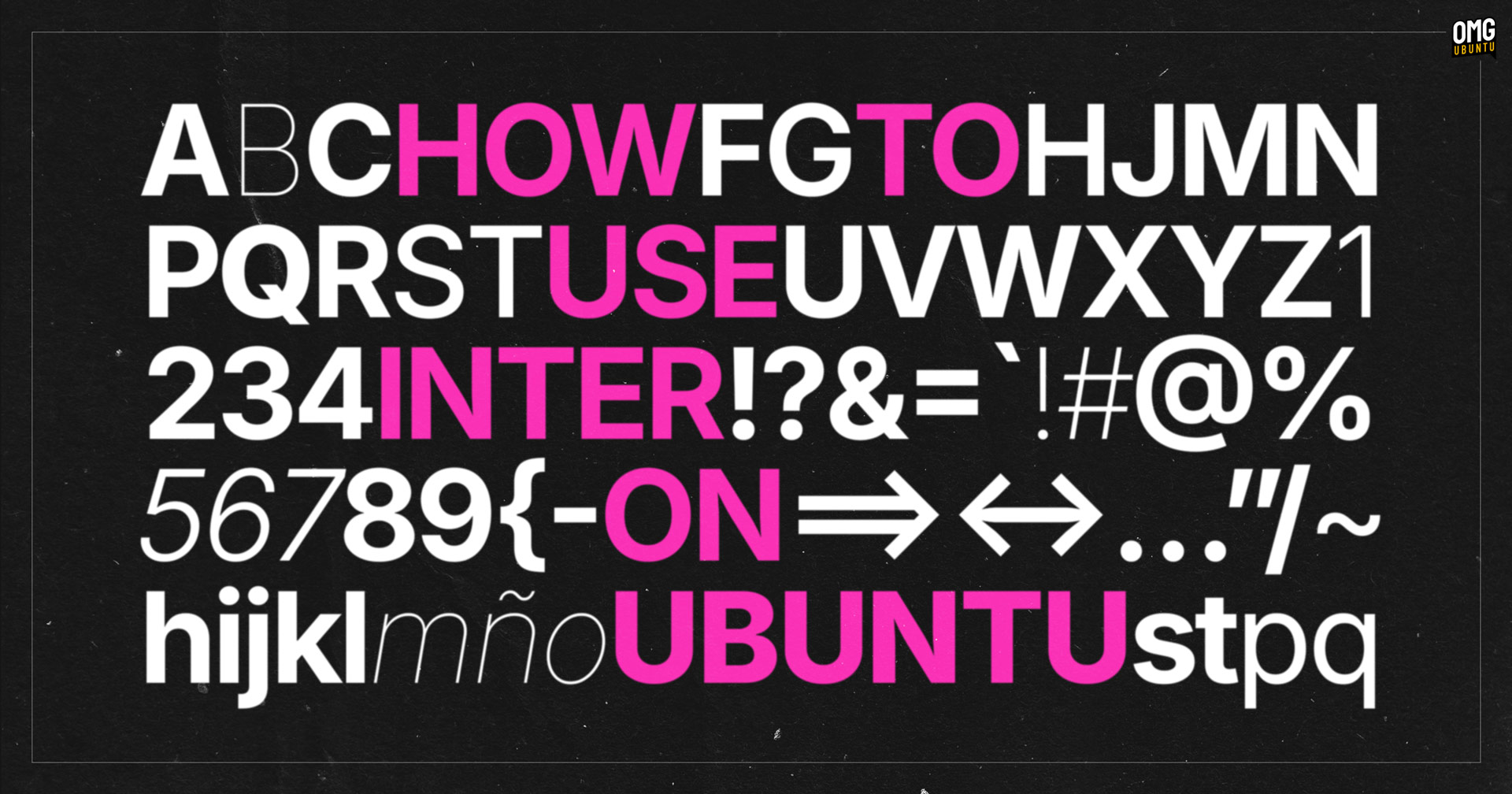

Word that upstream devs want to make Inter the default UI font in GNOME has me wondering what the typeface looks in action on the Ubuntu desktop.
So I decided to find out.
But perhaps you’re wondering why GNOME is interested in switching to Inter.
Inter is an open-source sans-serif font designed specifically for user interfaces. It’s easy to read, well proportioned, and scales well at different sizes and screen resolutions. It also boasts broad character support for hundreds of languages.
Ubuntu-based Zorin OS already uses Inter and I find it lends the distro a very clean look.
However, this tentative typography swap in GNOME is currently just a proposal.
For now, the plan is to swap to Inter during the early stages of the GNOME 47 development cycle to get feedback. Once devs are sure Inter is an adequate replacement for Cantarell, GNOME’s current default font and in use since 2010, it’ll be confirmed.
But even if GNOME devs do choose to make Inter its preferred UI font in GNOME 47 —due for release in September— it won’t affect Ubuntu. Ubuntu has its own font choices, with the Ubuntu font used for the UI since 2010.
With Inter igniting interest, let’s take a look at how to install it and try it out.
Set Inter as Ubuntu’s Default Font
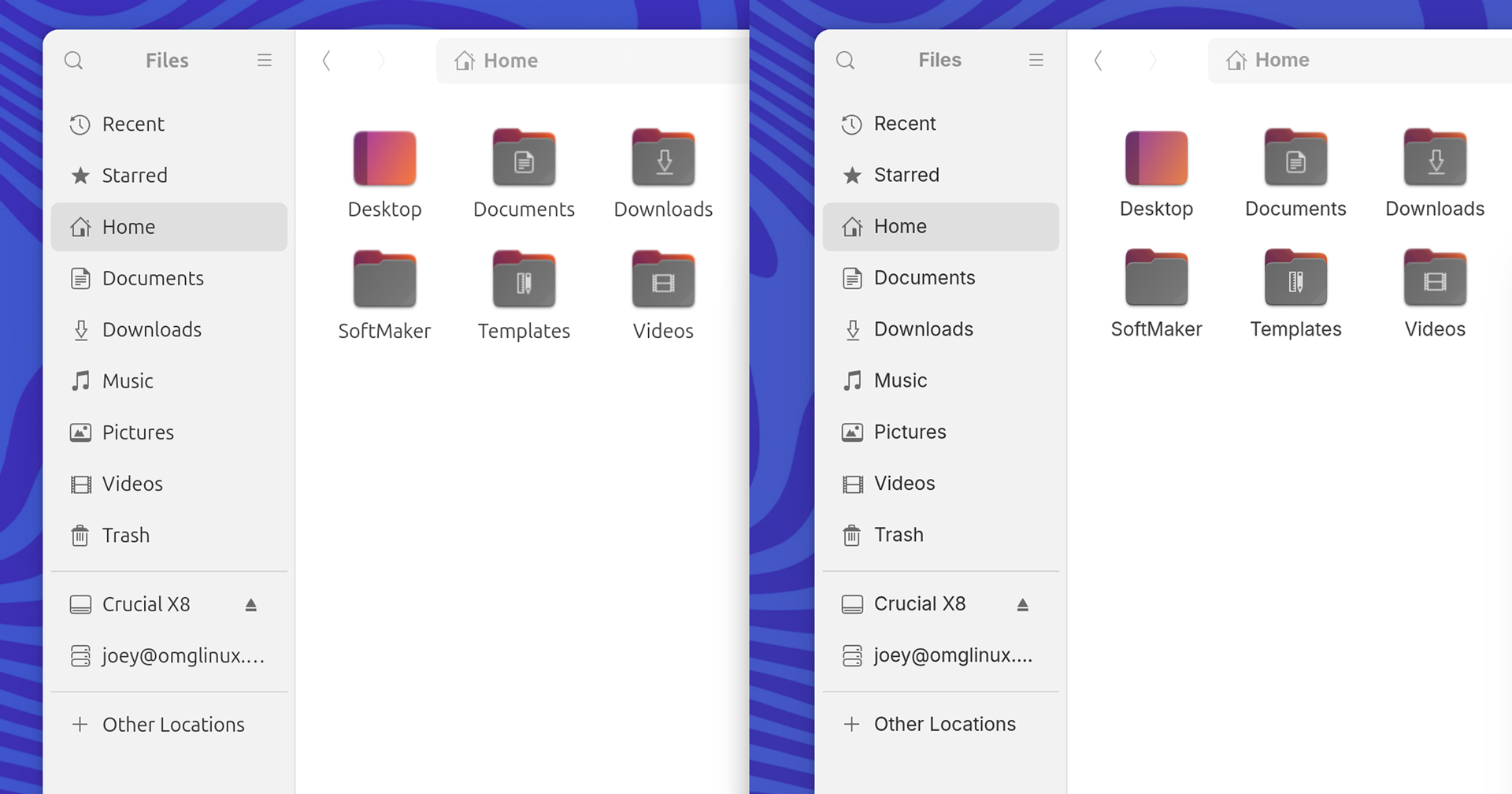
Ubuntu doesn’t follow upstream GNOME’s font choices that doesn’t mean you can’t. It’s really easy to change font in Ubuntu to any font installed on your system.
First step is to install the Inter font package from the Ubuntu repo: –
sudo apt install fonts-inter-variable
Next, set Inter as the interface font from the command line using the following gsettings value1:
gsettings set org.gnome.desktop.interface font-name 'Inter Variable 11'
Don’t want to use the command-line?
Use the GNOME Tweaks tool to change the interface font, or use Dconf Editor (although it’s easy to accidentally change settings in the latter utility, so be extra careful while navigating if using it).
The change takes effect instantly.
Do you like what you see?
Trying fonts on for size
Your screen resolution or your personal tastes may find a font size of 11 is too large (I did). I tried a font size of 10.5 and found it was the “goldilocks” sweet spot for me, on a 2K display.
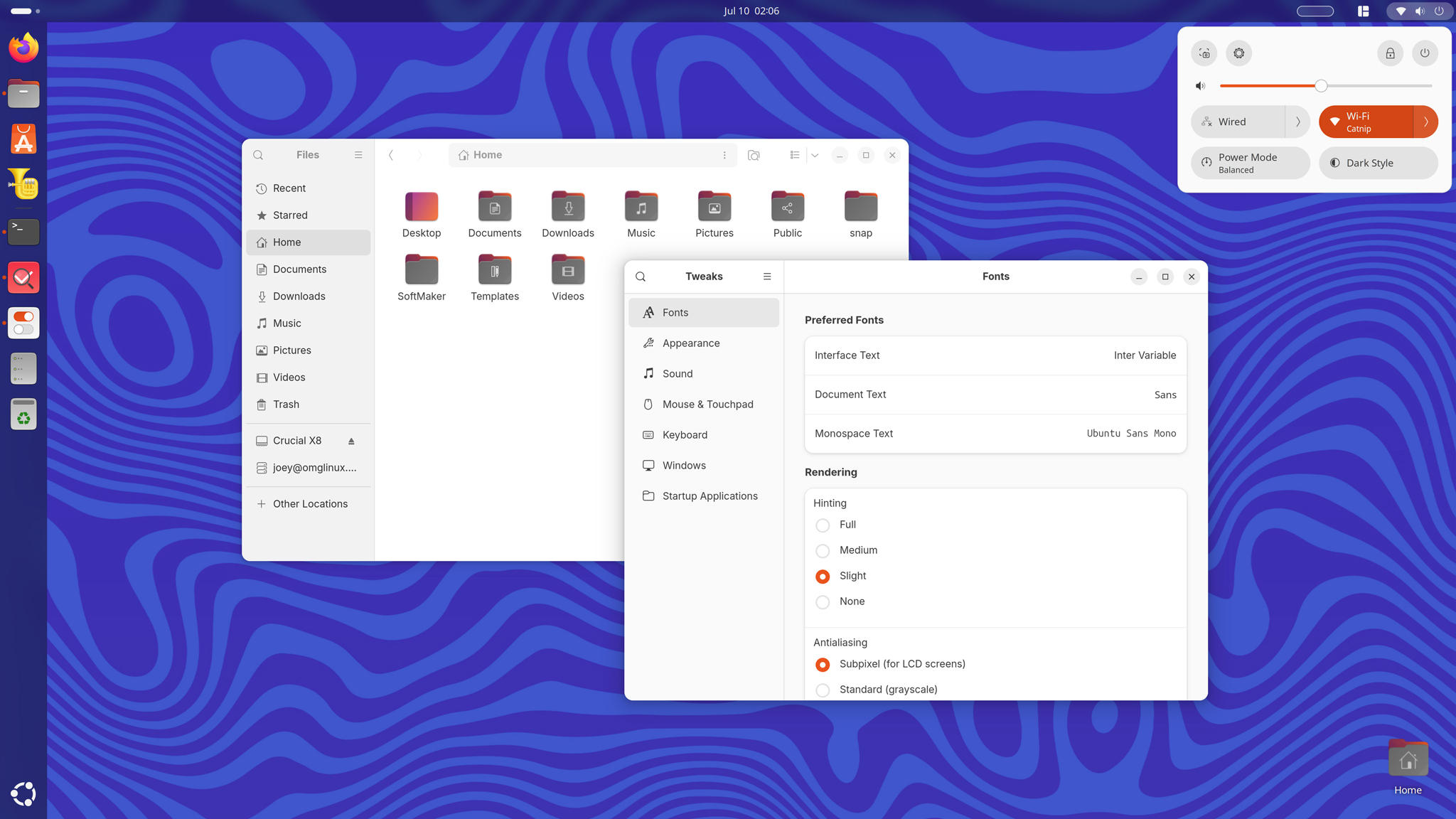
I recommend that you play around with font sizes to settle on a value that looks best to you.
Once you’ve tried Inter you may want to revert back to the regular Ubuntu font. To do that, repeat the steps above, but this time set the Ubuntu font as default, e.g., via gsettings: –
gsettings set org.gnome.desktop.interface font-name 'Ubuntu Sans 11'
As before, the changes are visible immediately.
Which type is your type?
That’s Inter – but is there a different font you default to on your Linux desktop setup? Let me know which, plus what you think of Inter, by leaving a comment down below.
- If copy/pasting the command throws an error about ‘interface’ not found, just type it by hand. Use the tab key to autocomplete values, where needed. ↩︎