

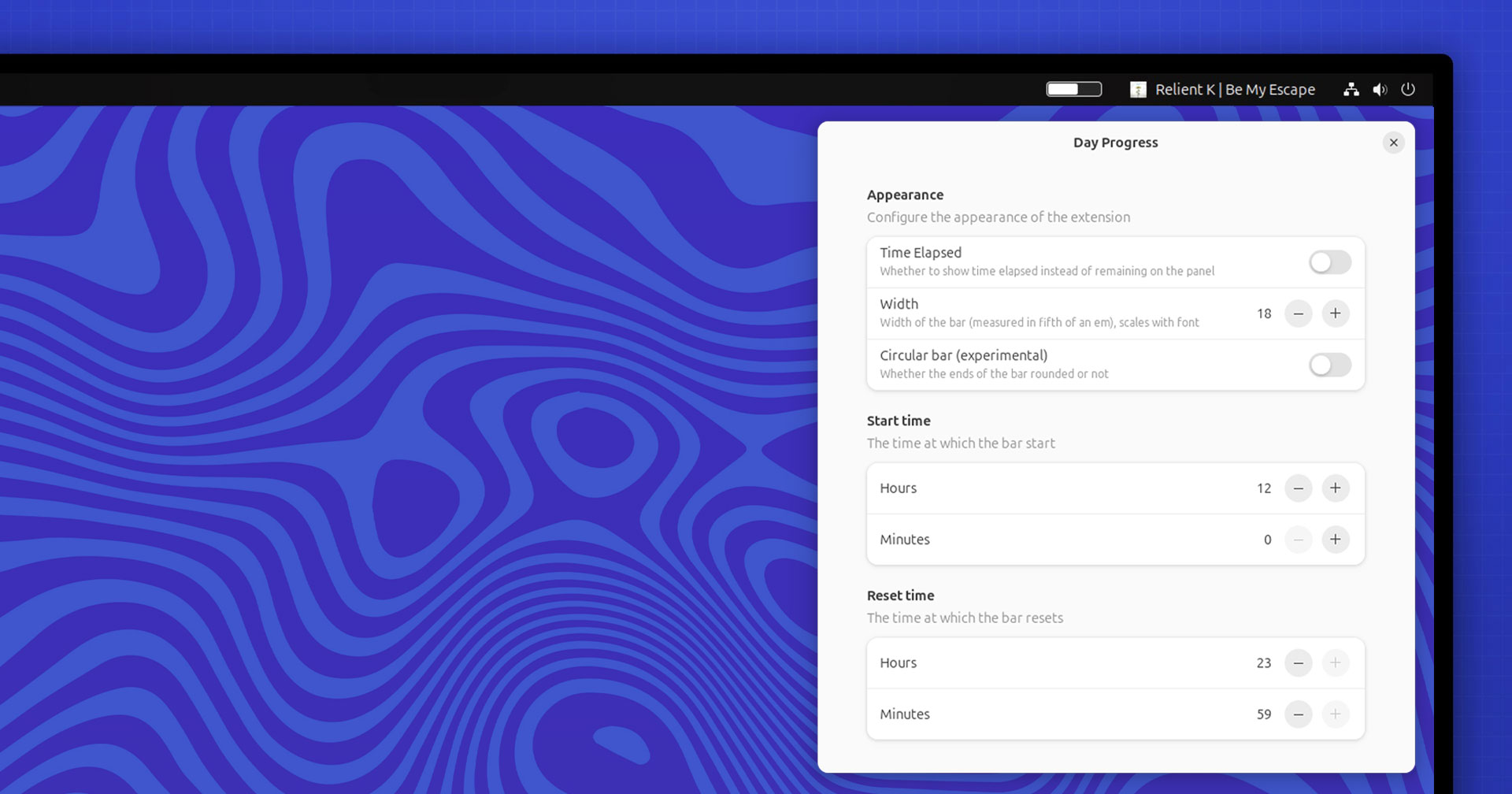
Day Progress is a new GNOME Shell extension that does something appreciably simple: display a progress bar in the top panel to convey how much of the day has passed.
“A clock does that?”, you say — you’re not wrong my friend.
But for some the visual cue it provides may be more motivating — though in my case, it underscores how much time I waste browsing Vinted for ‘schweet gharms’ (as the ‘yoof’ say).
It offers a more abstract approach to time tracking, de-burdened the specificity of needing to attribute tasks to minutes and seconds, lessening the cognitive math of clock glancing, and free of the pressures countdown timers often induce.
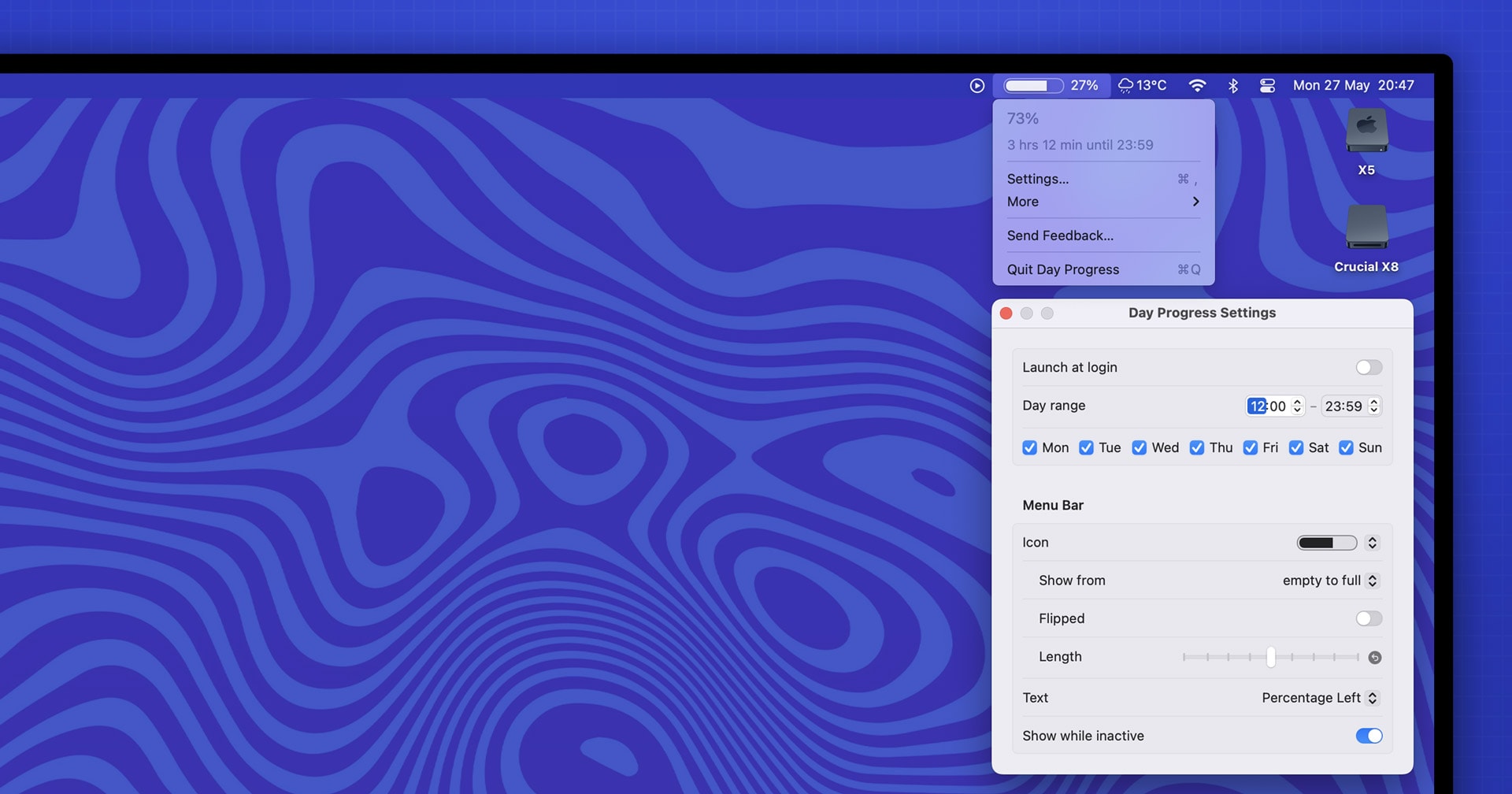
This extension is inspired by a macOS app of the same name created by open-source developer Sindre Sorhus. Sindre is a prolific creator of novel, nifty, well-made apps for macOS, including a number designed specifically for the Menu Bar.
But it’s not a clone.
The Day Progress GNOME Shell extension doesn’t offers the exact same set of customisation options as the macOS version it imitates. There are no circular style (think pie chart) or options to display labels for as percentage of time left/elapsed on the panel.
But you set whether the bar fills based on time elapsed or time remaining; opt for a bar with rounded corners; and *in the latest update) set panel position, and see a percentage/time remaining readout for time elapsed and remaining when clicking the bar.
You can set the time period the bar tracks (start time and reset time). This make it a cinch to track a short/specific time period like a 5PM – 11 PM work shift, an impromptu 1 hour study period, etc., rather than track an entire day.
I expect more features will be introduced as the extension matures (it’s relatively new atm). Perhaps by writing this post someone reading will feel motivated to contribute and help the extension progress?
Those who want to try the original macOS version of Day Progress can install it (entirely free, no IAPs, upsells, or limitations etc) from the App Store (macOS 14.1+) or download it from Sindre’s website (macOS 13+ and notarized).
For the Linux tribute Day Progress you can get it (GNOME 46 only) from the GNOME Extensions website.
As you’re no-doubt bored of hearing me say: GNOME extensions are best installed using the terrific, faff-free Extensions Manager desktop app) or swing by the project on Github to learn more.
• Get Day Progress on GNOME Extensions
Article updated May 30 to account for new update