

A new ‘window focus’ animation for GNOME Shell is available to test.
GNOME designers are currently exploring a different way to indicate ‘focus’ in GNOME Shell. One idea is to remove the app icon, name, and menu that appears in the Top Bar (next to Activities button – this was retained to indicate the app in focus) and replace it with a window animation
As is, user testing shows the (what’s left of the) app menu confuses users. “They think that it’s a task switcher, a shortcut to a specific app, or don’t understand what it is at all. It seems to be a trip hazard for new users,” explains GNOME design team member Tobias Bernard.
Those running GNOME 43 interested to see if the proposed approach would affect their workflow can try it out by installing a new GNOME extension.
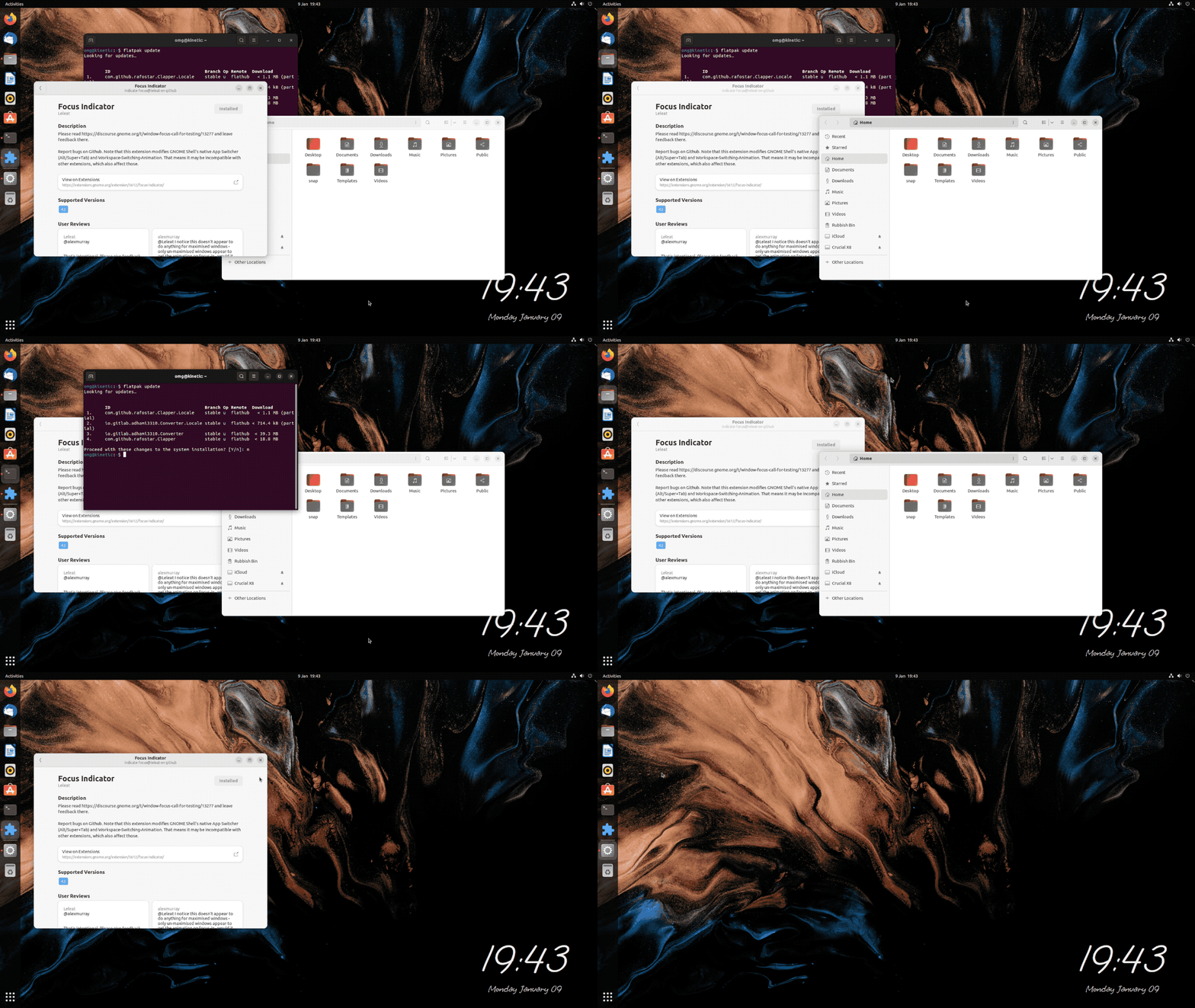
With the Focus Indicator extension installed, the app menu is removed from the top panel. When you switch workspace, close a window when several are open, or switch app using super + tab, focus is indicated by a quick pulse animation on the active window.

It’s possible to tweak the focus animation using the included configuration panel in the extension. However, bear in mind that any animation adjustments you make are down to you, not the intent of GNOME developers!
Finally, don’t expect anything revolutionary. The effect is subtle because switching app window is too – it’s something we consciously do, i.e. we tend to know which window will get focus. Thus, the accompany effect should indicate focus, not demand attention with flashy effects!
Try it out and should you feel compelled, leave your feedback (constructively) in the GNOME Discourse thread.