

This GNOME extension rearranges the GNOME Shell application grid in alphabetically order, making it easier to find app shortcuts based on their name.

A couple of new Star Trek-esque effects have been added to the ‘Burn my Windows’ GNOME Shell extension. If you’ve not yet heard about this bling-tactic add-on, it animates closing windows (and optionally dialogs) in […]

Want to install GNOME extensions without using a web browser? Check out the new 'Extension Manager' app. Full details on this super handy tool inside.

Want to make GNOME Shell look like the Unity desktop? If you do, then this guide is for you. Just don’t thank me for what follows. A reader called Alwyn sent the whole run-through to […]

macOS enlarges the on-screen pointer when you shake your mouse, making it easier to locate the pointer on screen. Now you can get this feature on Ubuntu.

More cool Compiz-inspired effects for your Linux desktop including claw-ripping, tv tune-out, and Matrix-style dissolving. All totally OTT, all super cool.

Arc Menu GNOME extension just released a new version. It adds a menu layout inspired by Windows 11 (again), plus a standalone mode. Learn more in this post.

Do you want the aesthetics of i3-gaps but without the i3 bit? If so, that’s exactly what the wryly titled ‘Useless Gaps’ GNOME extension gives you. The dev says of their creation that it adds […]

You’ve decked the halls, put up the lights, and thrown handful upon handful of garish, glass baubles at the nearest tree — next xmas task: decorating your Ubuntu desktop? There’s no reason your desktop should […]
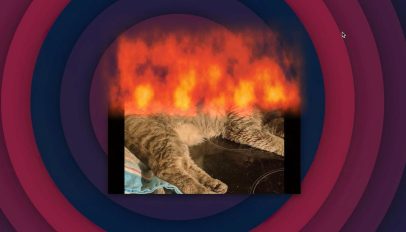
First came a GNOME extension reimplementing wobbly windows, then we saw the return of the (very cool) 3D desktop cube effect — now comes the final part of the holy Compiz trinity: window fire. For […]
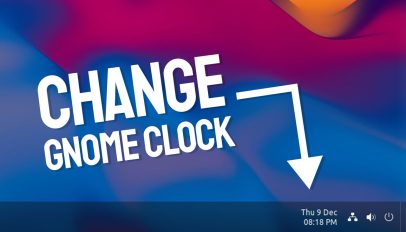
We look at various ways to customise the GNOME Shell clock. From showing the date through to creating a 'stacked' layout split across two lines.

If you want to move notifications on Ubuntu to a different part of the screen, you can. We look at three way to change notification position in this post.

I launch headfirst into 2009, aka the era flashy Linux desktop effects, as I check out a new GNOME extension that enables a rotating 3D cube desktop effect.
GNOME extensions are an easy way to add new features to the Ubuntu desktop. In this roundup we list the best GNOME extensions that work with Ubuntu.
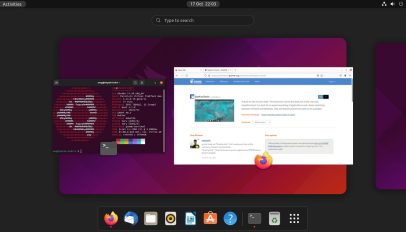
A new version of Dash to Dock is available to download that includes official support for GNOME 40 (and thus the Ubuntu 21.10 release). More details inside.
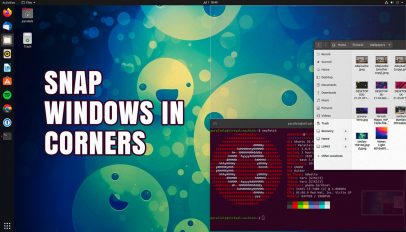
You can snap windows to corners in Ubuntu using WinTile, a quarter tiling extension for GNOME Shell. In this post we look at the add-on in more detail.
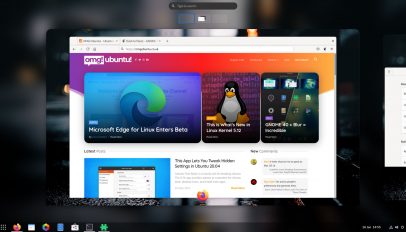
Dash to Panel now works with GNOME 40 — hurrah! The latest update to the perennially popular GNOME Shell extension introduces full support for the rejigged GNOME 40 desktop, including its horizontal workspace switcher and […]

If you’re a dedicated Dash to Dock user I’ve some good news: GNOME 40 support is in the works, and in this post I show you how it’s looking! First some background. While I dig […]