

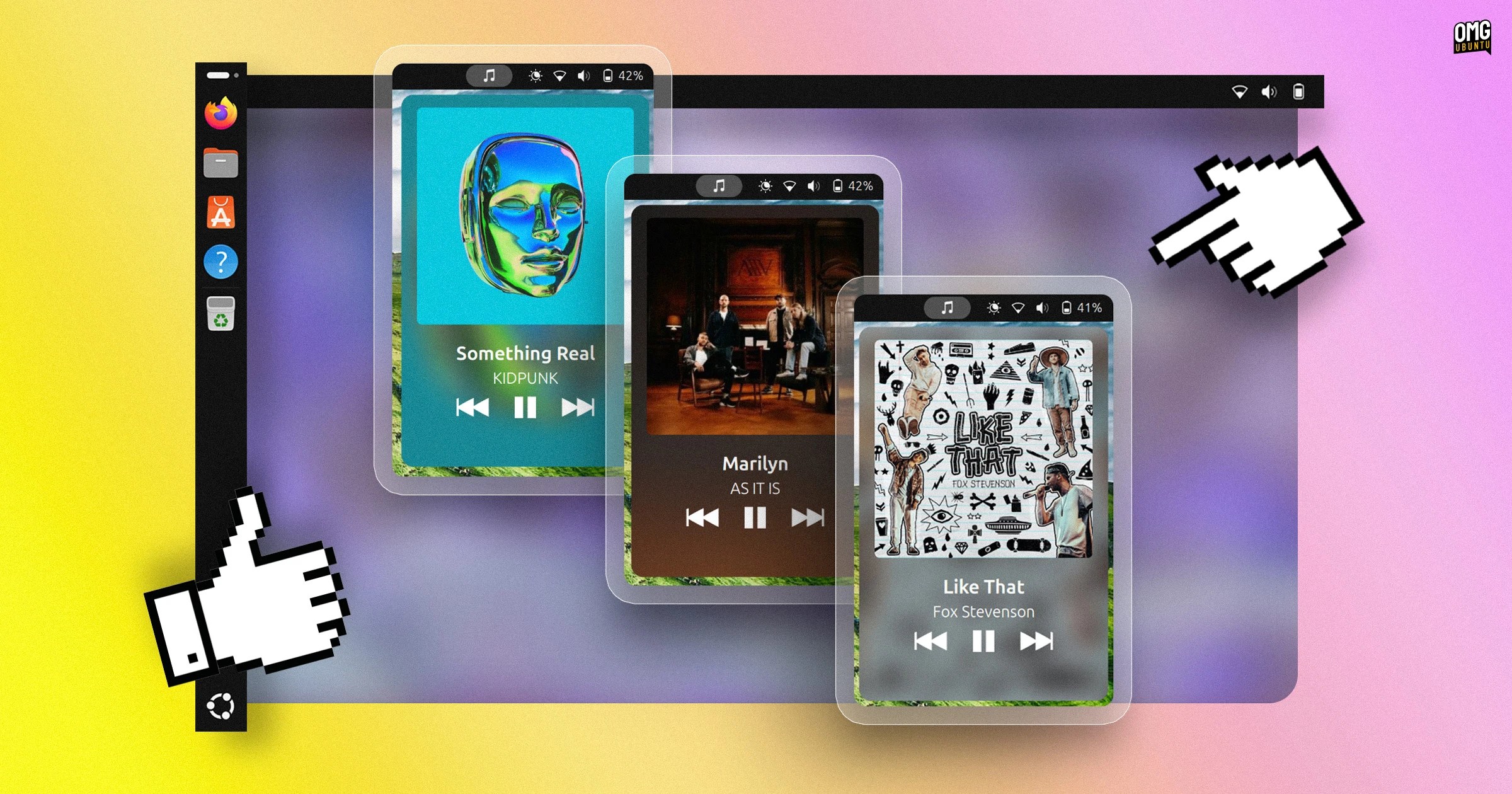
Dropbeat is a new riff on an old tune, a panel-based music applet for GNOME Shell that gives you an alternate way to pause, play and skip tracks in MPRIS-friendly Linux media players.
Applets of this ilk are legion, and this panel applet doesn’t do anything that different to ones you may have tried in the past or currently use.
But it does do some things differently.
When installed, it adds a button to your panel that, when clicked, “shows a cool card to control your media player”, to quote the project’s GitHub.
Dropbeat uses imagemagick to generate the blurred canvas using the album art of the currently playing song. It then uses this as the backdrop for its panel applet and its fullscreen mode.
An obvious downside to this approach is when you change track, it often takes a moment for a blurred background to appear and the applet to catch up, which spoils the fun when skipping through tracks at pace, but hey: everyone’s a critic.
Clicking on the album art will enter a fullscreen mode. Album art, track title and artist name are writ large atop a blurred background:

Third and finally, it supports a configurable global shortcut to toggle open the card whenever you want to, without needing to mouse out of what you’re doing, which could be handy.
Of course, if you want to access other media player features, like favouriting tracks, changing volume or enabling shuffle or loop or seeking within the track itself, you’ll need to go into the app itself (or use an alternative applet).
At present, Dropbeat doesn’t have a way to bring the player to the fore, which is something other add-ons and apps do. It also doesn’t disable the stock GNOME Shell media controller when active, so you’ll still have that in the Notification List.
Does it do everything the built-in media widget in GNOME Shell does? Yes, and while both keep controls out of sight until you go looking, Dropbeat throws in a fullscreen view built from album art, which adds some extra bling to proceedings.
If you like the look of it, get it Dropbeat’s listing on GNOME Extensions through your web browser or, for less, hassle via the Extensions Manager desktop app (available in the Ubuntu repo). Dropbeat works with GNOME 48 – 50.