

Rhythmbox 3.5.0 is out and it now lets you sync podcast subscriptions and listening progress across apps.
The music player’s first update in over 9 months adds a new podcast plugin that ties into the gpodder.net API so your subscriptions and play counts carry over between Rhythmbox and other apps you use via a self-hosted sync server like oPodSync or PinePods.
The podcasts page itself is has also undergone a refresh, with the episode list showing what you’ve already listened so you’re not ending up with a sense of deja vu. The v3.5.0 changelog notes that podcast notifications were redesigned too.
Lyrics see attention in Rhythmbox 3.5.0. The Song Lyrics plugin pulls from lrclib.net by default and the player can read lyrics from .lrc files kept with tracks or embedded in an .ogg file (though the latter needs GStreamer 1.25.90 or newer).
But the biggest change here, and worthy of this kickstarting the Rhythmbox 3.5.x series after over a decade of 3.4x ones, is one the backend.
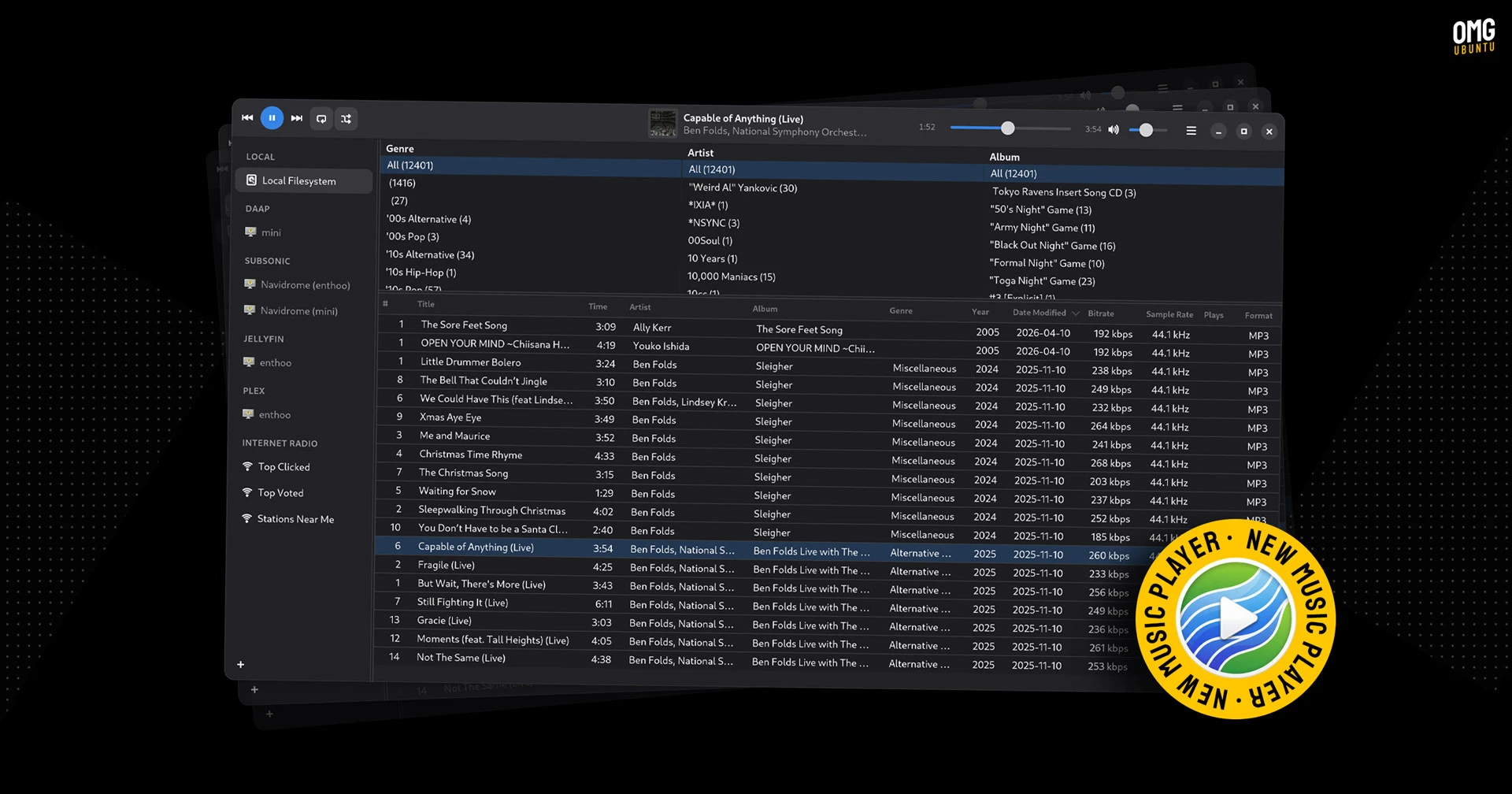
Rhythmbox 3.4.9 released late last year with an optional ‘multistream’ player backend. That backend is enabled by default in 3.5.0, replacing xfade.
Why the change? Modernity.
Xfade built one audio pipeline and mixed tracks together itself if crossfade was active.
Multistream runs each track through its own pipeline and lets modern sound systems like PipeWire and PulseAudio handle mixing – which they’re said to be much better at.
Plus, offloading to the system sound server means there’s less code for Rhythmbox to maintain (and be clobbered with speculative AI security reports about).
Beyond those changes, Rhythmbox 3.5.0 also fixes 32-bit time handling for the notorious “2038” issue, irons out some errant issues and updates a bit of packaging metadata.
Want to try it out? You can build Rhythmbox 3.5.0 from source – though it is failing for me on Ubuntu 26.04 LTS – or, for less hassle, you can install a Flatpak build from Flathub. The Flatpak is unverified right now, but that could change shortly.
A reminder to Ubuntu users that upstream Rhythmbox looks a little different to the version available in the repos, as the distro applies some UI modifications to make it better match the rest of the desktop.