
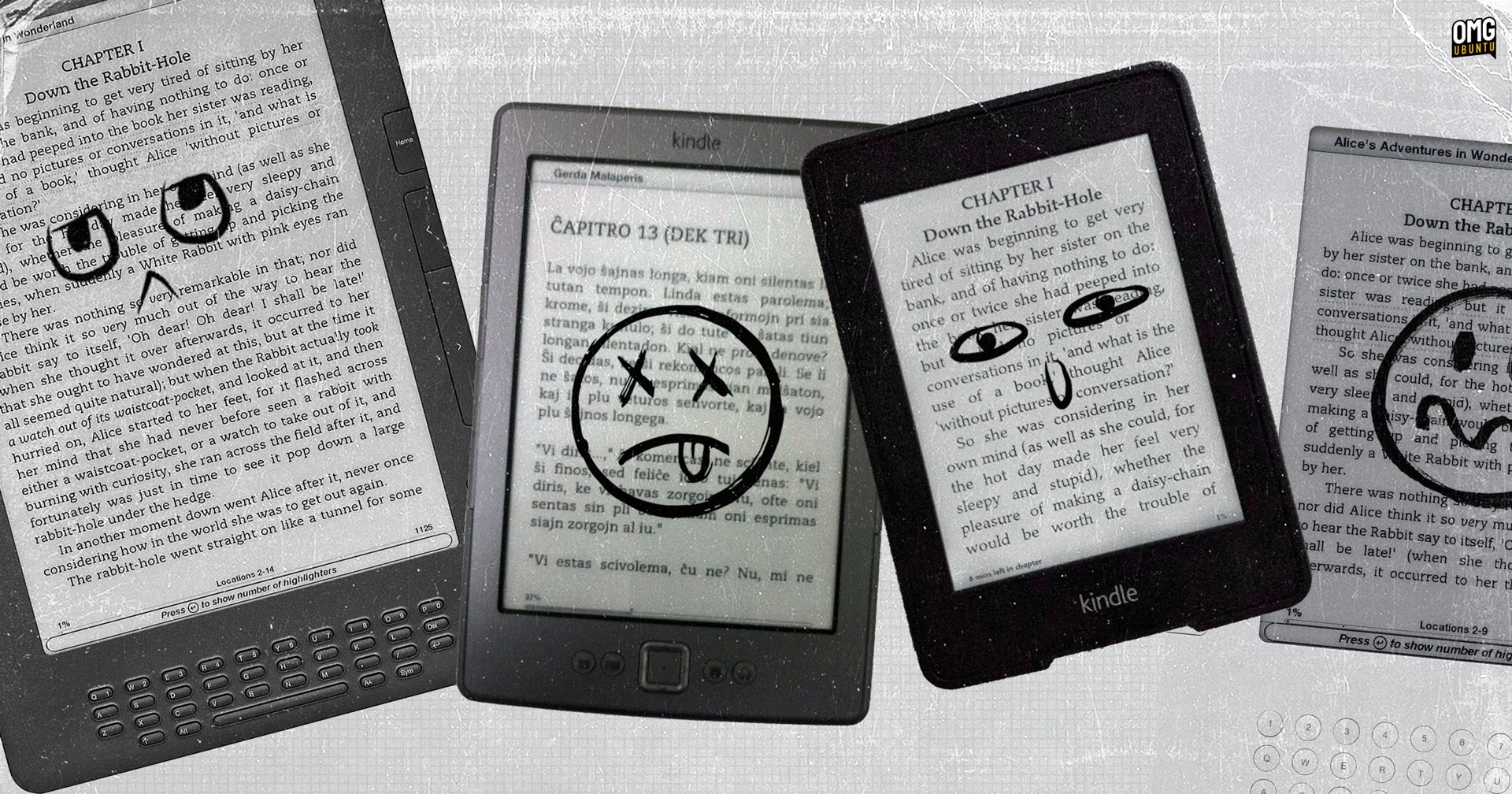

Amazon is dropping support for Kindle older models from 20 May, 2026, meaning owners of pre-2013 models will be unable to download new books or set up a device that has been factory reset — deregistering a device will effectively ‘brick’ it.
While no company can support all of their products forever (one could argue a company the size of this one could, mind), most of the devices impacted, listed below, have not received firmware updates for over a decade, and most lost on-device access the Kindle Store.
The following 2012 or earlier Kindles are affected, as of 20 May, 2026:
- Kindle (1st Gen)
- Kindle DX
- Kindle Keyboard (3rd Gen)
- Kindle Touch
- Kindle Paperwhite (1st Gen)
- Kindle (2nd Gen)
- Kindle DX Graphite
- Kindle 4
- Kindle 5
A lot of tech press coverage has framed the announcement in absolute terms, as though all devices made before 2012 become functionally useless overnight. Accurate to a degree, as deregistering a device (easily done) will, to quote amazon, leave it ‘unusable’.
For active devices, the outlook is not as dramatic.
That old Kindle Paperwhite left languishing in a drawer will not become a Kindle Paperweight overnight. All affected kindles will stay usable beyond May – as long as you do not factory reset them, as Nathan Groezinger of ebook-reader.com explains:
“Amazon dropping support for older Kindles really just means they won’t be able to download ebooks from Amazon once May 20th hits. You can still read previously downloaded Kindle ebooks on older Kindles [and] sideload ebooks onto unsupported Kindles too.”
It’s unlikely swathes of people are still using decades-old devices1 without any awareness of how unsupported it is already (most will have upgraded when they lost Amazon store access), making the odds of folks being caught unawares minimal.
You can unlock the firmware of older devices to add extra functionality (custom screensavers, epub support) or run entirely different software. On the hardware hacks side, some choose to turn old Kindles into a photo frames or online dashboards.
Point is, as bad as the ‘end of support’ sounds on paper, what’s between the lines hasn’t changed. You don’t need to throw that old Kindle out, because it will still do everyone it could do: read things.
Keep calm and carry on reading

Why am I running this up the proverbial flagpole on OMG! Ubuntu? Because not everything one does on Ubuntu involves things that only run Ubuntu.
We all use devices which work with Ubuntu. I’ve covered syncing iPods and smartphones with Linux, using DSLRs as webcams, etc. Kindles work with Ubuntu (an MTP mount in the file manager) and can be managed using Linux software like Calibre.
Trivia: we once made an OMG! Ubuntu e-magazine2 exclusively for Kindle. Only did it the once mind, as making ebooks was (and arguably still is) an utterly pain.
Hearing “big tech does bad thing” may lead to histrionics, but coverage that smooths over the nuance could lead to people junking perfectly capable devices unnecessarily. I don’t want to do that.
No need to add to the mountain of e-waste – potentially generating over 624 tons, per the Restart Project – as workarounds and mindful use mean your Kindle can (and should; it’s single-purpose) stay useful for many years to come.
It’s very much a case of keep calm and keep on Kindling.
Got an old Kindle you still use to read on? Or have you done some unique with it? Let me know what you’ve done with your old tech in the comments.
- I have a 2011 4th Gen Kindle whose battery still lasts a month, and is delightfully free of any distractions that afflict reading content on general-purpose devices. ↩︎
- I keep an archive of all graphics, themes, tools and apps made for this site, even our (terrific) typing game and (terrible) podcast. I don’t have a backup of that eZine. If anyone still reading was on our (short-lived) mailing circa 2011 and has a copy, do get in touch! ↩︎