


Linus Torvalds has released Linux 7.0, the kernel version that Ubuntu 26.04 LTS runs on.
Linux 7.0 includes a new standardised filesystem error reporting system, faster swap performance and hardware video decoding for a crop of Rockchip ARM64 single-board computers. On the quirky side, Rock Band 4 Bluetooth controller support is now included.
The shiny new version number does not, however, signify anything special. Linus has always been upfront that kernel version numbers tick up when the minor number gets a tad unwieldy, not because a ‘milestone’ has been reached.
That said, there is plenty in this release worth talking about – so let’s get to it.
Linux 7.0: What’s New?
Swap and memory management
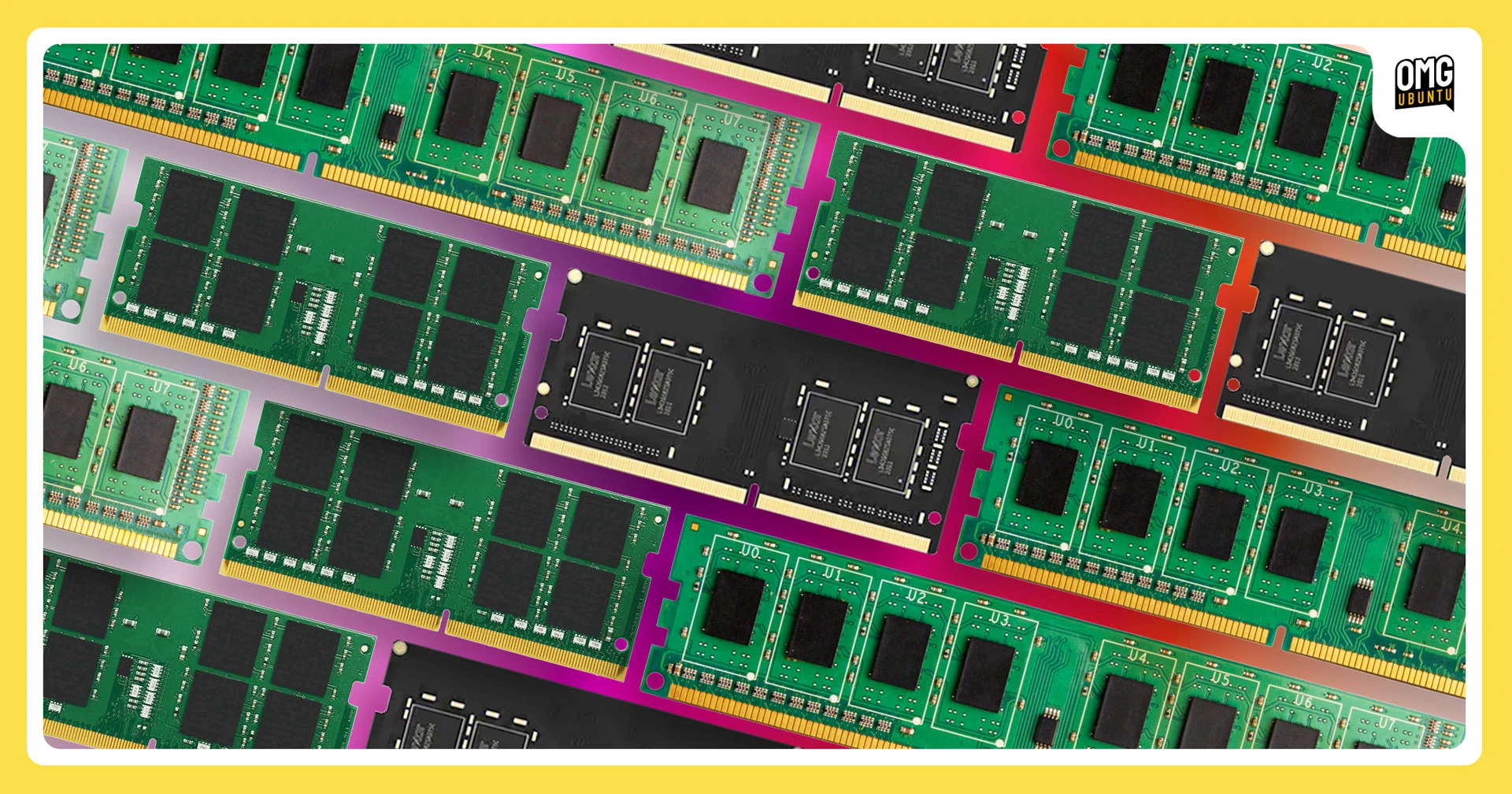
Linux 7.0 delivers more improvements to the swap subsystem, continuing efforts that started in Linux 6.18 when a subsystem rejig boosted throughput under memory pressure.
Phase II of the swap table rework involved cleaning up and speeding up how data is read back from swap into RAM when memory is full.
In testing, the changes showed up to 20% better throughput in workloads where multiple processes share the same swapped-out memory (tested using Redis with persistence).
On desktops, the gains are more modest, but the patch notes report results that are better or identical across the board.
If you use Zram with a backing device configured (i.e, a disk), there’s a boost for you. Before, the kernel would need to decompress zram pages before writing them to disk when RAM filled up. Now it can now write zram-compressed data directly.
Faster NTFS3 and self-healing XFS filesystems

Ubuntu uses EXT4 as its default filesystem, so any changes it gets attract my attention. In Linux 7.0, EXT4 improves write performance for concurrent direct I/O writes, building on the larger block size and write performance work introduced in Linux 6.19.
EXT4 improves write performance for concurrent direct I/O writes
The benefit? If you regularly have multiple processes writing to disk simultaneously (like backup tools, build systems, download managers) then writes to EXT4 drives will be more reliable.
No big benchmark numbers to tout, but better than baseline before.
If you dual-boot with Windows (or have an old Windows-formatted drive you sometimes connect) then there’s a sizeable NTFS3 driver update which adds:
- Delayed allocation for better performance
- iomap-based file operations
- Better readahead for large directory scans
exFAT, the filesystem commonly used on SD cards and USB drives, improves multi-cluster reading which, per the commit, makes sequential reads faster by fetching runs of blocks at once. Tests on a disk formatted with 512‑byte clusters showed about a 10% speedup.
However, don’t expect to feel the benefits of this change. It helps most on devices formatted with small clusters (sub-32KB), and those tend to be older or lower-capacity media, not modern high-capacity drives, which use larger clusters.
Until now Linux filesystems have had no consistent way to report metadata corruption and file I/O errors, with each filesystem doing it differently (or not at all). Linux 7.0 adds a generic filesystem error reporting framework for errors to be relayed to userspace through fsnotify.
The XFS filesystem can ‘self-heal’ in Linux 7.0. When errors are reported (via the new system mentioned above), a background daemon managed through systemd can automate repairs, even if the drive is mounted and in use.
Faster multi-threading on newer Intel CPUs

Running Linux 7.0 on a modern Intel CPU (10th gen or newer) may deliver a modest performance boost in multi-threaded workloads, as Intel Transactional Synchronization Extensions (TSX) is now enabled by default.
These extensions were previously disabled on all TSX-compatible CPUs as a vulnerability in TSX Asynchronous Abort was discovered in 2019, as the issue affected 6th through 9th gen Core processors, as well as some 10th gen chips.
However, most 10th gen Intel chips do not have the vulnerability, thus TSX gets dynamically re-enabled in the Linux 7.0 kernel. For affected processors it stays off, for unaffected it’s now on – a new “auto” setting handles the logic in deciding when and how.
Rockchip RK3588/RK3576 video decoding

If you run Linux on a Rockchip RK3588 or RK3576-based single-board computer, like the Orange Pi 5 or Radxa ROCK 5 (among others) you benefit from hardware-accelerated H.264 and H.265 video decoding courtesy of Collabora, with support in-place in GStreamer and FFmpeg.
While hardware video decoding was already available for those chips it required using Rockchip’s vendor BSP kernel rather than mainline. That’s no longer the case with Linux 7.0, so if you boot Ubuntu 26.04 LTS on one, you’ll benefit from smooth 4K playback on the first boot.
Graphics drivers

Every kernel release includes bring-up work for chips that aren’t on sale – and won’t be for a while. Linux 7.0 is no different. That work is important, but happens incrementally and is largely done by the time hardware reaches consumers
Of more interest to me are changes that improve the hardware you (might) own.
Take the GCN 1.0 and 1.1-era Radeon GPUs which made the jump to the modern amdgpu driver in Linux 6.19, gaining native Vulkan support and a significant performance boost in the process – those see further stability fixes here in 7.0.
Those using the open-source NVK driver for newer NVIDIA GPUs will also see improved performance thanks to restored large page support.
On the Intel side, the Xe graphics driver now exposes more temperature sensors, and Intel Arc B-series (Battlemage) discrete GPUs no longer blocks D3cold, the deepest PCIe power-saving state, so if you own one of those cards it may now consume less power when idle.
HDD power saving junked
Linux 7.0 sees the removal of laptop_mode, a power-saving feature that tracks back to the 2.6 kernel era – back when hard disks spun.
Kernel developer Johannes Weiner says “the juice doesn’t appear worth the squeeze anymore” in keeping it around, not now SSDs are more common in laptops (where power usage is more pressing a concern).
He adds: “The footprint of the feature is small, but nevertheless it’s a complicating factor in mm, block, filesystems. Developers don’t think about it, and it likely hasn’t been tested with new reclaim and writeback changes in years”.
Laptop drivers and input devices

Linux 7.0 delivers a solid set of hardware support improvements for laptops, desktops and some of the input devices you might want to use with them.
The ASUS WMI driver (which lets laptops expose hardware controls to Linux on ASUS ROG and TUF laptops) sees improved backlight control and keyboard and RGB brightness handling. Support for the Fn + F5 fan control key on Asus ROG laptops is also added.
The HP WMI driver adds manual fan control support for HP Victus S laptops, while the HP Victus 16 benefits from an audio quirk which meant the mute LED indicator didn’t activate when it should have.
The Lenovo WMI driver, which Legion laptops and gaming handhelds like the Legion Go use, exposes hardware monitoring through HWMON, letting fan speeds and temperatures be read by monitoring tools.
TUXEDO InfinityBook Gen7 users can manage configurable Total Graphics Power (cTGP – the power your discrete GPU is allowed to draw) through a new sysfs attribute, but this isn’t user-exposed and only works on the models with a NVIDIA 3000 GPU.
On the peripherals side, the Bluetooth Rock Band 4 guitars for PS4 and PS5 now have kernel support (if you’ve been itching to rock your plastic axe on Linux, now you can), and the solar-charging Logitech K980 is now fully supported by the kernel over Bluetooth.
Other changes in Linux 7.0
General system responsiveness also gets a nudge, as thread creation and teardown is reportedly 10-16% faster thanks to PID allocation improvements, with file open/close operations 4-16% quicker on multi-core machines – benchmarks under specific conditions, of course.
For security system admins, Linux 7.0 adds BPF filtering for io_uring, making it possible to sandbox operations. This change fills a gap some had been working around by disabling io_uring altogether – that’s no longer necessary.
There’s also been more work on upstreaming support for Qualcomm’s Snapdragon X2 Elite, with PHY support landing in this update. Progress on the X Elite/X2 Elite Linux front is incremental but uneven, so the dream of a flawless Linux Snapdragon laptop experience remains a ways off.
Other notable changes in Linux 7.0 include:
- Rust support is now permanent and no longer experimental
- SpacemiT K3 RVA23 SoC mainline kernel support
- Non-blocking direct writes now work correctly
- AV1 stateful decoder in V4l2 (initial support)
- Replacing Tux boot logo is easier with new kconfig options
- Apple Silicon USB Type-C support
- SHA-1 module signing removed
- ML-DSA post-quantum signatures added
- TPS65185 driver
HWMONtemp reporting (used in PineNote) - Initial prep for WiFi 8 (Ultra High Reliability)
- Btrfs supports direct I/O if block size exceeds system page size
- RISC-V: Zicfiss and Zicfilp extensions support
- EROFS enables LZMA compression by default
For more detail on the release as a whole, LWN’s merge window recaps (part one and part two) are comprehensive, or swot up via the KernelNewbies changelog
Get Linux 7.0
Ubuntu 26.04 LTS ships with Linux kernel 7.0 out of the box, and users on Ubuntu 24.04 LTS will receive it as a backport software update in July (which will be the final new kernel version from Canonical that 24.04 will receive.
If you’re reading from 25.10, you won’t get a Linux kernel 7.0 update. To benefit from the changes mentioned above, you’ll need to install Linux 7.0 from a different source – be that the mainline kernel PPA, DEB packages or compiling it from source.
I must stress that Canonical’s mainline kernel builds are not recommended for most cases. They lack certain enablements that certified Ubuntu Linux kernels offer, and come with zero support from Ubuntu developers.
If your system works well, don’t change out your kernel for the sake of it – even if some tools make doing so easy.