


Work on the Linux port of Kagi’s privacy-focused Orion web browser just hit a new milestone, with the team updating interested users on the progress made in ‘Milestone 2’.
“Since the completion of Milestone 1, the team has been focused on building out the browser’s foundational features. Milestone 2 marks meaningful progress toward core functionality and prepares us for the next phase of development”, Kagi share in a development update.
Kagi announced an Orion Linux port earlier this year, and it took many folks (myself included) by surprise. One would forgive a company for turning to Windows first if trying to carve out a sustainable, user-funded business model given the critical mass.
Yet, they’ve turned to Linux next.
Orion for Linux is being built using GTK4/libadwaita and, like the macOS and iOS versions, runs on the WebKit engine rather than the Blink engine used in most modern browsers. Blink was forked from WebKit and has diverged considerably since (it’s not the same).
Orion for Linux Milestone 2
In its latest development mail-shot sent to users who’ve registered interested in trying a Linux build, Kagi reveals Orion (Milestone 2) has performance parity with other WebKitGTK Linux browsers, like GNOME Web, scoring similar on Speedometer 3.0.
Beyond that, Orion’s development builds improve tabs (with support for dragging ’em out) and adds session persistence (restoring your previous set of tabs and their history when you restart the browser). Partial support for tabs in the sidebar1 is mentioned also.
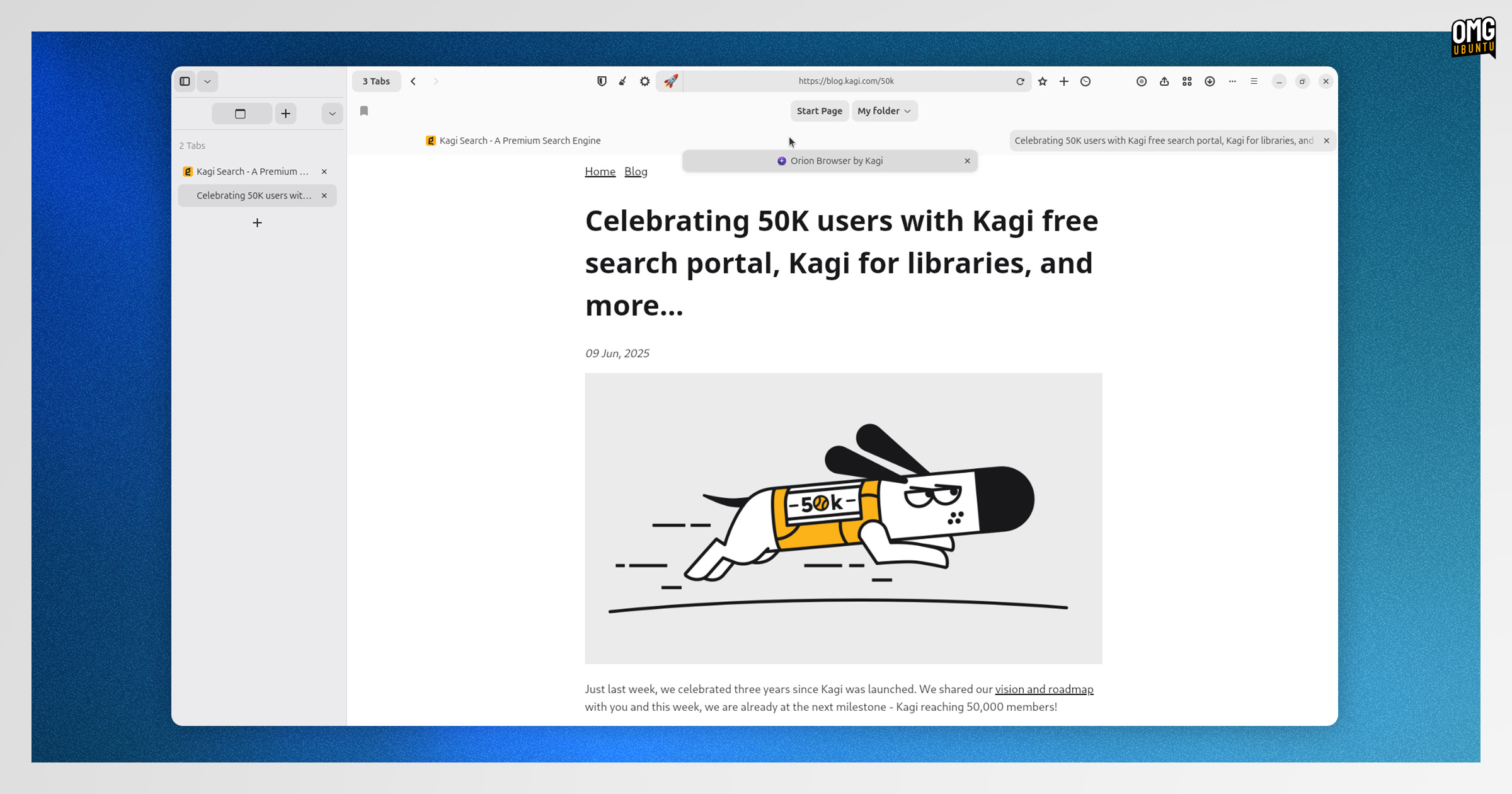
Bookmarks were once the backbone of web browsers, before we started allowing our browsing history to balloon to thousands of pages and relying on browser history search to (usually fail to) find things we’d visited before.
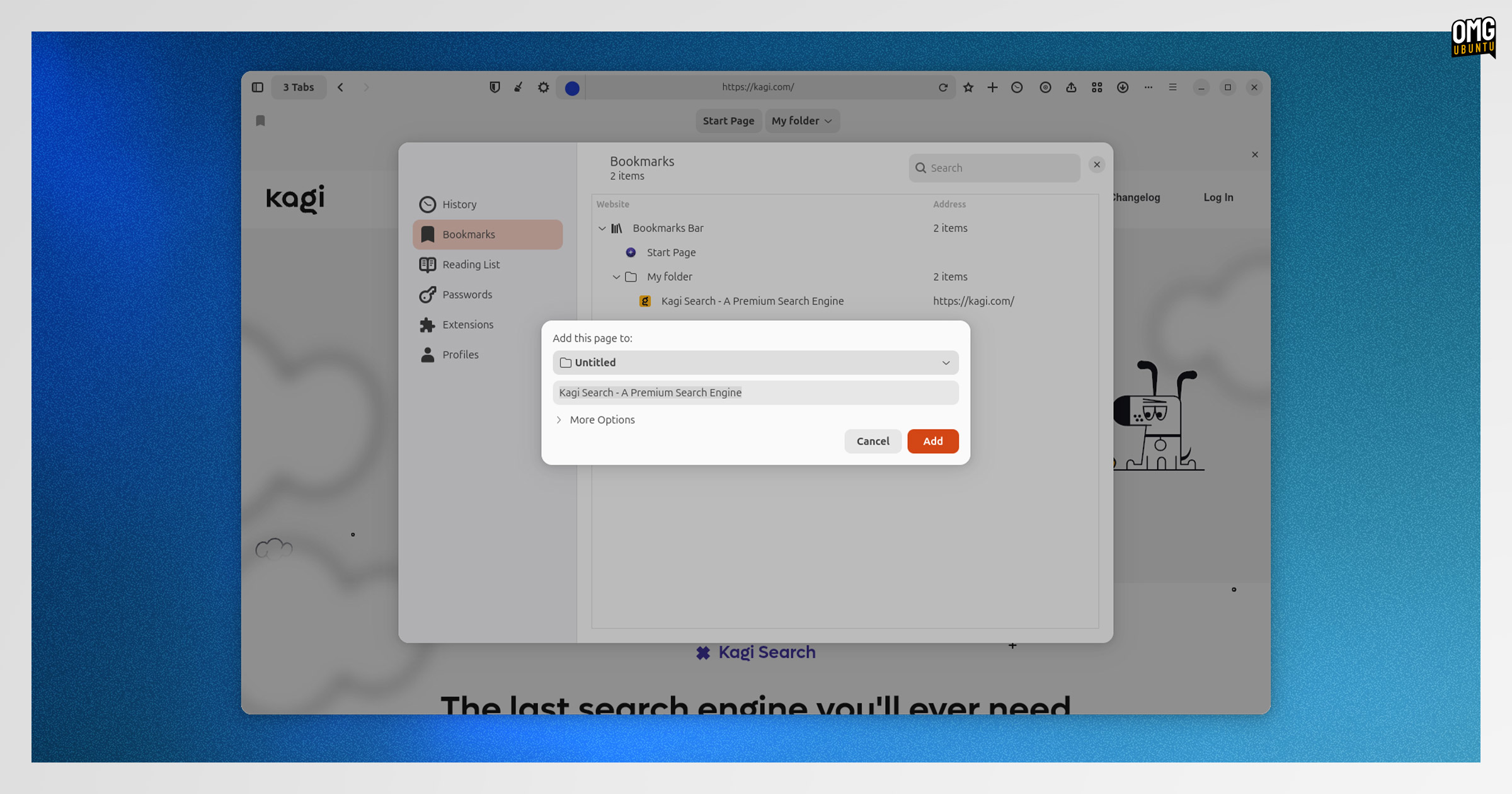
Orion’s Linux port plumbed in basic bookmarking of web pages, along with support for organising them into folders, and accessing bookmarks throughout the browser’s various surface points (dialogs, sidebar and bookmarks bar).
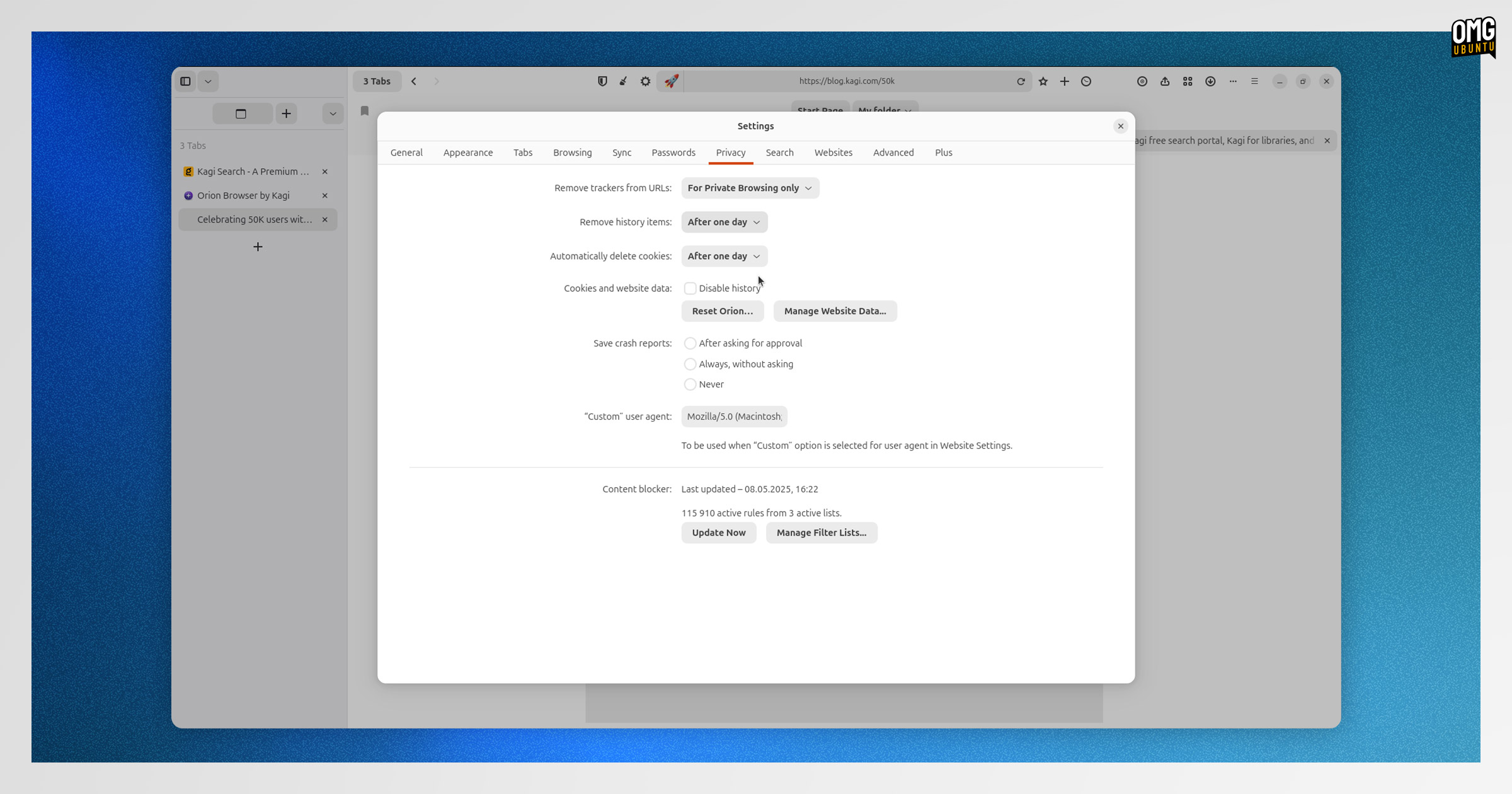
Browsing history is also now tracked and saved across sessions; a backend for application settings is in place (with work on a GUI frontend in progress); and —add-on addicts rejoice— the WebExtension API is baked into Orion’s WebKitGTK build.
Items on the to-do for Orion Milestone 3:
- Advanced tab management
- Completion of the bookmarks system
- Core WebExtension infrastructure
- Basic extension installation mechanism
Promising progress.
When can I download Orion for Linux?
If reading this has you itching to try it out, you’ll have to wait. No public builds of Orion’s Linux port are available for testing, and when available, the plan is to only give paid Orion+ and Kagi subscribers first dibs.
Building a web browser is a challenge, especially when you’re competing agents tech giants. Alpha builds of Orion will be rough, and first impressions count: better to seek feedback from those willing you to succeed, and less likely to be irritated by bugs or breakages.
Once stable, Orion for Linux will be free to download and use, just like the Mac and iOS versions are.
Those versions do offer premium features for subscribers of Orion+, but the features are not critical ones that most folks would notice were missing (i.e., don’t fear you’ll be nickel and dimed into putting your money where your mouth privacy concerns are).
Kagi’s approach is different
On the whole, Kagi’s business model attracts retorts of “sorry, did you say it’s a PAID search engine?!”, but the weirdness of that gambit is what lets them build their vision for a friendlier, user-focused web — and make software like Orion.
No pressure to bolt on revenue-generating or engagement-baiting features that work against users’ own interests. No data collection. No telemetry. No sponsored junk, partnerships or tie-ups. No incessant upsells.
Software made to work for the people funding it. There’s an idea that could catches on…
You can learn more about Orion (for macOS) by visiting the Orion landing page or reading through the lengthy FAQ. Kagi has started to open-source pieces used in Orion, too.
- The sidebar in Orion can be used to access tabs (without replacing traditional tabs); save groups of tabs or windows; or be used for vertical tabs (instead of traditional tabs). ↩︎