

Using the Chromium snap app? If you are, and you use Progressive Web Apps (PWAs) or install websites as ‘apps’ there’s a bug fix coming that should improve their behaviour on Ubuntu.
When you install a PWA1 in the Chromium snap you might expect it to open it in a separate, streamlined window when you open it using its shortcut in the applications grid.
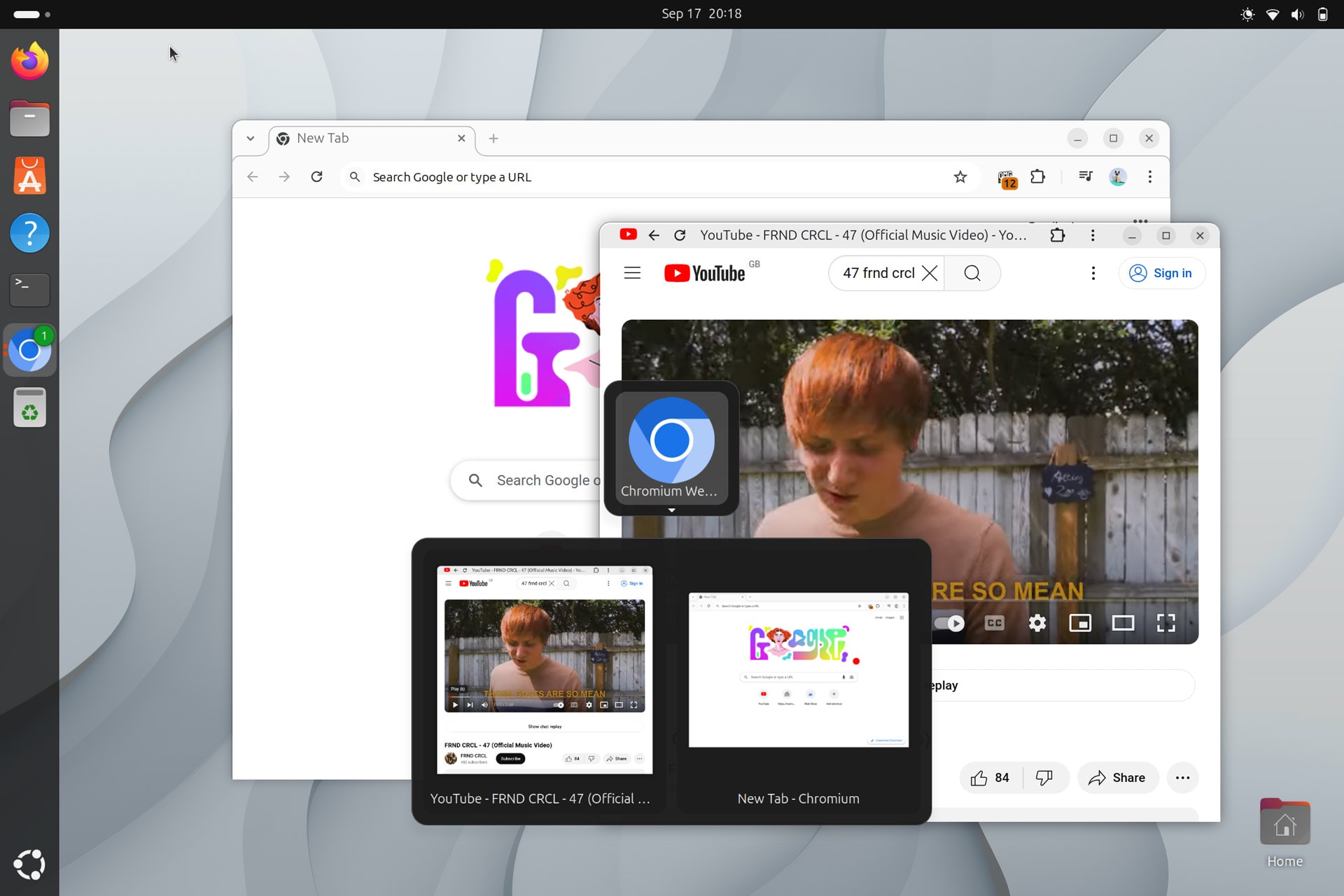
Presently, PWAs in the Chromim Snap don’t get detected as separate instances by GNOME Shell. This means no separate dock icon (it is grouped into Chromium’s) and it is not treated as a separate app by the task switcher, making it difficult to super + tab to it.
Case in point: I “installed” YouTube in the Chromium snap via using the icon that appears in the URL bar then opened the shortcut for it added to the application grid. The web app opens in its own window but no distinct icon in the dock or task switcher:
You won’t have noticed this issue with PWAs if you use a Chromium DEB build (my how to install Chromium on Ubuntu post goes over how to find one). This bug only affects Canonical’s Chromium snap package due to its sandboxed nature.
(Sadly, you can’t switch to a Chromium DEB in Ubuntu by running sudo apt install chromium-browser as the Chromium DEB in the Ubuntu repos is a transition package that installs the snap version, similar to Firefox and Thunderbird).
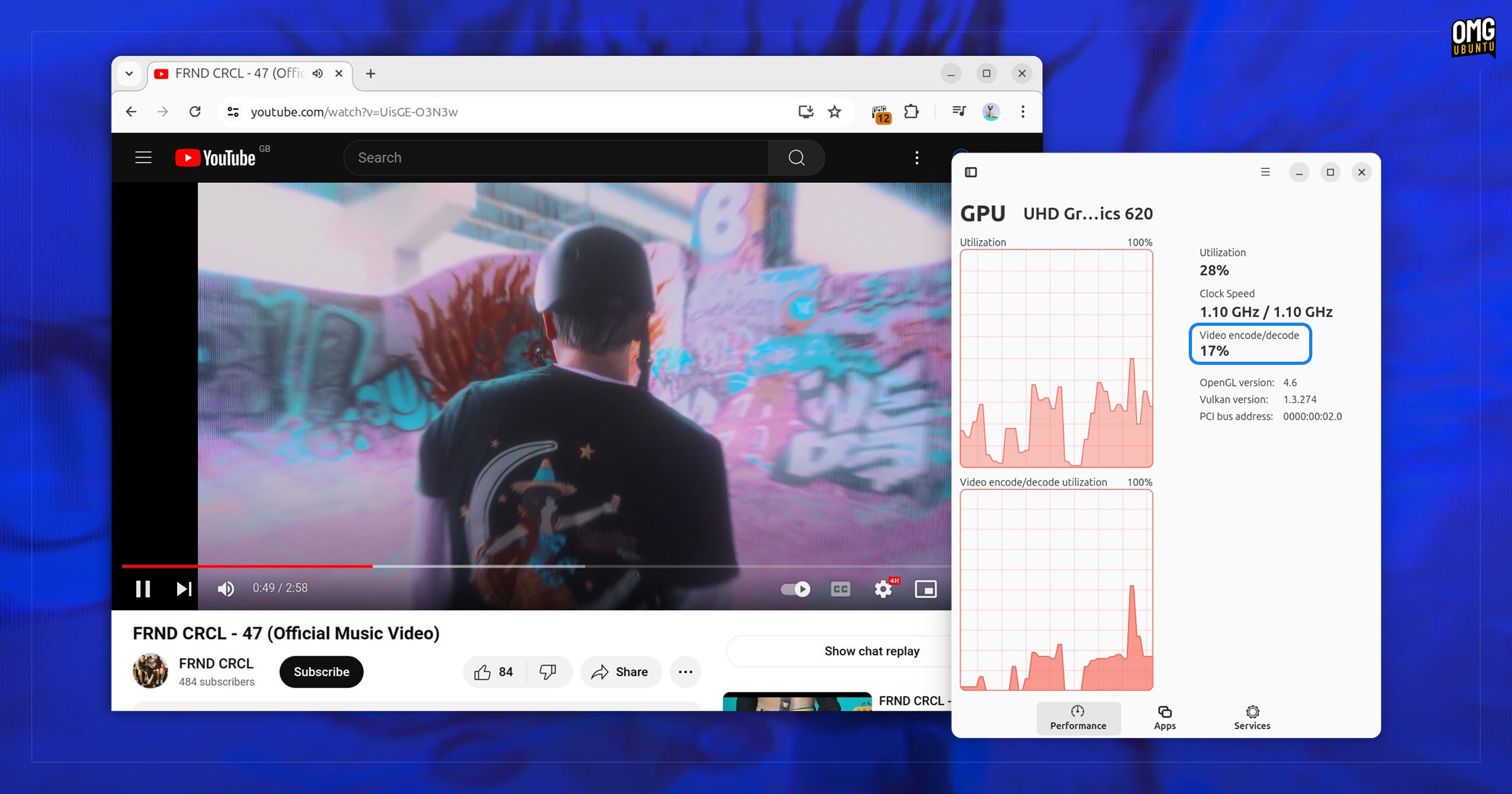
But good news: this annoying PWA issue in the Chromium snap is fixed in Ubuntu 24.10!
Oracular carries an Ubuntu-specific chromium-snap-pwa.patch to GNOME Shell.
This patch ensures that PWA windows from the Chromium snap are handled per users expectations: their own dock icon, and their own entry in app switcher.
The plan is to back-port this patch to Ubuntu 24.04 LTS too, so keep an eye out for that.
In the mean time, one way to ‘bypass’ this quirk is to open PWAs from the chrome://apps page in the Chromium snap not using the shortcut in the GNOME Shell app picker.
- Not just PWAs. Same issue affects websites that you ‘install’ as a shortcut ↩︎