A new version of Celluloid, an open-source media player for Linux, has been released.
Celluloid (originally called GNOME MPV, albeit many moons ago) is an MPV-based media player able to leverage many of MPV’s ‘powerful playback capabilities’, but wrapped up within a more modern-looking GUI.
The latest Celluloid 0.27 releases serves as the the first major update to the app this year. It introduces a small clutch of changes aimed at improving overall performance, usability, and appearance.
Of these, the most eye-catching change is this:

Celluloid 0.27 gains a new option to use a floating window bar instead of a fixed headerbar. When coupled with floating controls (an existing option) it create a super-clean look similar to that used in other modern GTK video players, like Clapper and Showtime.
There are also new keyboard shortcuts for panning and zooming video:

- alt + arrow keys – pan video left/right/up/down
- alt + + or - – zoom in/out
- alt + space – reset pan/zoom
I noticed some of these shortcuts don’t work “as-is” on Ubuntu 24.04 LTS. For example, while I can zoom out using the keyboard shortcut listed above I can’t zoom in unless I also hold the shift key at the same time. YMMV OFC.
Other changes/tweaks in Celluloid 0.27:
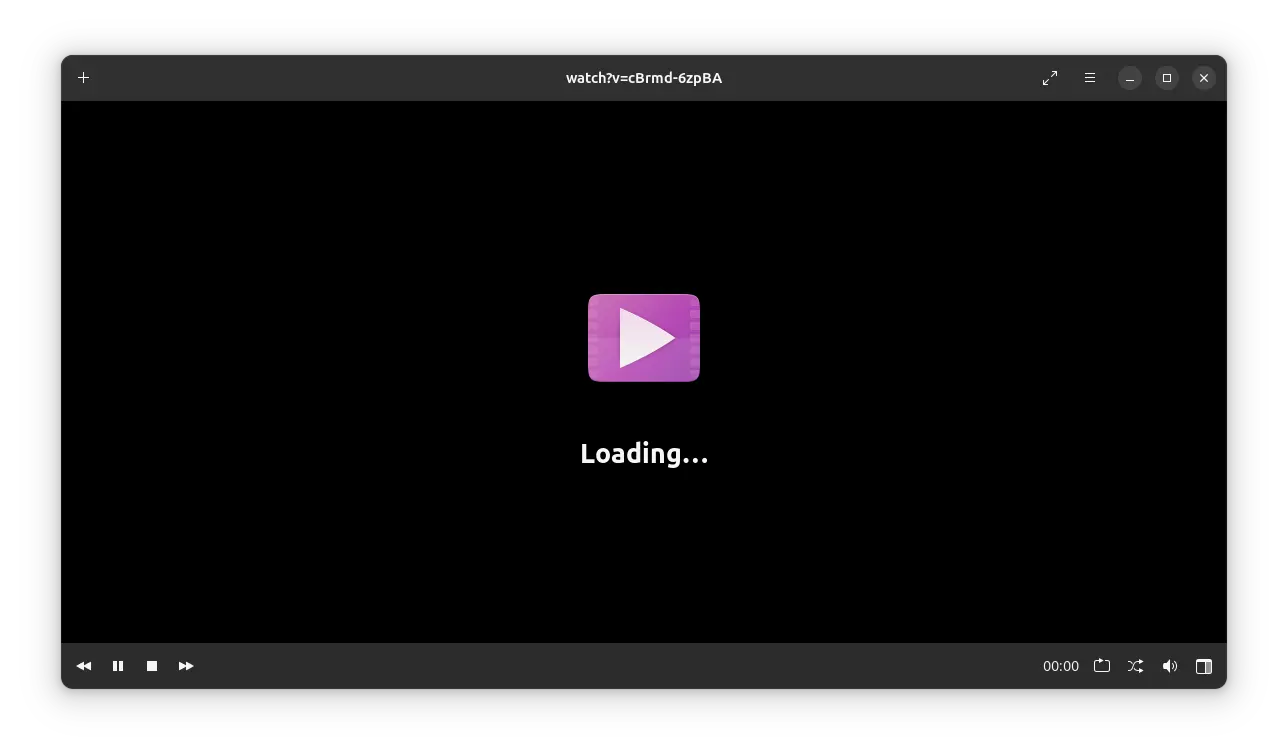
- Loading screen now shows during initialization and buffering
- Main window now appears faster after opening
- Opening/closing the preferences dialog no longer resets mpv
- Playlist button now hidden in fullscreen mode
- Improved look of floating controls
- Plugin manager improvements
- New icon for Interface tab in Preferences
- Support for multi-file user scripts
In all, a decent set of changes.
Since Celluloid is based on MPV it’s an eminently capable, powerful media player. And while it uses GTK4 and adheres to the GNOME HIG, it includes an option to disable the headerbar, meaning those who’d prefer a more ‘traditional’ aesthetic can have one.
Installing Celluloid on Ubuntu

You can get the latest version of Celluloid on Flathub, or install the Celluloid snap app. Both are official packages marinated by the project directly.
A semi-unofficial Celluloid PPA also exists providing prebuilt DEB packages for Ubuntu 22.04 LTS and above. Although the PPA isn’t (seemingly) maintained by Celluloid developers themselves the project Github page does link to/suggest using it.
Don’t want/need the very latest features? You can install Celluloid on Ubuntu from the repos. Just search the app out in Ubuntu Software/App Center (in the latter set the filter to DEB), or open Terminal and run sudo apt install celluloid.
Just keep in mind the repo build won’t have any of the new features I’ve mentioned in this post.