

Thunderbird is Ubuntu’s default e-mail client but it’s not the most well integrated of tools — at least, not by default.
For instance, some Linux apps (e.g., Telegram) show an unread count on the Ubuntu dock while the app is running. This makes it easy to see, for instance, how many unread messages you have. Thunderbird doesn’t do this.
But this is open source software, so you’re not out of options.
One way to keep tabs on new mail as it arrives in Thunderbird is to install the Birdtray tool.
BirdTray is free, open source software that’s available to install straight from the Ubuntu repos (though it’s also available on Flathub, if you’d rather).
It can do a number of different things, but the main lure for me is that Birdtray shows an unread email counter in Ubuntu’s top bar. I can see how much mail is piling up for me at a glance, without bringing the main client in focus.
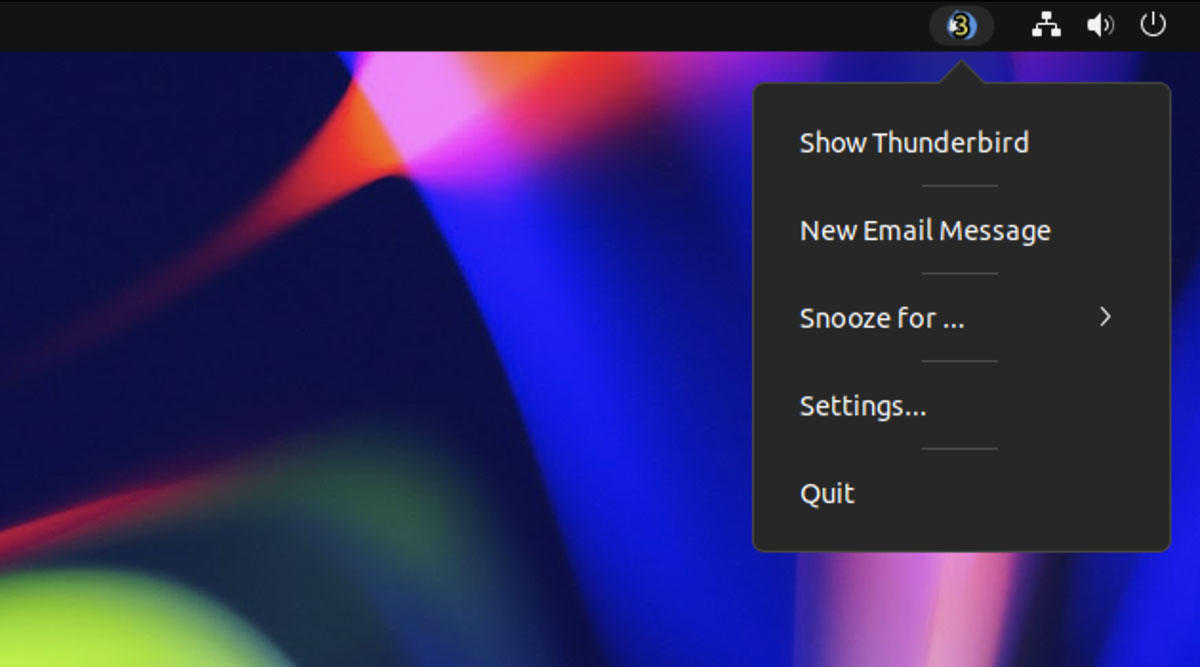
You get a fair bit of control over the appearance of the unread count, with the ability to set the font, colour, stroke, and opacity. You can even set different font colors for different email accounts, e.g., red for unread work emails, blue for unread personal emails, or green when both have unread items.
Other Birdtray features:
- Support for multiple email accounts
- Close Thunderbird to tray icon
- Animate tray icon when new mail is received
- Snooze new mail notifications for a specific time period
- Open Thunderbird when Birdtray starts (and exit when Birdtray quits)
- Let you know if Thunderbird is closed
- Quick link to create “New Email” (with template support)
Naturally, you need to be an frequent user of Thunderbird to really appreciate Birdtray (it doesn’t function as a standalone email notification tool).
But it is chock-full of settings and options so you can tailor its behaviour to suit your own needs.
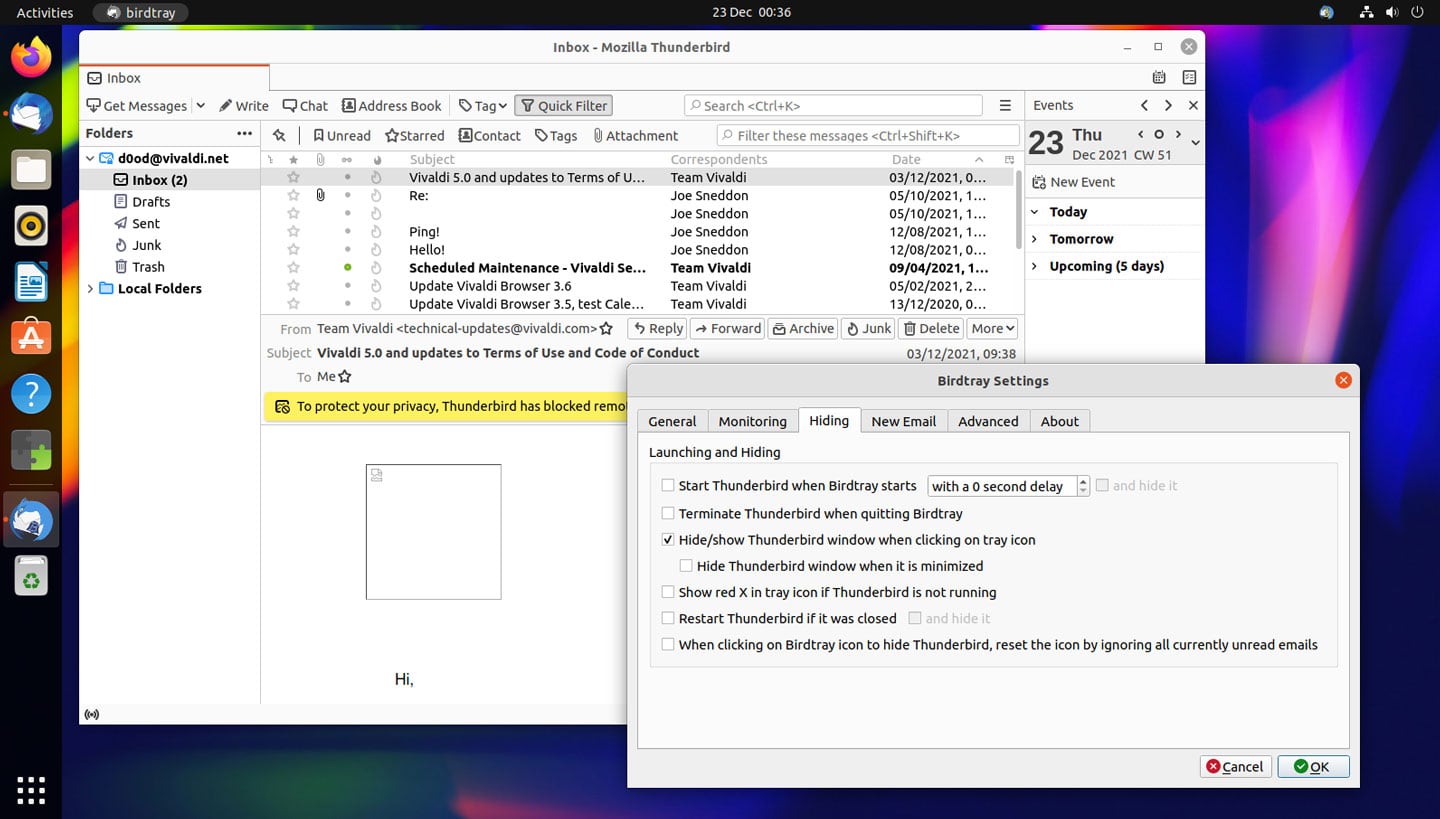
The app is not a Thunderbird extension so it reads the local Thunderbird database directly to stay updated (which means Thunderbird needs to be running too). This, its developers say, is to ensure ny future extension API changes by Thunderbird don’t break it.
And that’s pretty much it.
If you love using Thunderbird and you want a tray icon to notify you of new mail, unread count, and more, I recommend you try this nifty little bolt-on — not least because it’s so easy to!
You can install Birdtray on Ubuntu 18.04 LTS and above straight from the Ubuntu repos by running: –
sudo apt install birdtray
Once installed, launch the ‘Birdtray’ app listed in the Applications picker.