

The GRUB menu animating/themeing application ‘BURG’ received a PPA update today resulting in some changes to how you install themes.
If you have yet to install BURG then you can skip this article and follow our original – now revised – tutorial @ this link here.
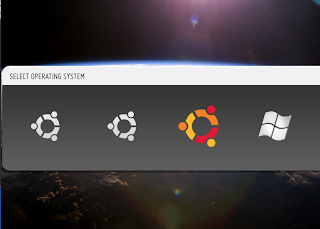
If you already have BURG installed and get ‘theme not found’ errors you will need to do the following: –
- Open a terminal
- sudo apt-get remove grub-pc
- sudo apt-get install grub-pc
- Re-download your theme from the list here and save it to your Home folder
- cd /boot/grub
- sudo unzip ~/theme_name.zip
You may also want to try out the new ‘GRUB emulation’ mode which lets you preview your themes.
- sudo apt-get install grub-emu
- sync ; sudo grub-emu
You can exit the previw window by pressing ‘c’ and typing ‘exit’.