

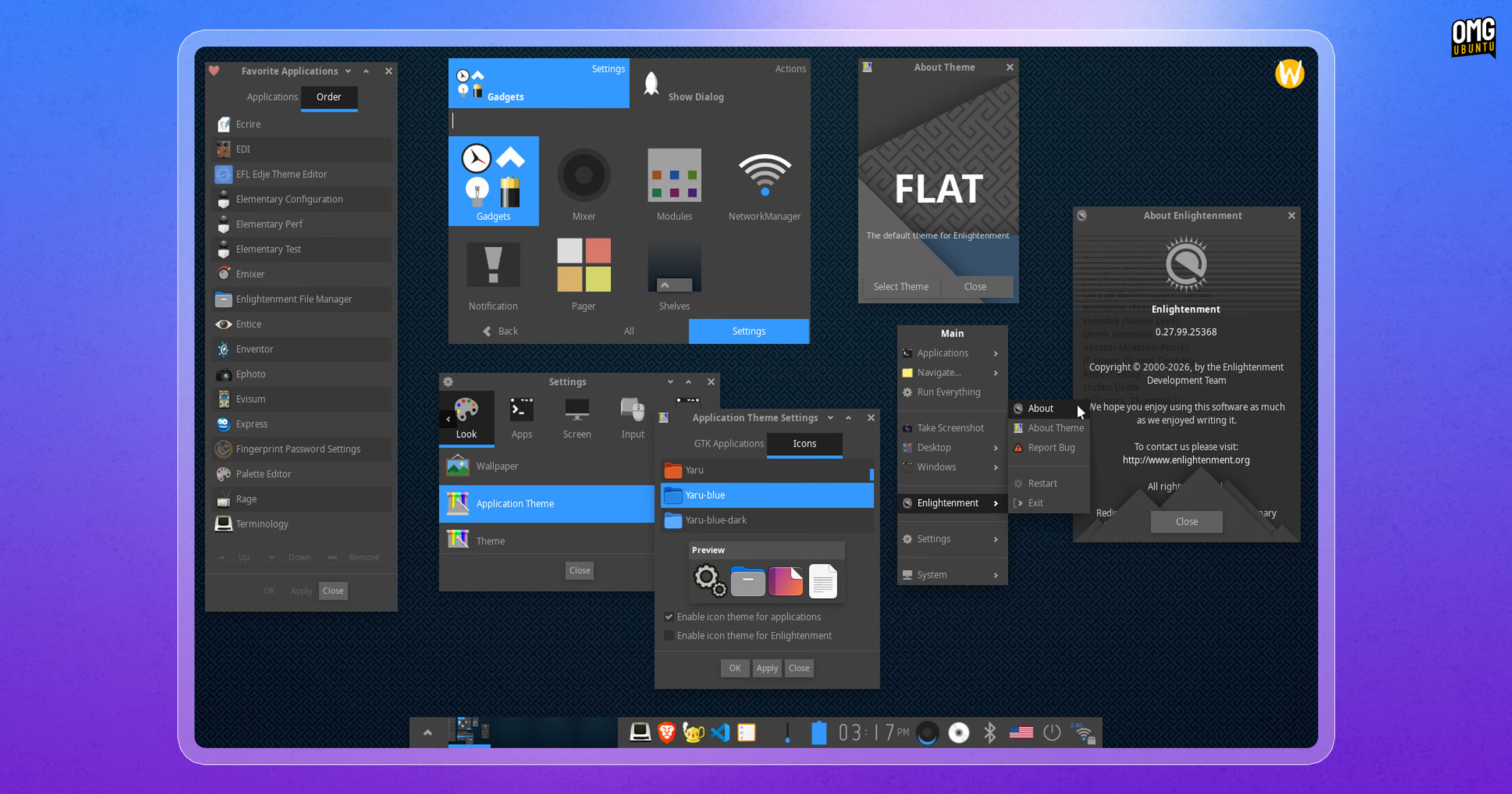
Enlightenment 0.28 has been released, the first major update to the open-source desktop environment since early 2025.
Given the time between this and the previous 0.27 release, the changelog is suitably lengthy. Networking and audio stack enhancements, UI and UX tweaks and, of course, plenty of bug fixes are listed – no jaw-dropping UI changes, though.
v0.28 adds a new Network Manager module. This supports connecting to and managing wireless, wired and Bluetooth networking connections, as well as VPNs. It plays signal strength, security and other connection details.
On the audio side, a native PipeWire mixer is available alongside the existing PulseAudio one, and mixer actions can now cycle between different ‘sinks’ and change between device outputs.
Copy and paste a lot? There’s an integrated clipboard history module keeping a semi-persistent log. It has options to control what content is tracked, for how long, lets you clear items and decide if contents should persist between sessions.
Enlightenment 0.28 also improves its support on portable devices, gaining support for enabling and configuring battery charge limits (to help preserve battery health), ACPI CPU power profiles (kernel-provided) and better polling of resources.
Fixes are numerous, looping in a grab-bag of window management buffs, better pointer handling and focus selection, monitor DDC and EDID detection and more. Per-desktop and per-screen profile support was removed, though.
Install Enlightenment 0.28 on Ubuntu
Enlightenment’s website has a link to download the source code of E28, which you can compile by hand, though Enlightenment 0.28.0 depends on EFL v1.29.0 or newer, so you’ll need to download and build that too.
apt.
Don’t fancy building it from source? Depending on which version of Ubuntu you use, there are scripts that automate the entire process:
- For Ubuntu 26.04 LTS, use eeminent
- For Ubuntu 24.04 LTS, run equivoke
- For Ubuntu 22.04 LTS, opt for elluminate
Don’t expect something as flashy or as fluid as GNOME or KDE.
Enlightenment (aka as ‘E’) is a modular desktop, with its window manager, compositor and core desktop shell built using Enlightenment Foundation Libraries (EFL). It offers a set of native EFL-based apps, including file manager, photo viewer and terminal.
The “aesthetic” has never been for everyone, nor its overall user experience (being modular can feel jarring). But as it is incredibly lightweight and configurable, without being basic, it’s worth playing around with on a rainy day.