

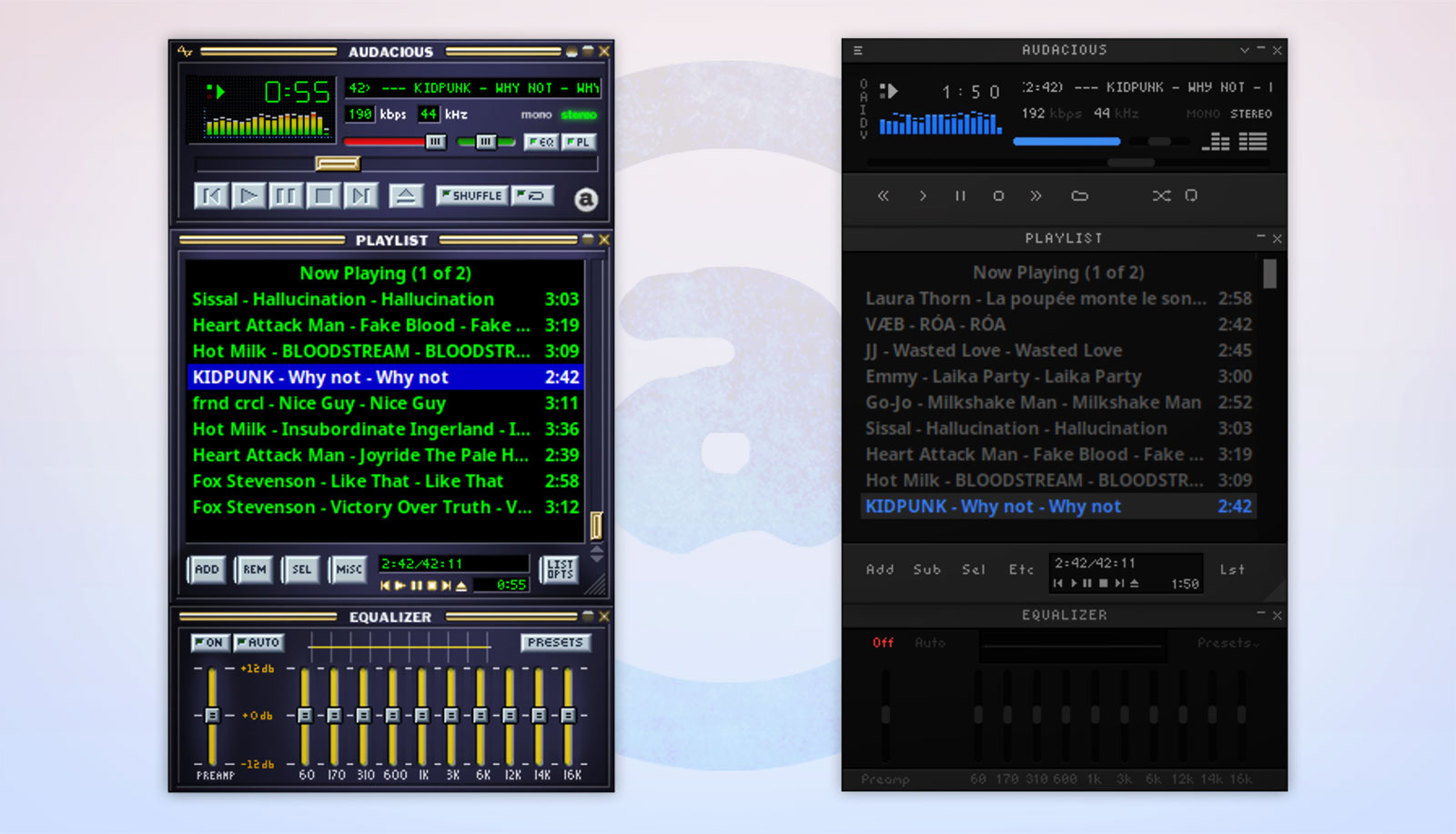
A small update to the Audacious music player is out, with its Qt Winamp interface now offering ‘feature parity’ with the GTK version.
Audacious 4.6.2 allows Winamp skin files to be dropped on the main window to install them when running in Qt mode, shows advanced skin selection in the settings window and improves X11/XWayland support for showing on all workspaces.
Other improvements in this update to the newer 4.6.x series, and the first since June 2026, include a boost to accessibility as toolbar buttons, including player controls, can be cycled through using keyboard tab and arrow keys.
Seeking in SID audio files and the MPRIS OpenUri method have also been added.
Bug fixes resolve issues running the player with Qt 6.12 on Wayland and playing short audio files under PipeWire. The StreamTuner radio plugin was fixed (and respects proxy settings), and AAC audio files show quality and channels values in the Song Info panel.
Finally, Audacious once again builds on Linux distributions lacking statx support (which are mainly older releases using older kernel versions).
For those unfamiliar with it, Audacious is a free, open-source music player that is highly configurable and modular. It can be run with GTK or Qt UIs, both of which can load a classic Winamp-style interface.
Install Audacious 4.6.2
You can download Audacious for Windows, macOS and Linux from the official project website, or fetch the source code from GitHub.
You can also get Audacious on Flathub (unverified, and v4.6.2 isn’t present there at the time of writing). There is an unofficial Audacious snap on the Snap Store, but it’s a few releases behind the current one. Not advised.