

A new bug-fix release of Calibre, the open-source e-book manger, view and converter, is available for download.
Calibre 9.13 fixes a number of PDF-related issues, including a conversion error that could occur on Linux distributions shipping an ‘ancient’ version of the libxml2 library, which is mainly older Debian installs.
The cause was a clash between Qt’s GPU detection and Calibre’s PDF parser, which both need different versions of libxml2. Calibre now preloads the version it needs before Qt’s check can interfere, per the commit message.
A regression in the Calibre 9.x series was causing internal links in PDF documents to land above their target. That’s now resolved. Papers, Ubuntu’s PDF viewer, fixed its own PDF link bug recently – must be something in the air!
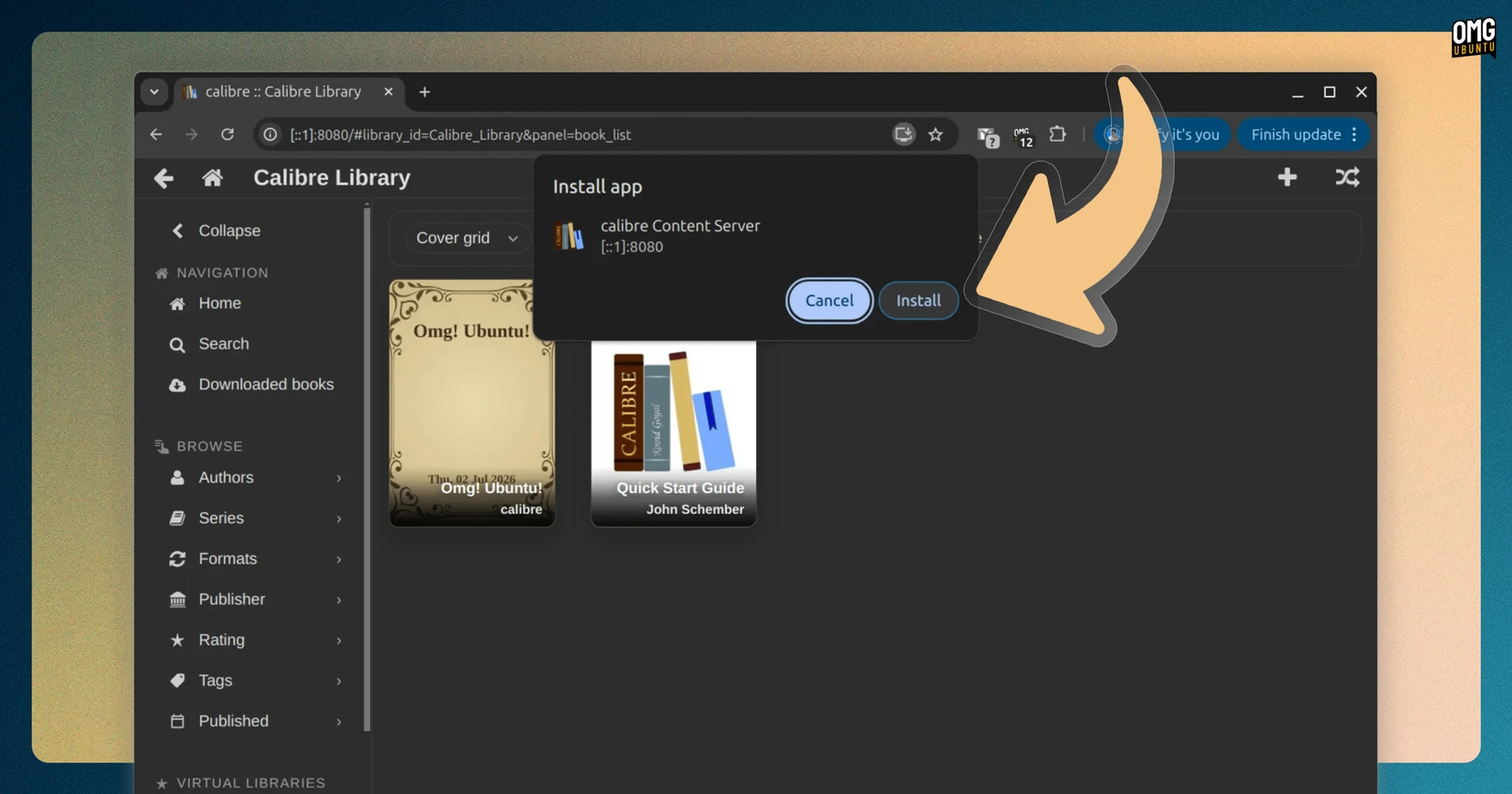
Other fixes mainly target issues using Calibre’s content server, a nifty features that lets you brow, open and manage your ebook library from a host computer using a web browser on another, like a smartphone or tablet.
One user reported that searching inside ePubs wasn’t working in the ebook viewer, so it’s been fixed, as was an issue managing and uploading data files. Missing options when converting ebooks via the content server UI have also been restored.
Besides that, users can once again drag and drop book covers in the Book Details panel, and see (and click) Yes and No actions buttons when bulk editing metadata.
Simple things, really.
How to get Calibre’s latest release
Calibre is free, open-source software for Windows, macOS and Linux available to download from the official website. For Linux, Calibre is installed by running a script that downloads a binary build. To install updates, that command must be re-run each time.
Calibre is on Flathub, but as an unverified build that, as of writing this post, is two versions behind the current.