

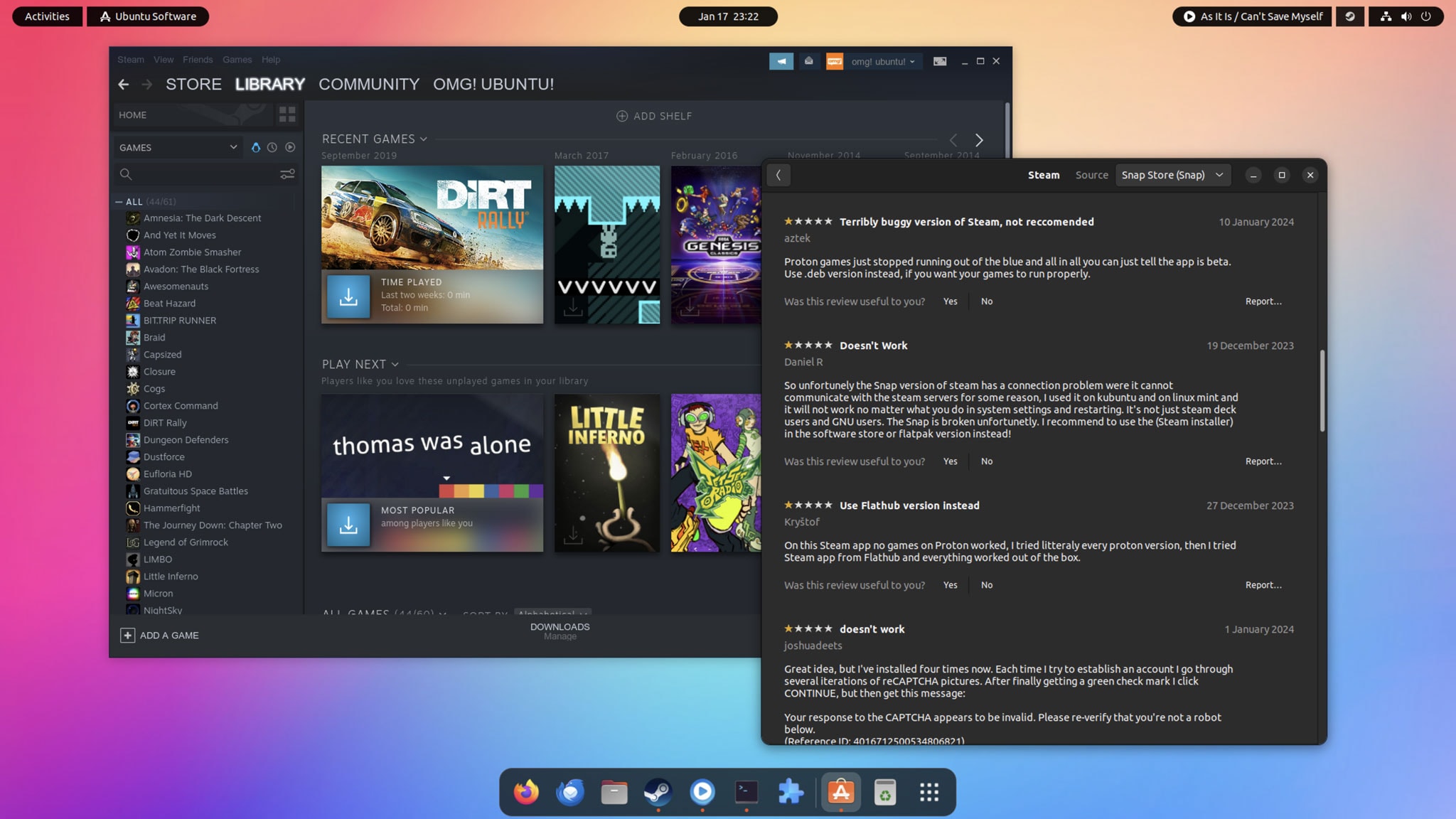
Canonical has bumped its Steam Snap for ARM64 to the stable channel.
First announced in January, the snap has been tested across ARM64 hardware including the NVIDIA DGX Spark, Radxa Orion O6 and Lenovo ThinkPad X13s, with Canonical now reporting ‘solid performance’ across many popular games.
Valve doesn’t provide a native ARM Linux client (edit: they began quietly publishing Linux ARM builds in April, but these aren’t linked to on the main website).
Canonical’s snap version of Steam uses the Intel/AMD Steam binary with the FEX emulator.
This stable release of the Steam Snap for ARM exposes FEX’s configuration options to users, including its library forwarding (“thunking”) toggles, of which which Mitchell Augustin, a software engineer on Canonical’s NVIDIA DGX team, says:
“Since thunking functionality is heavily game and platform-dependent, we have opted not to enable it by default on all platforms. However, we’ve internally tested it on the DGX Spark and Snapdragon X Elite devices”.

The Steam Snap for ARM is now stable and will update regularly. Newer builds are also available via the edge and release candidate channels for those who want more frequent updates at the cost of stability.
Still, don’t expect miracles, especially on older, low-power Arm devices like SBCs.
This is an unofficial, best-effort project maintained by Canonical, not Valve. Not every game and every platform will deliver up buttery smooth frame rates and reliable gameplay.
To install the Steam Snap on Ubuntu for ARM search for Steam in App Center, or open your terminal and run:
sudo snap install steam
Then, open Steam, sign-in and download some games to try.
Any issues encountered in the Canonical Steam Snap for Arm64 should be reported to Canonical via the project GitHub.