

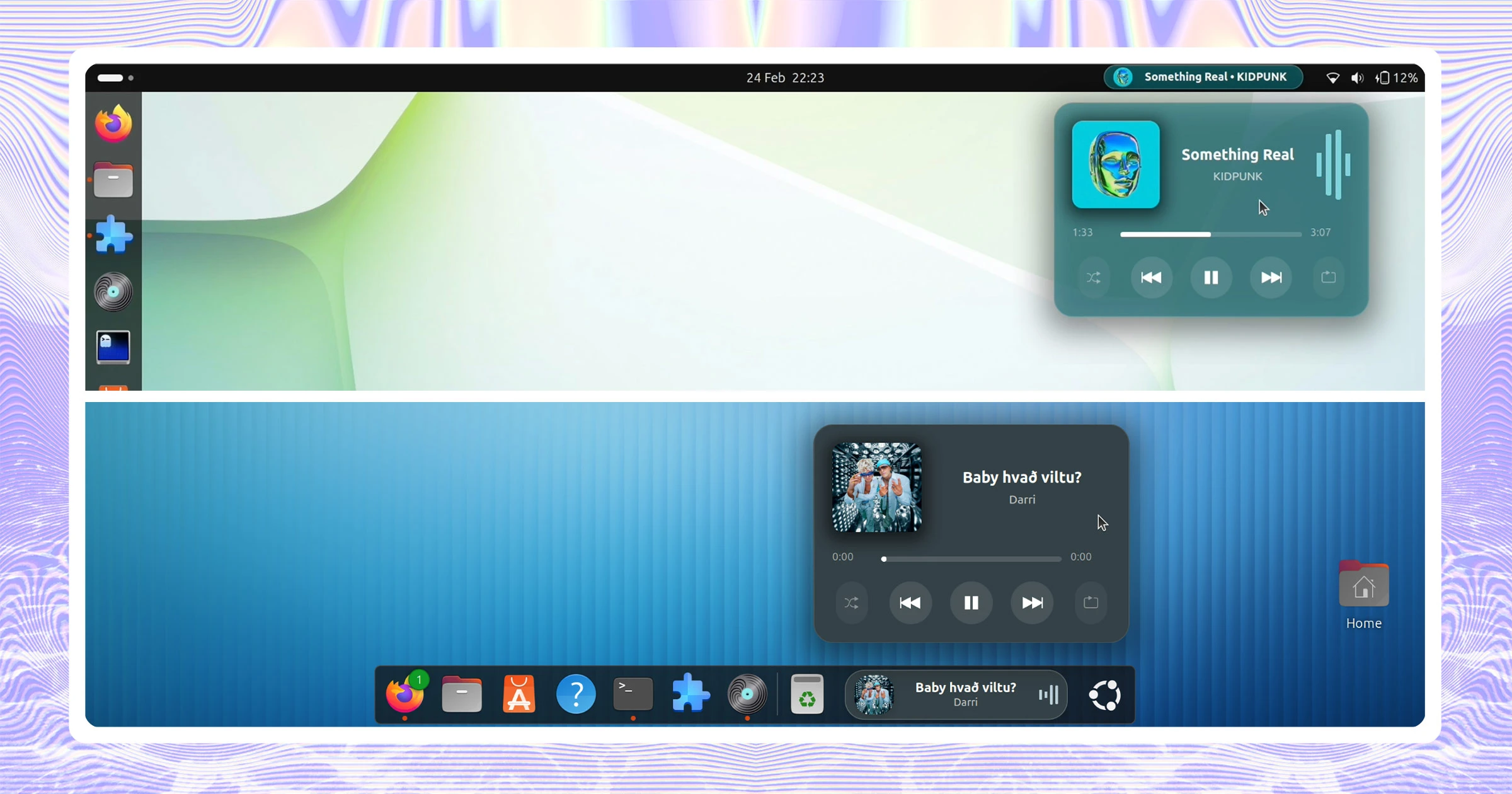
Dynamic Music Pill, the blingy GNOME Shell extension that adds now playing track info, media controls and even real-time lyrics to your desktop, has gained some new options.
“Like what?”, you ask…
If you don’t want to see the name of the artists in the panel pill, you no longer have to: a ‘show artist’ toggle lets you hide it. The extension already has an option to dynamically hide artist labels if there’s not enough room to display it alongside the title.
On that topic, when long artist names and track titles combine, the pill will scroll the labels from right to left, so you can read it all. The scrolling animation happens even if playback is paused. A new option lets you pause scrolling when pausing music.
Using ‘Tablet Mode’, which embeds your choice of playback control buttons inside the pill (so you don’t have to click to reveal it) now lets you set the position of the buttons inside of the pill.
Sidenote: I prefer the main pop-over (album art, cool colours, lyrics), even in tablet mode. If the pop-was moveable (i.e., ‘floated’ on the desktop a la Turntable (or CoverGloobus, for the veteran readers), with the pill toggling it, that would be, to quote one cool teen, “cool“.
Other changes in Dynamic Music Pill v1.2.0 update:
- ‘Media Source’ buttons placement options
- Toggle to hide Auto (Smart Selection) from player selector
- Lyric fetching requests parallelised for ‘faster loading’
- Artist name no longer crop in panel mode
Dynamic Music Pill is free, open-source software that works with GNOME 45 to 50, however the v1.2.0 release is (at the time of writing) only listed for GNOME 50.
It can read from any MPRIS-compatible media source but support for some elements, like album art and lyrics, may vary based on player source. A wealth of options are included – this news report only covered what’s new in the latest update.