

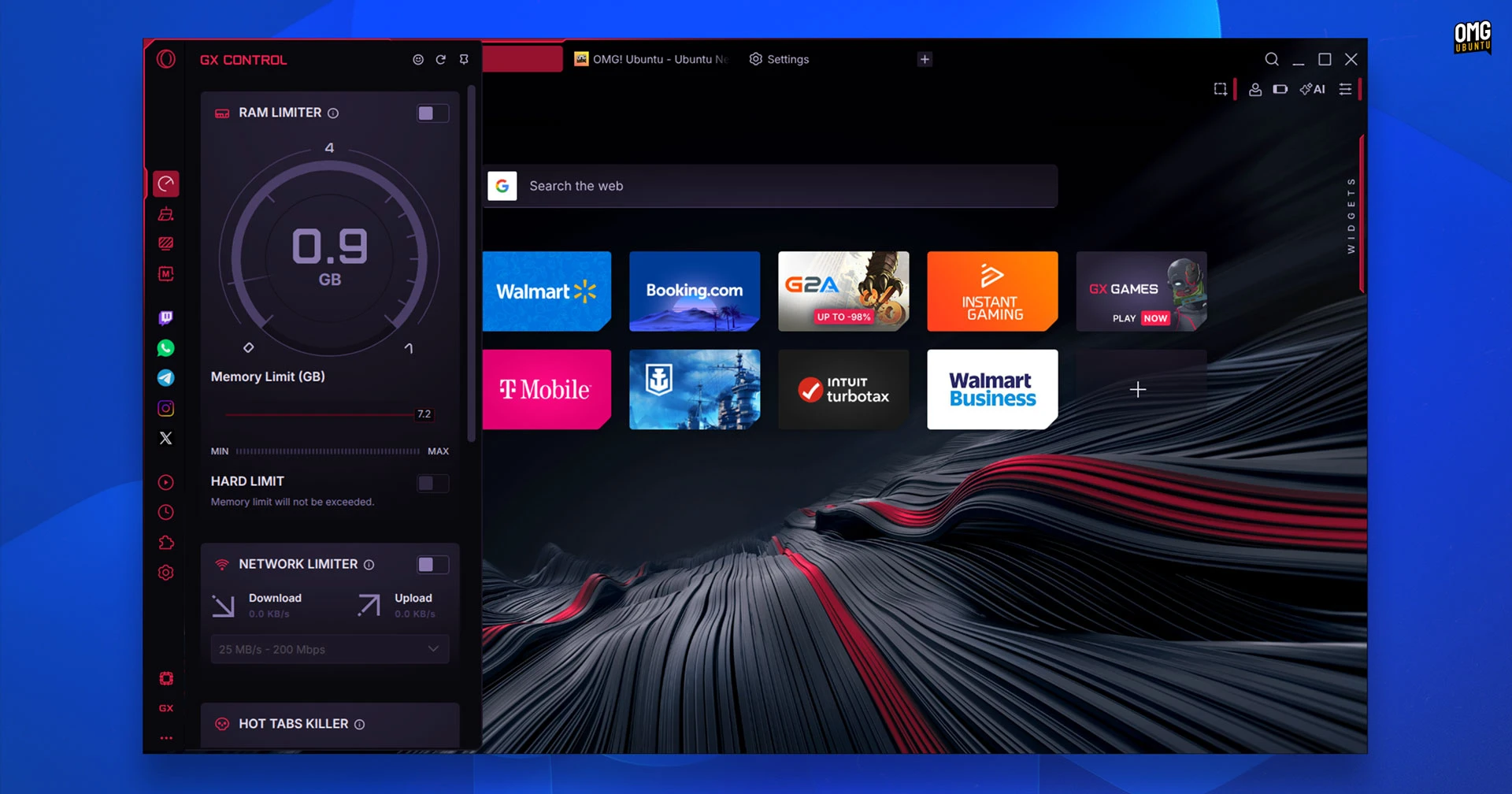
Installing Opera GX on Linux is now easier, with official packages available on the Canonical Snap Store and Flathub.
Opera GX made its debut Linux release in March 2026, with the gaming-centric web browser porting over many of the novel features that have helped to make it a modest hit on Windows and macOS.
That includes CPU, RAM and network controls provided, background sounds, themes and eye-candy like web shaders. A ‘Hot Tabs Killer’ feature automatically nukes tabs which use excessive resources (other browsers have similar features with more tactile names like ‘tab sleep’).
You can install Opera GX on Ubuntu from the App Center. Open and search for ‘Opera GX’, then click the install button to get it.
Alternatively, run this command from your terminal:
sudo snap install opera-gx
You can also get Opera GX on Flathub. Ubuntu doesn’t support Flatpak out of the box, but the Flathub website walks through the steps needed on Ubuntu easily enough.
Do keep in mind that Opera GX is not open source software. Some browser features may not work properly inside of sandboxed package formats like Snap or Flatpak – chances are most will, but if something doesn’t, do check what portal permissions have been granted.
Opera GX remains available to download in standard Linux package formats like Deb and RPM from the official website. Installing the Deb package will prompt you to add the Opera APT repo so that you receive future updates alongside other software updates.
Have you tried Opera GX since its launch last month? Share your thoughts on it down in the comments.