

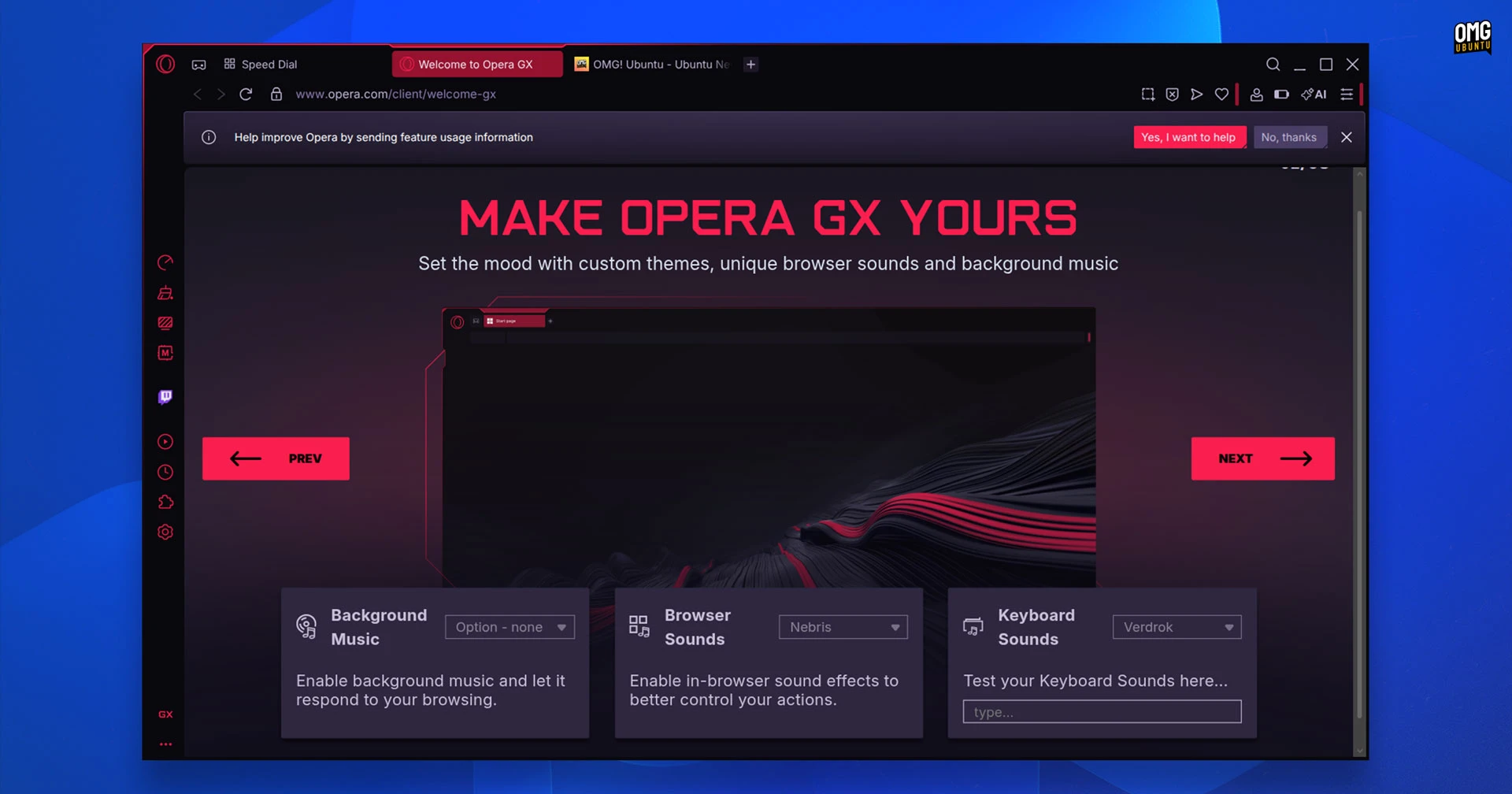
Linux users can now install Opera GX, a gaming-focused spin off of the regular Opera web browser which, the Norwegian-based company say, has amassed over 34 million monthly active users since its launch on Windows in 2019.
Opera GX is a Chromium-based web browser (as is the standard version of Opera, which has been available on Linux for decades). As such, you can expect the same degree of web performance, site compatibility and feature set.
So what makes Opera GX different? Its truckload of ‘extras’ – Hygge design philosophy it is not.
Opera GX has a striking cyberpunk-esque design that’s dark and heavy on neon coloured accents. It’s aimed at gamers with Discord and Twitch integration and a built-in gaming news hub and release calendar.
The Linux version of Open GX doesn’t support the browser’s popular live wallpapers or custom app icon sets, but support for these may appear in future updates.
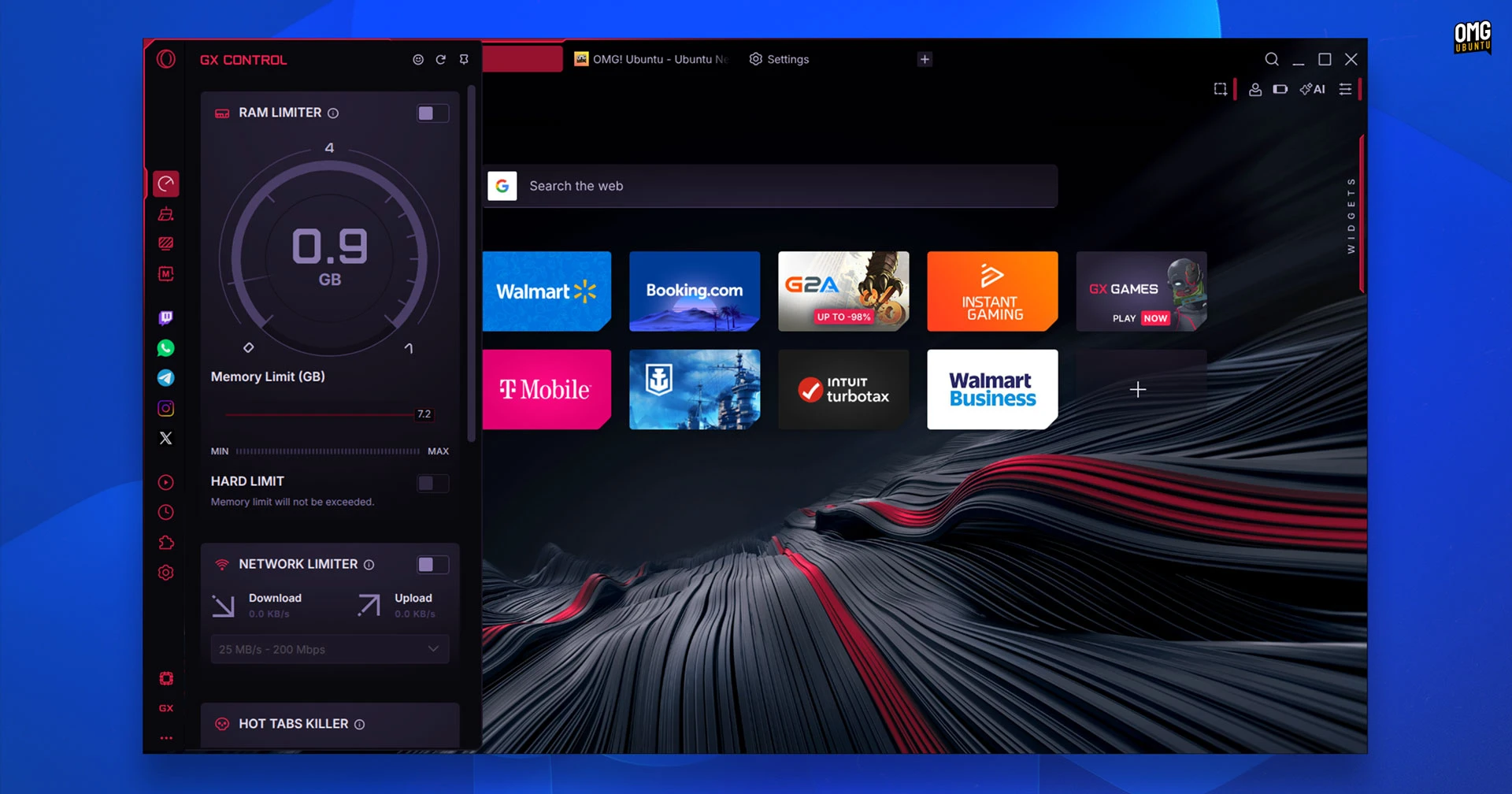
It also supports playing background music and keyboard sounds, lets you activate CPU, RAM and network limiters ‘to keep games running smoothly’ when the browser is open, and you can shake up its looks with a collection of themes, layouts and browser ‘mods’.
You will find features aimed at, y’know, web browsing too.
Opera GX offers a free ‘zero-log’ VPN, supports cross-device sync and provides tracking, ad and cryptojacking protections/blockers. An AI chatbot sidebar, web page screenshot tools, and battery saver mode flesh out the functional, rather than flashy, side.
Privacy concerns around Opera
Opera GX is free but closed-source software.
Privacy concerns often pop up when Opera is mentioned, so the company is keen to head them off. It says it is a European-based company that complies with GDPR, has independent VPN audits by Deloitte, collects minimal data collection and provides built-in blocking tools.
It also says it does not sell browsing data, monitor browsing activity or track users across websites.
The concerns stem from the company’s ownership. Opera has been majority-owned by Beijing-based Kunlun Tech since 2016. Opera’s response is that the browser is made in Europe and its servers hosting user data are located on the continent.
Opera GX launched on Windows in 2019, and a macOS version followed soon after. Opera had always made positive noises about it a Linux release – albeit the same kind of noises your parents make when you’re 10 and suggest going to the moon on holiday.
It wasn’t until January this year that it finally confirmed that a Linux port was happening – now it’s here, ready to try. It seems a fairly speedy turnaround (no doubt helped by the fact Chromium is readily cross-platform).
Where can I download Opera GX for Linux?
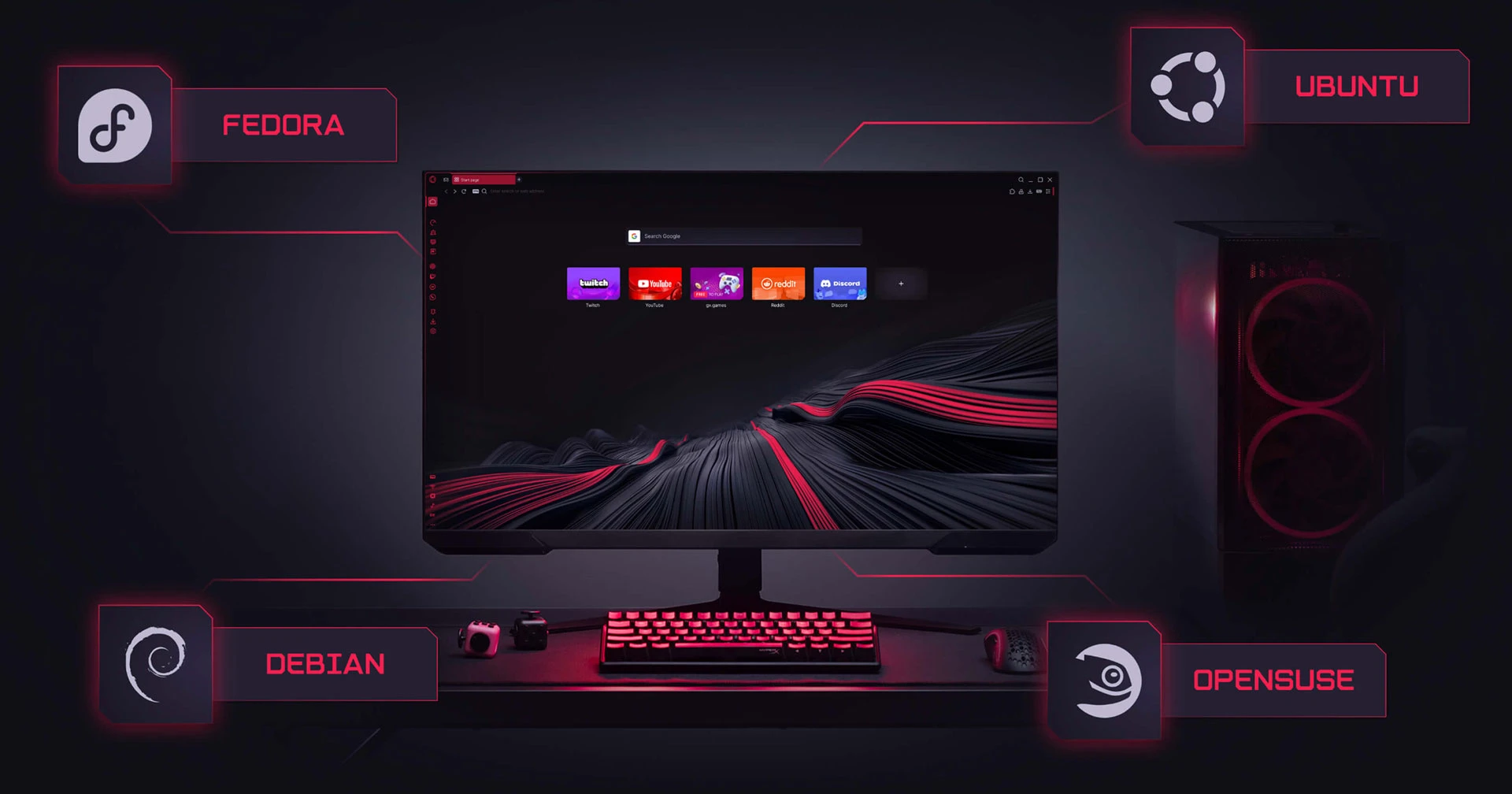
You can download Opera GX for Linux from the browser’s website.
It’s available in DEB and RPM installer packages, offering official support for Debian, Ubuntu, Fedora and openSUSE-based distributions at launch.
I used the DEB to test Opera GX on Ubuntu 24.04 LTS and it worked without any issue. The DEB can also add the Opera repo to your system so that future updates arrive alongside system package. Checking first is a nice touch – most browser’s go ahead and add it.
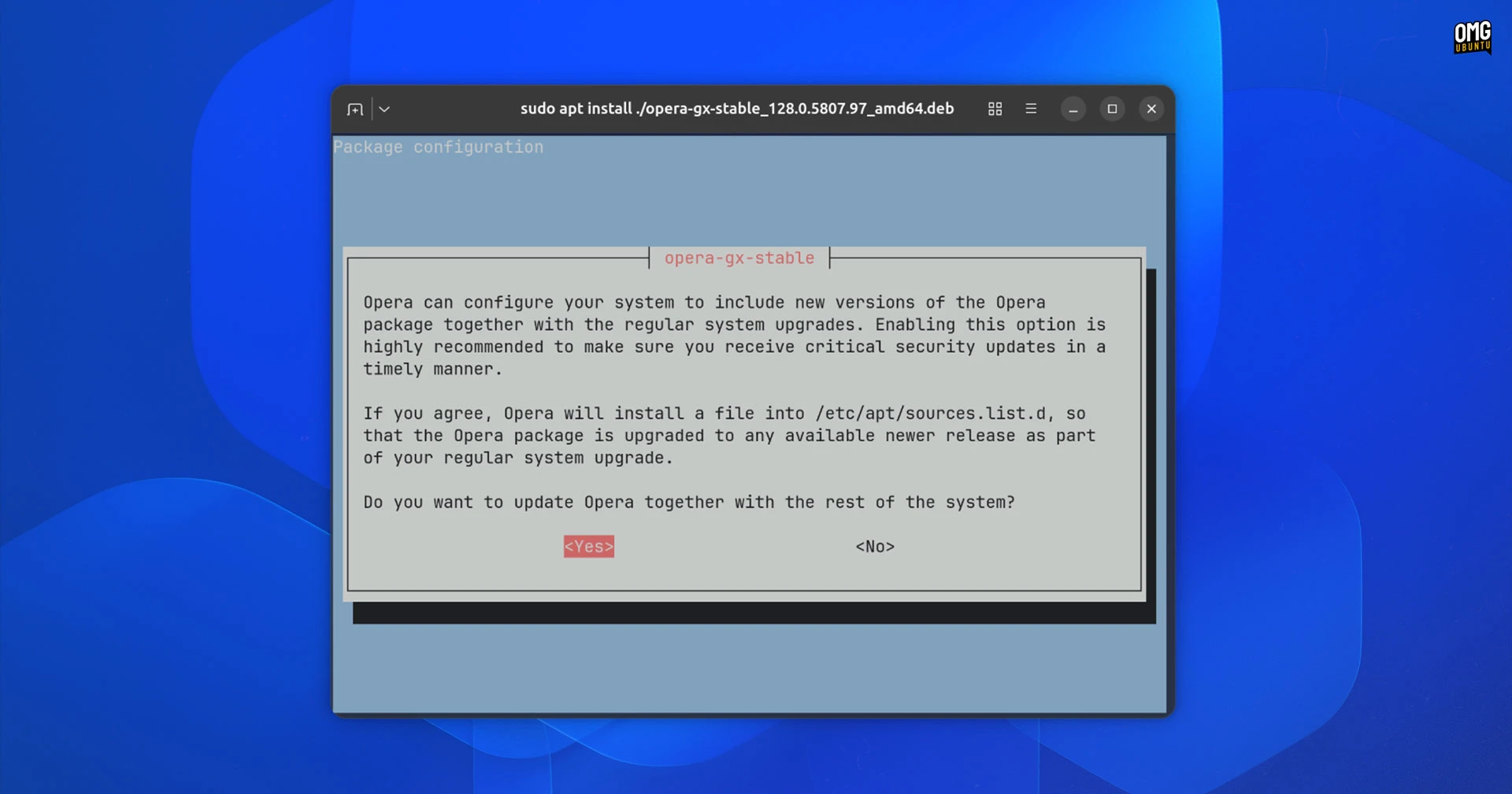
The company says the Linux version will receive weekly updates, so enabling the official repo may prove handy if you intend on using this as your main browser.
What about Flatpak? One is ‘in active development according to a notice on download page.
No word on whether that will be added to Flathub once it’s ready. Given the gaming target audience on Linux may own a Steam Deck, it’d be wise to make it straightforwardly installable on the read-only system without other workarounds.
I did ask a company rep if an official Opera GX Snap package is planned. I received no answer to that. As the regular version of Opera is on the Snap Store and sees regularly updates, chances are good.
Either way, if you would prefer to try this browser from the safety of a sandbox, then it seems a little more waiting will be required.
Do you use Opera GX?
That’s that; if you try it out sooner, do let me know what you think.
Opera isn’t a browser I’ve kept track of for a long time, but in the early days of this site, I did cover it regularly. Vivaldi, Chrome, Firefox and Zen all get regular coverage on these pages, so if you want Opera to join ’em, let me know in the comments.