

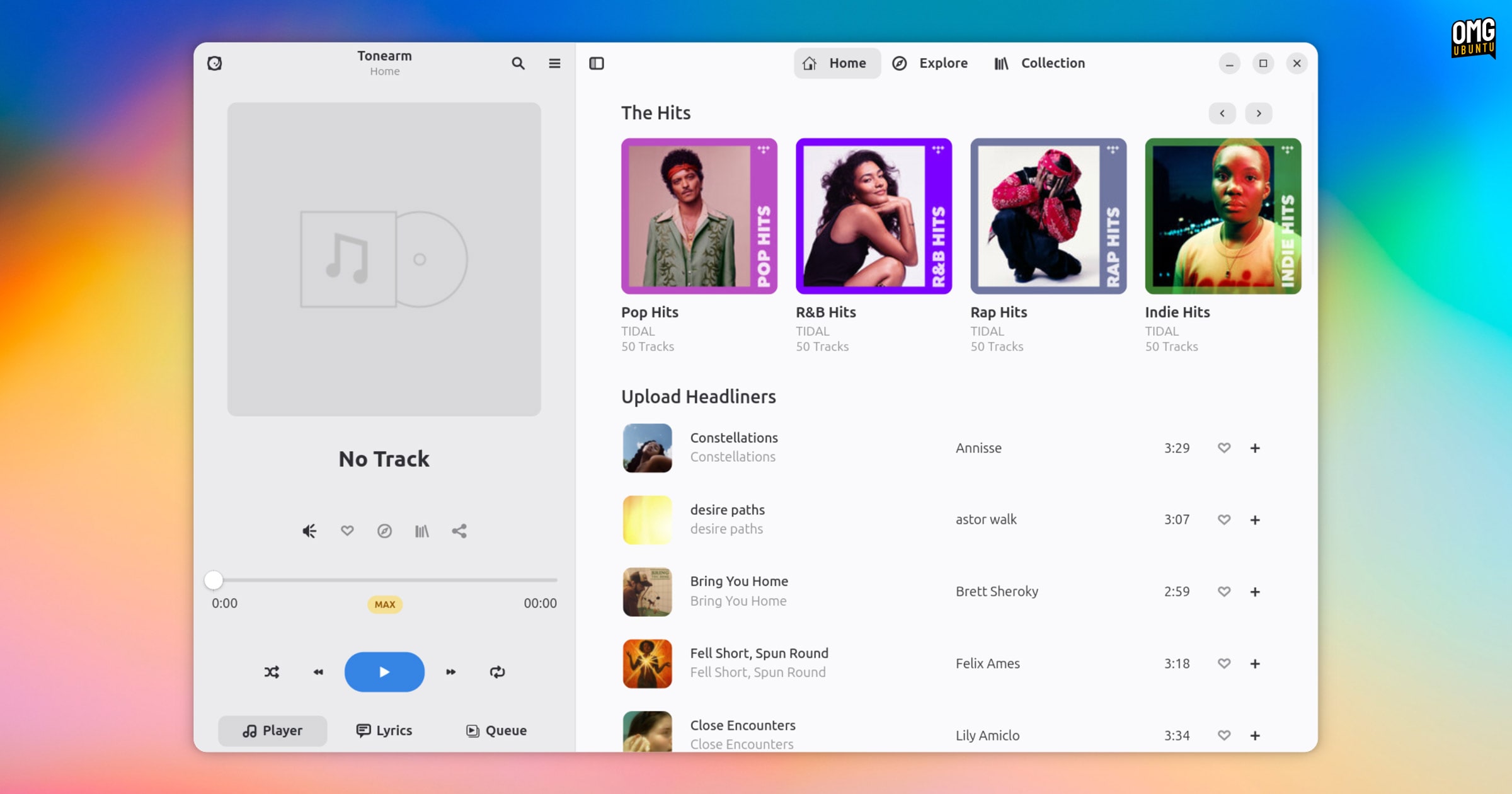
Tonearm is a new GTK4/libadwaita TIDAL client that delivers what the streaming service itself doesn’t: a native Linux app with solid desktop integration – albeit unofficially, of course.
It’s the third unofficial client for Linux I’ve covered, joining High Tide and the Electron-based Tidal-Hifi.
All exist as TIDAL doesn’t provide a Linux app itself, leaving users with the option of the web player. The web app works fine, but it means keeping a browser tab open and losing out on system-side niceties like media controls and keyboard shortcuts.
Thankfully, TIDAL offer a robust API that, with a bit of open-source ingenuity around it, enables unofficial apps to exist – all using the service in an officially-unofficially way since, y’know, it’s their API.
Tonearm for TIDAL
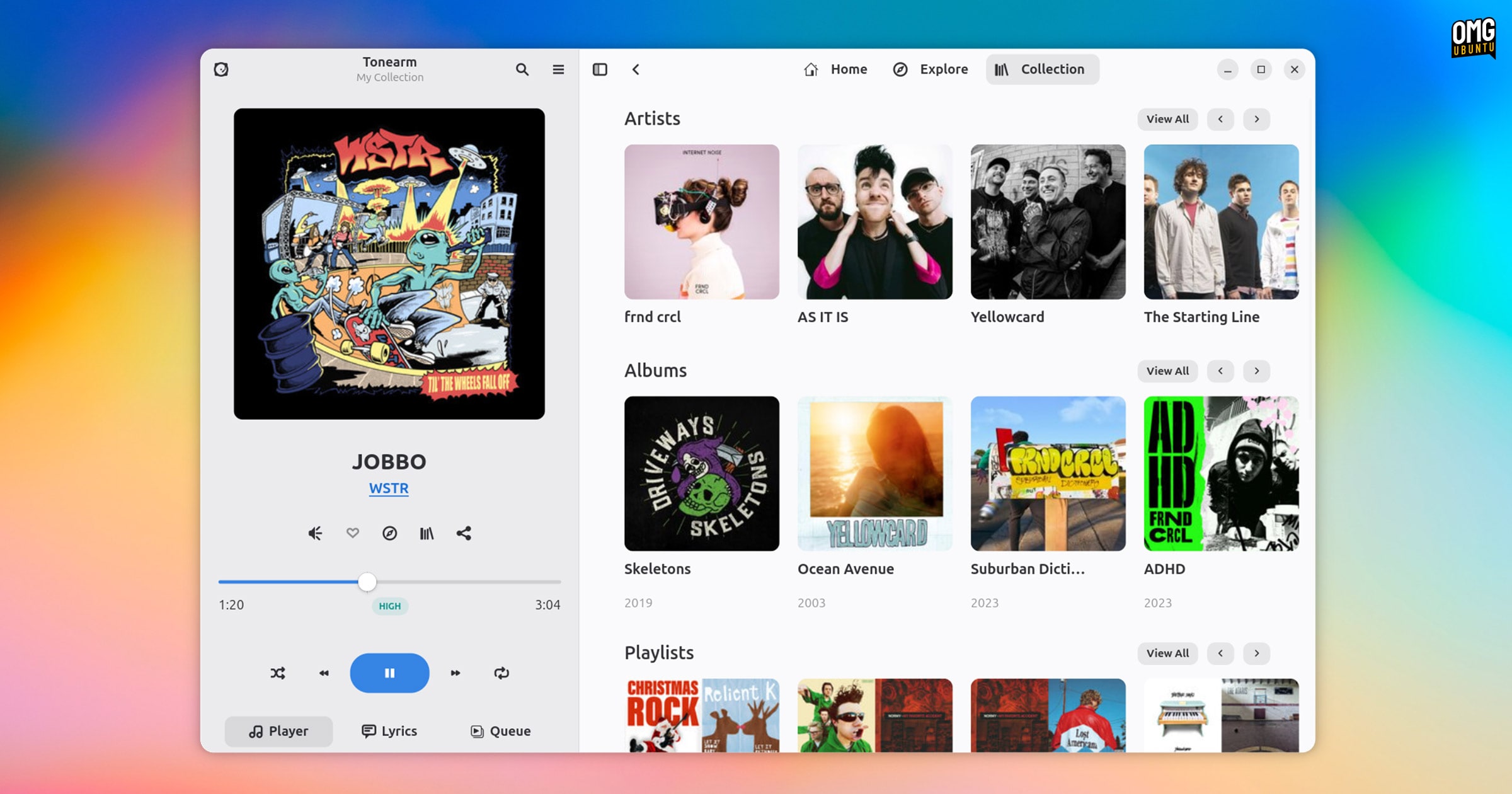
As both a TIDAL subscriber (indirectly; I’m on a family plan which is why I use it) I someone who can’t work without having music on, Linux TIDAL apps are right in my wheelhouse.
“With Tonearm you are able to play tracks at their highest quality, explore new tracks using discovery mixes or the explore tab or just enjoy the songs you already know you love from your collection. Just like you would expect from the real app,” reads the Flathub listing.
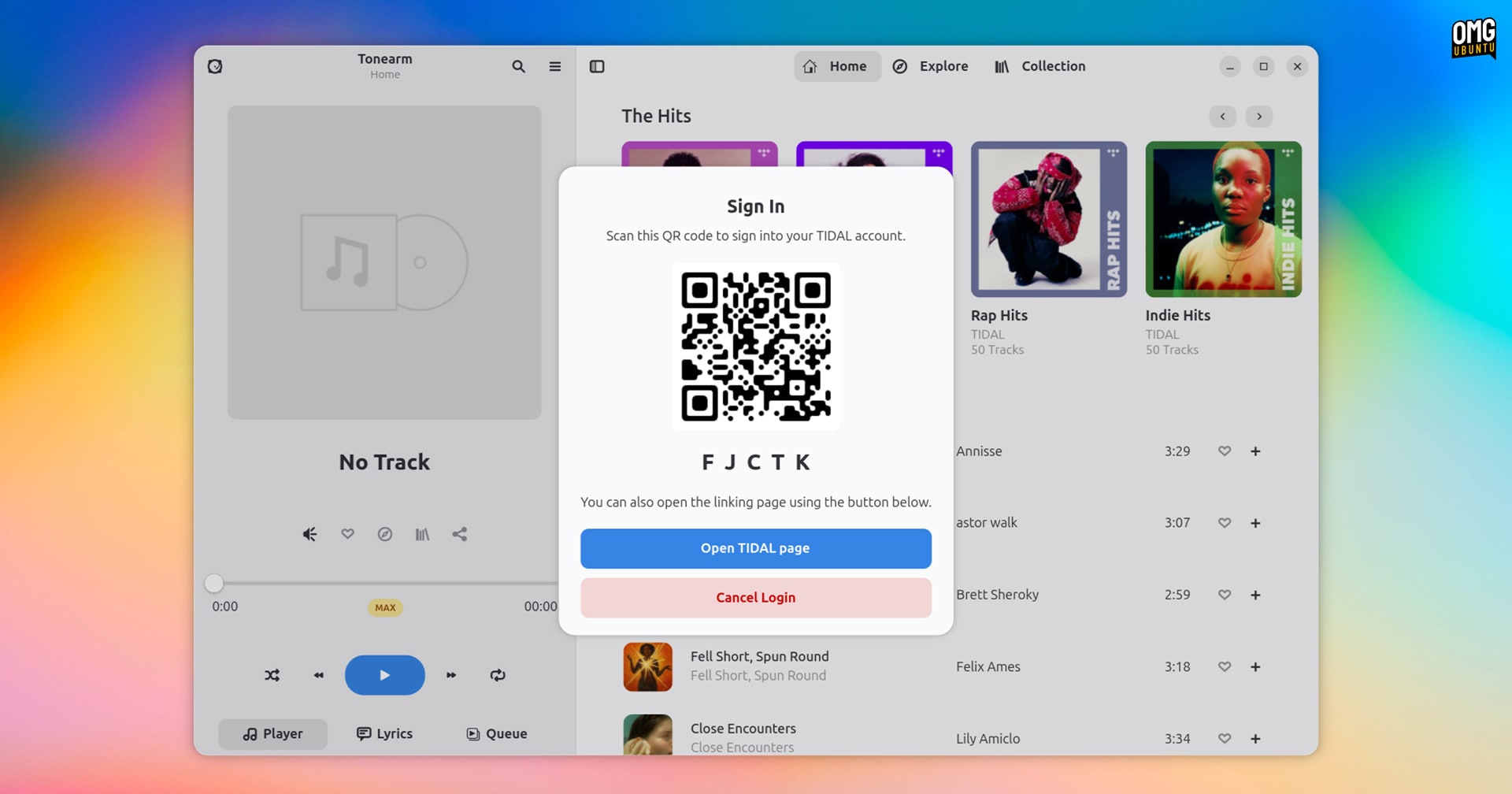
Like High Tide, authentication takes place through TIDAL. You’re not typing in any critical details like passwords into the app. Instead, you click “sign in”, a Qr code/clickable link appears which takes you to the TIDAL website where you login and auth. That’s it.
Background playback is supported so that music doesn’t stop when you close the window (a detail worth noting given Flatpak’s permission model). MPRIS integration delivers track notifications, now playing info, and media key control.
Plus, there’s support for TIDAL features like accessing personalised playlists and mixes, creating your own playlists, general search and category browsing, track favouriting, artist bios, etc.
TIDAL links (e.g., https://tidal.com/album/458764622/u) you come across online or get sent by friends can be clicked to open directly in the app, which is neat.
Tonearm even lets you set any section you like, be it an artist page or a specific playlist, as your ‘home’ page. This appears each time you open the app.
It’s a beta, not note perfect
Tonearm does all of the basics well – but it is a beta. There are a few differences and/or missing features compared to High Tide. These may be fixed/corrected as the app is in development.
For one, this app is not (yet) responsive. It won’t shrink down to a narrow width like a phone. Not a major concern if you just open, hit play, then close it again, but if you tile windows the fixed width approach may be a rub.
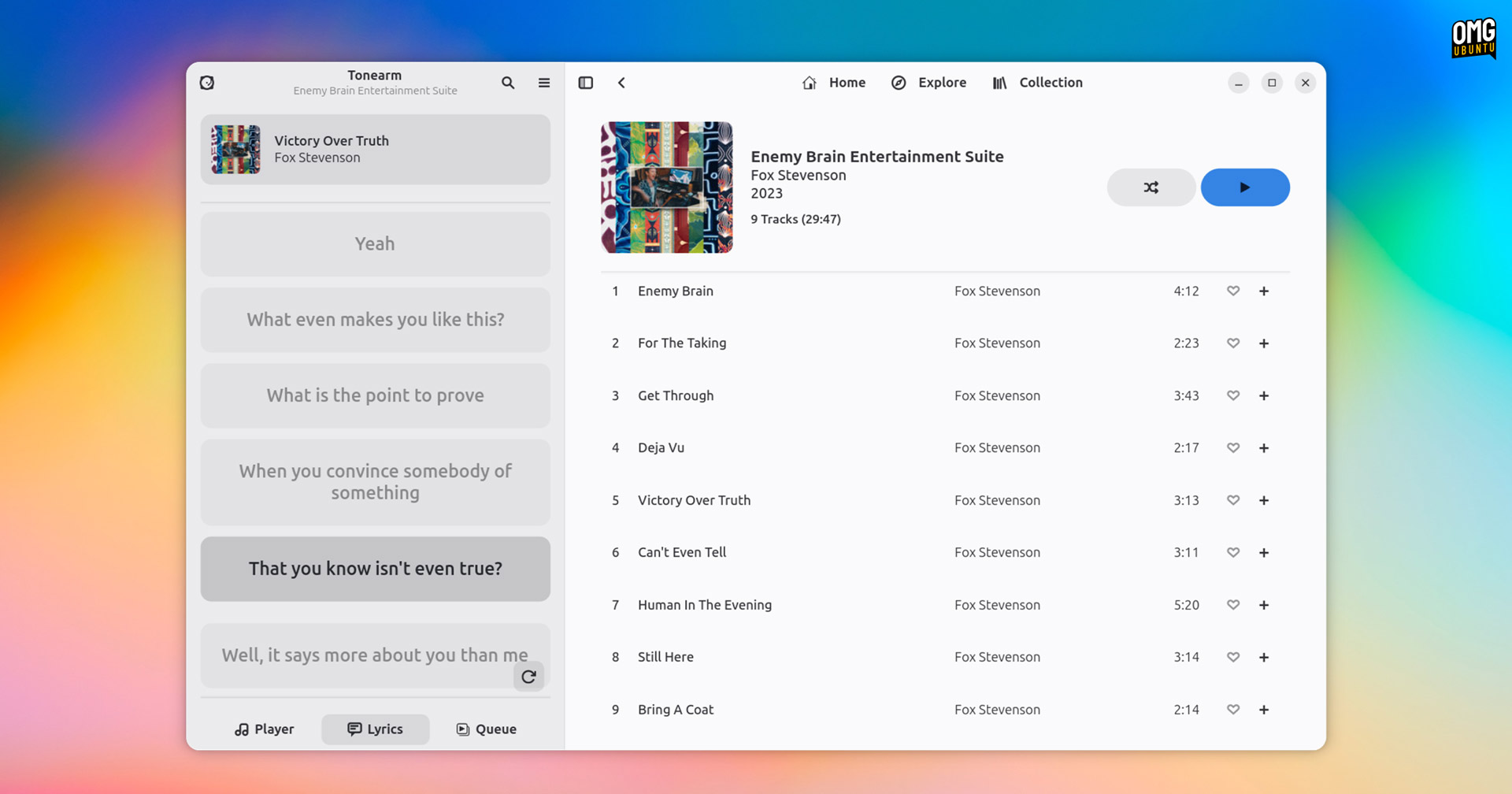
While lyrics can be viewed and, where available, auto-scroll with highlights on the current line (and click-to-jump support), the viewport itself doesn’t scroll. As lyrics move, highlighted lines drift out of view pretty quickly.
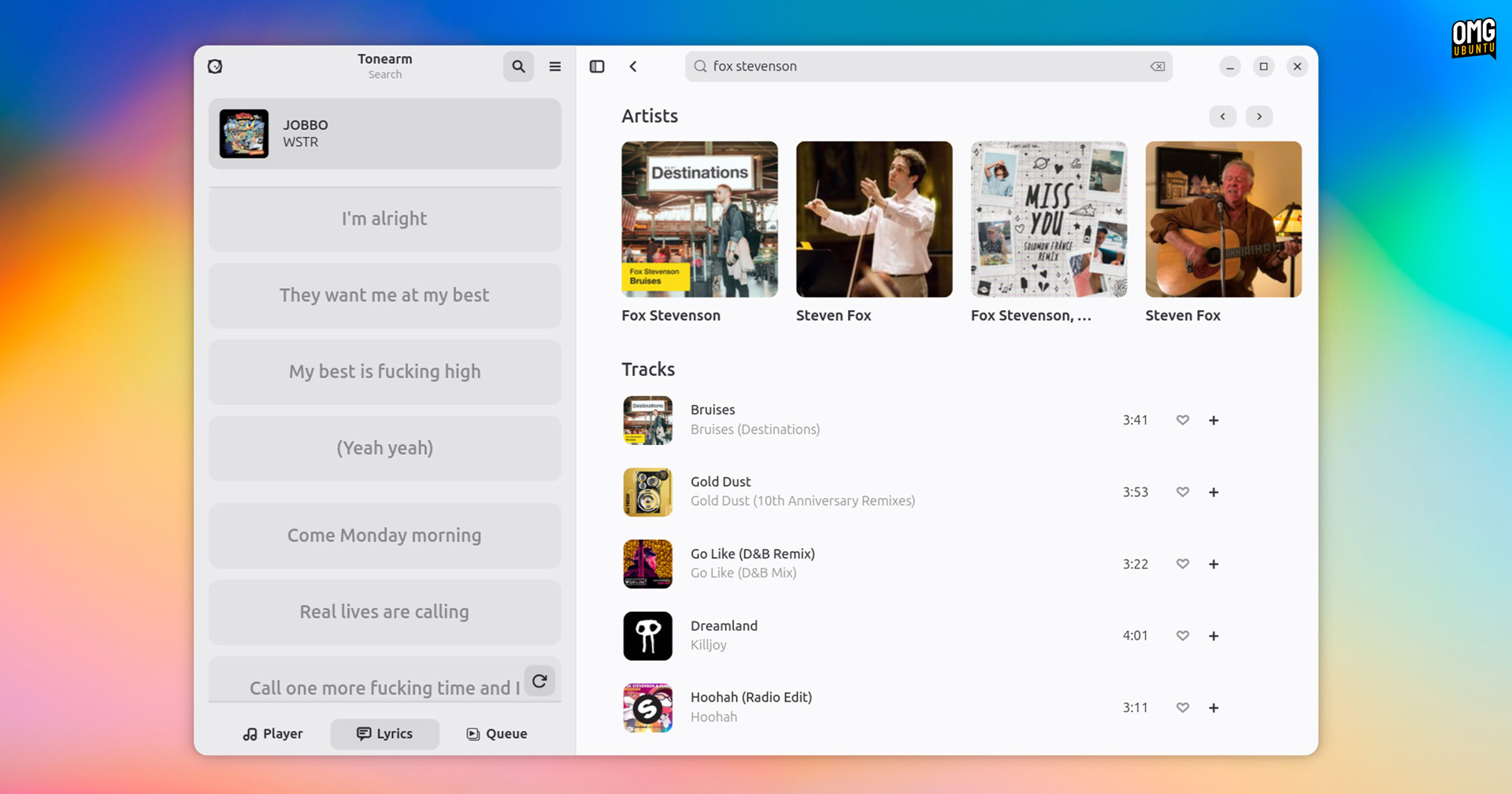
Tracks always play in the highest-availability quality, so if Max (up to 24bit, 192 kHz) is available, Tonearm uses it. There is no option to cap it lower, as in High Tide. This won’t seem a drawback unless you have patchy or capped data.
Finally, but of least consequence, there’s no support for animated cover art. Few tracks support it anyway so it’s hardly a glaring omission, but High Tide does offer an option to render these where possible – if you like them, keep that in mind.
Install Tonearm
It’s great to see new options emerging to make using TIDAL on Linux easier. The service is not as popular as Spotify (it lacks a free tier), but it’s every bit a rival in terms of features, music catalogue, and apps – sans a Linux one, of course.
If you use High Tide and you’re happy with it, Toneam‘s not hugely different – but I imagine curiosity will mean you’ll want to try it anyway.
Tonearm is free, open-source software, with the first beta release available to install from Flathub.