


Tiling Shell, the GNOME extension (and preinstalled in Zorin OS 18) has issued an update with a raft of new keyboard-focused features.
GNOME 49 support also lands, meaning this extension works with the latest version of the desktop environment, released in early September. If you plan to install or upgrade to Ubuntu 25.10 next month, that will be welcome news.
So what’s new?
Tiling Shell v17 adds a new option to raise windows together when using alt + tab to switch between apps (if you never use it, this addition won’t be of much interest to you).
If you do, it means you can bring all of your tiled windows to the front in one go by selecting a new ’tiled layout’ option that appears. This is handy for those who have a set of tiled window, but may also have other windows open as well.
Seeing the behaviour in practice help it make sense:
Sticking with keyboard switching, you can assigned a keyboard shortcut so you can switch between tiling layouts using the keyboard.
When you press your preferred accelerator, an on-screen display appears with all of your saved layouts (in the same order as the applet and slide-in drop zones). Tab to the one you want to activate. After that, auto-tiling, drag tiling etc use that layout.
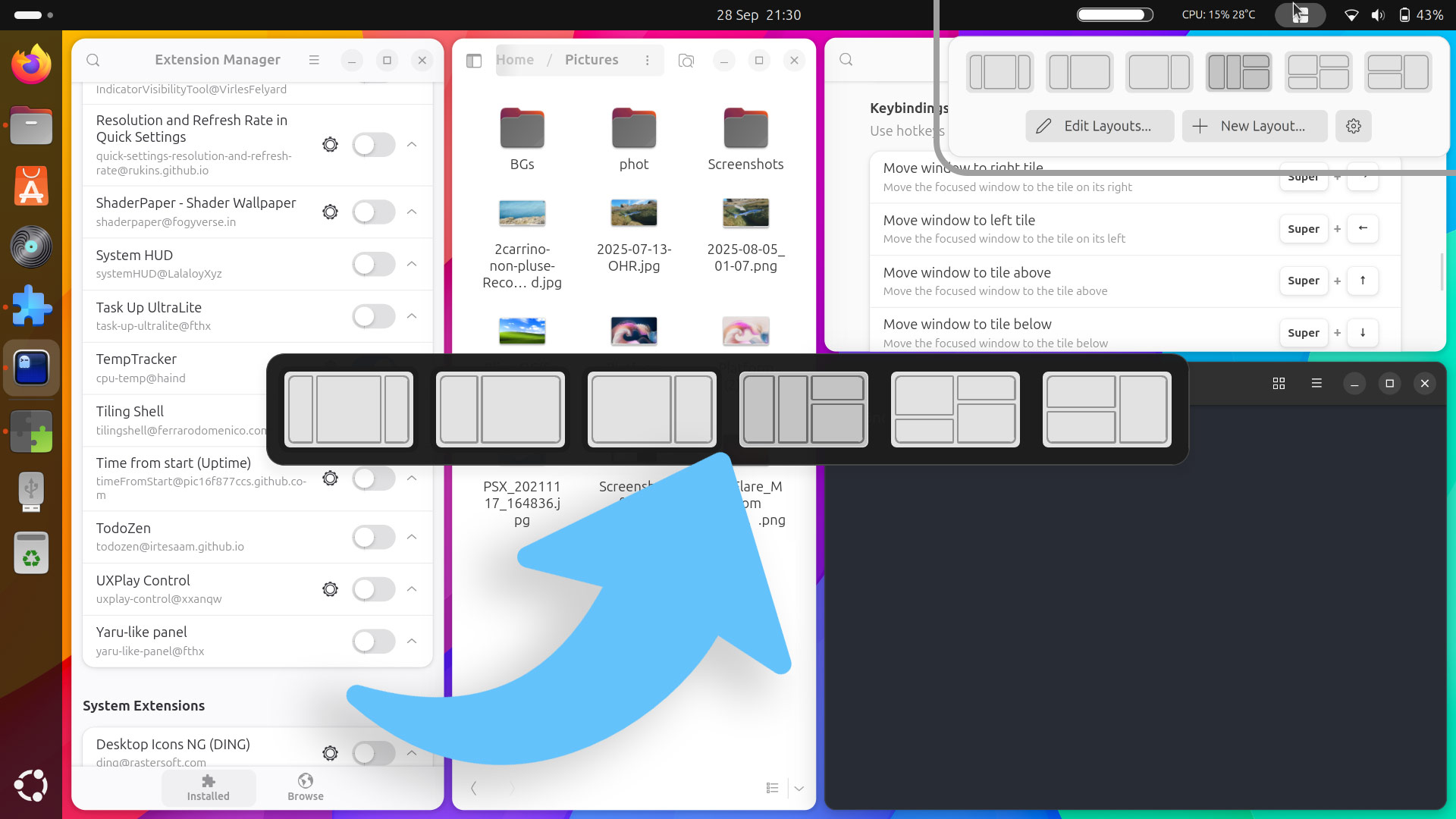
Until you switch again, of course.
There’s an option to restrict moving focus between windows to those in a tiled layout only, skipping any non-tiled windows in view. Edge tiling offset is configurable, letting users set the minimum distance from the edge to trigger edge tiling feature can be set.
Get Tiling Shell
Tiling Shell is free, open-source software compatible with GNOME 42 – 49.
To install it on Ubuntu, install the Extensions Manager app, open it, search for ‘Tiling Shell’, and click ‘Install’ to install and activate it. Click the Tiling Shell applet in the top bar to access the settings dialog, and configure behaviour from there.
Ubuntu users should also disable the built-in Tiling Assistant extension to avoid the two window snapping systems from conflicting.